
How to Manage Your Data and Privacy in Opera GX
Share


Concerned about your data while using Opera GX? Well worry no more: As a Norwegian company, Opera adheres to something called the General Data Protection Regulation (GDPR). It’s the European Union’s policy regarding privacy principles, and it’s among the strongest data protections in the world.
So what does that mean? Well, it means that we build transparency, accountability, and user control built into our products. And in this blog, we’ll explain in detail how you can manage, download, or delete your data in Opera GX. We’ll also look at how you can adjust permissions and control privacy preferences.
Customize your data experience on Opera GX
So first up, what kind of data are we talking about – what does Opera collect? When we collect data, we do it for three purposes:
- To provide you with a more personalized browsing experience and show you content you are actually interested in
- To show you relevant advertising that allows us to make money, since we offer our products for free (Read more about how we keep the lights on here)
- To make sure our products work smoothly and to continue to improve them; we like to know that what we’re building is useful and works properly, and so if there are any issues, it’s important for our developers to know where to concentrate their efforts
It’s for these reasons that we ask your permission to collect some data. So that’s the why, but what do we actually collect?
- A randomized user ID that is assigned to your browser installation, but never associated with your real-world identity
- Your IP address, which shows which country or city you are in so we can show you content in your language
- Broad categories of your browsing interests such as sports, travel, etc,. so we can show you relevant ads.
It’s important to note that Opera never sells this data and does not make it available to others. It is anonymized, stored according to GDPR requirements, and deleted after one year.
Just in case you missed that, here it is again, but bigger:
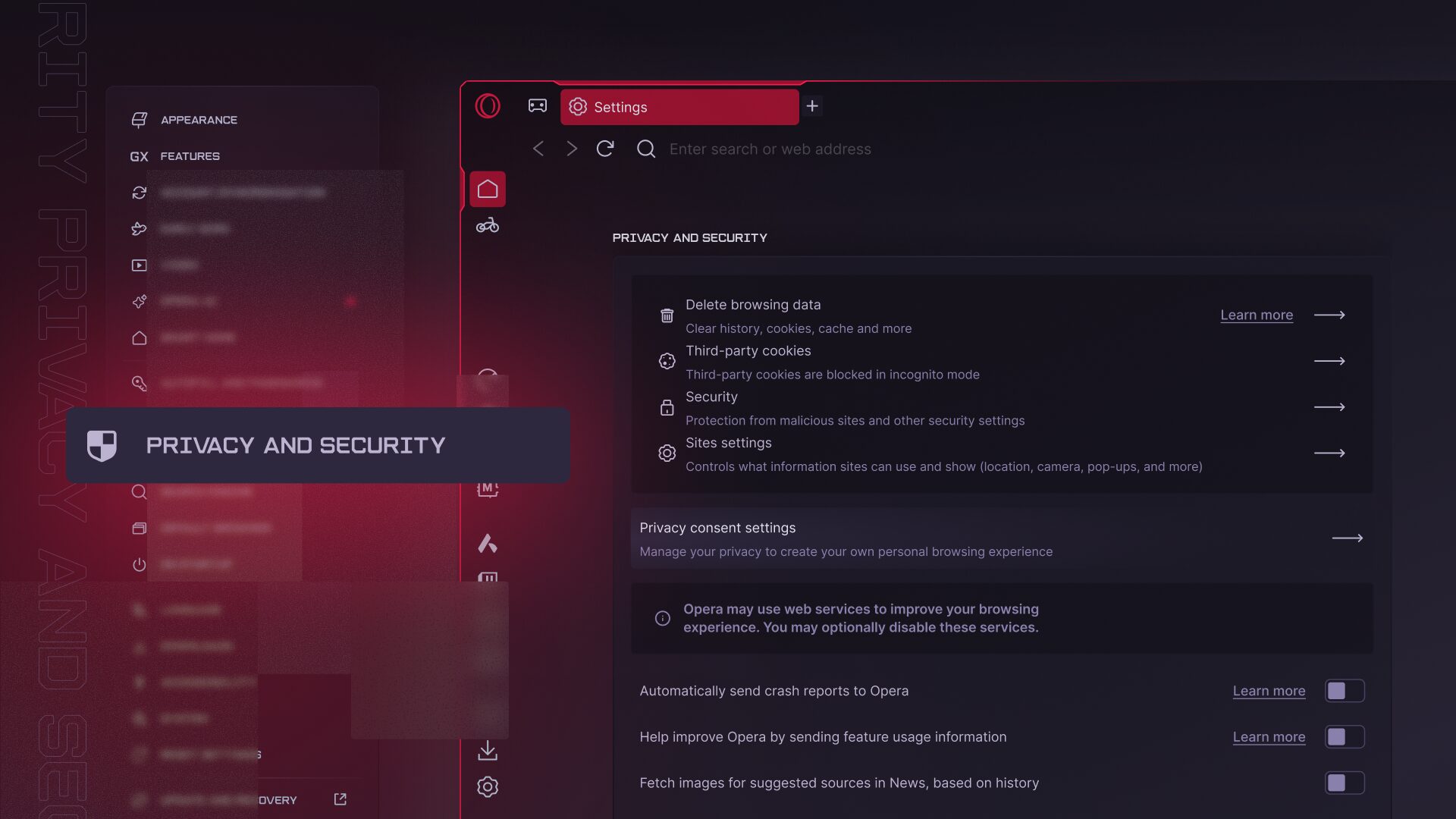
So what happens if you gave your consent during the set-up but you want to change your preferences now? Easy! You can configure your preferences or withdraw your consent by following these steps:
- Open Settings (ALT+P on Windows or CMD+, on macOS)
- Navigate to “Privacy & Security”
- Click “Privacy consent settings”
What if I Have an Opera Account?
A few more important privacy facts to note. Opera GX is free to download and use without ever logging in or signing up – you can just install it and start browsing away, with no other barriers to entry. You don’t even need an Opera account, and if you don’t create one, then you remain generally anonymous to us – we have no data that we can link to you as an individual in any practical way.
If you do choose to create an Opera account, the amount of personal data collected is limited and tied to specific features or services that you choose to use. As an example, you’d have to share an email address with us in order to create your account and log into it when you wish. Or, through your Opera account, you can choose to sync your browser data – such as browsing history, passwords, or bookmarks – so you can access it on a different device, like GX Mobile.
It’s crucial, however, to note that Opera account data is encrypted: that means it is not available to anyone except you – not even Opera. This also means that Opera account data is never associated with your installation user ID, so it is not used for advertising or personalization purposes.
For more information regarding Opera accounts, you can always refer to our Privacy Statement.
How to view and download your data
So you can view all the data that is linked to your Opera account, and even download it if you like. You just have to log in to your Opera account and request a data export. To do so:
- Head to https://auth.opera.com/account/export-data/start
- Click “Send” to start the download.
You will need your Opera account password as security verification, and access to the email address you used to create your Opera account, because that’s where you’ll receive a verification link. Sometimes it may take a few minutes for the link to arrive, so if it’s not there right away, sit tight. Once it lands in your inbox, you can download and view your data.
How to delete your data
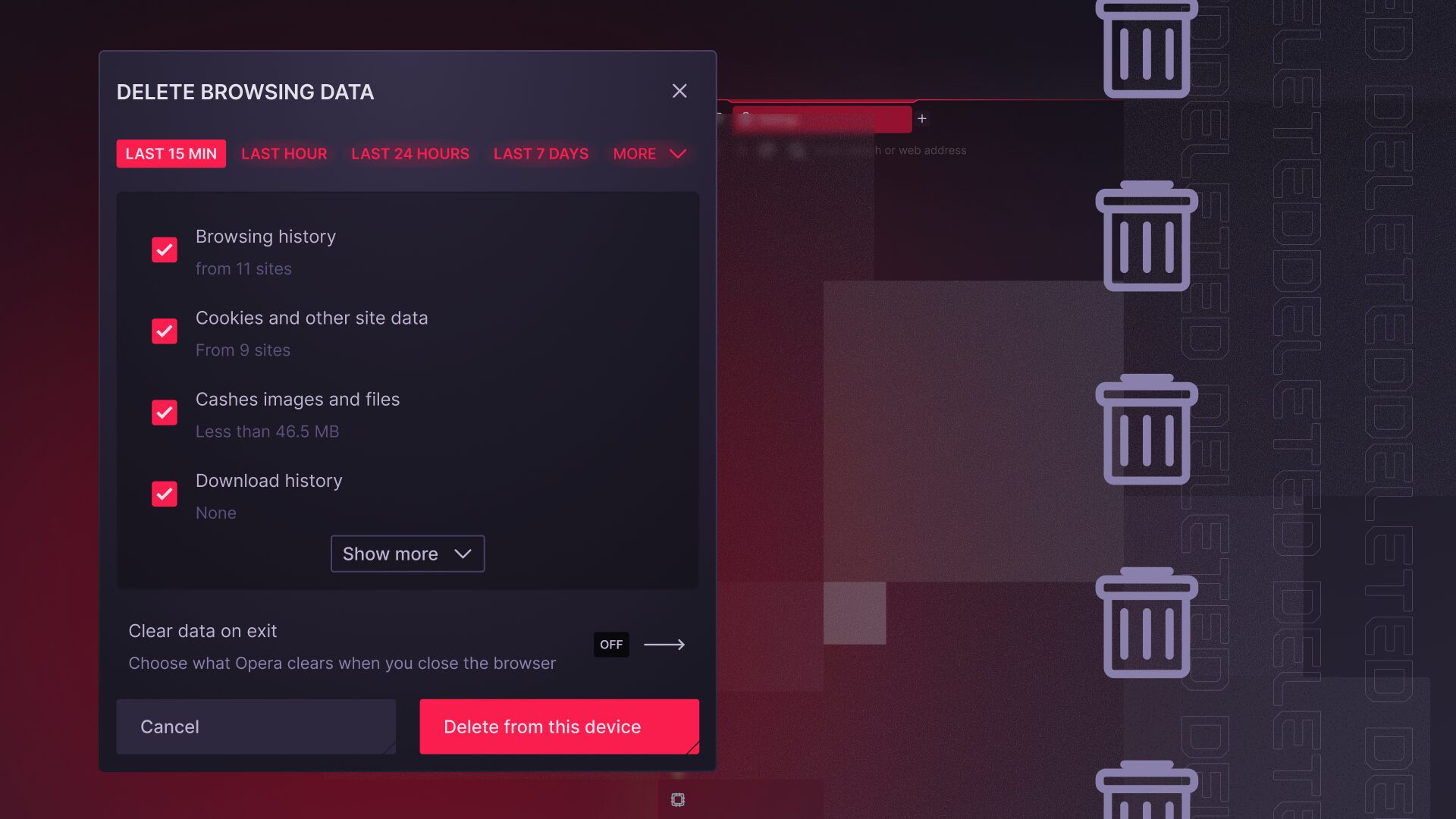
Want to just delete your data? Well you can do that too. It could even help performance, as clearing browsing data or history can help improve your GX’s speed, since cookies and other cached data accumulate over time.
To clear your browsing history, cookies, and cached data:
- Click the cog wheel icon in the bottom left-hand corner of your sidebar
- Scroll down to the Privacy & Security section
- Click “Delete browsing data”
- Select all the data you want deleted (and over what time period), and then click “Delete data”
Fun fact: Clearing your browser data also resets your user ID, that randomized, anonymized identifier that (if you agree to it) we use to personalize content and advertising to you. So by clearing your data, any personalization you might have previously consented to is disassociated from your user ID. That means you and GX get a fresh start!
Deleting your Opera account
Let’s say for some sad reason you want to delete your Opera account entirely. Also easy – you can delete it, along with all associated data like bookmarks, passwords, and any other browsing activity linked to your account.
To delete your Opera account:
- Go to https://auth.opera.com/account/delete-profile
- Read the terms carefully
- Click “Delete my account” and follow the rest of the on-screen instructions.
In case you change your mind, we usually leave a buffer of seven (7) days for your account to be deleted. During that window you can reclaim your account, but after that it (and all associated data) is permanently deleted from our servers and cannot be recovered anymore.
Want to learn more about what data is collected and for what purpose? Take a look at our Privacy Statement.
Have any questions or concerns?
If you have any questions or concerns about your privacy at Opera, or simply need help with managing your data, you can reach out to us with your request using this form.
We hope you found this guide helpful, and now know more about managing your online privacy. So get back to browsing – safe in the knowledge that with Opera GX, you’re in control.

User comments
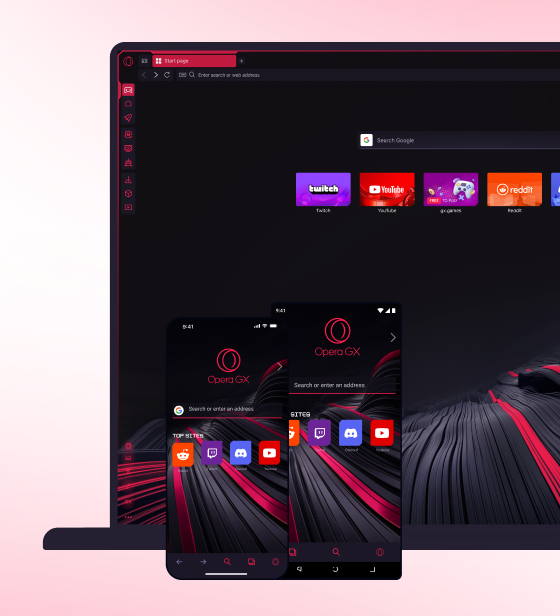
Make the web your playground
No lag, no clutter, just play. Squad up on Discord, stream on Twitch, and sprinkle GX with mods to make it your own.


You deserve a better browser
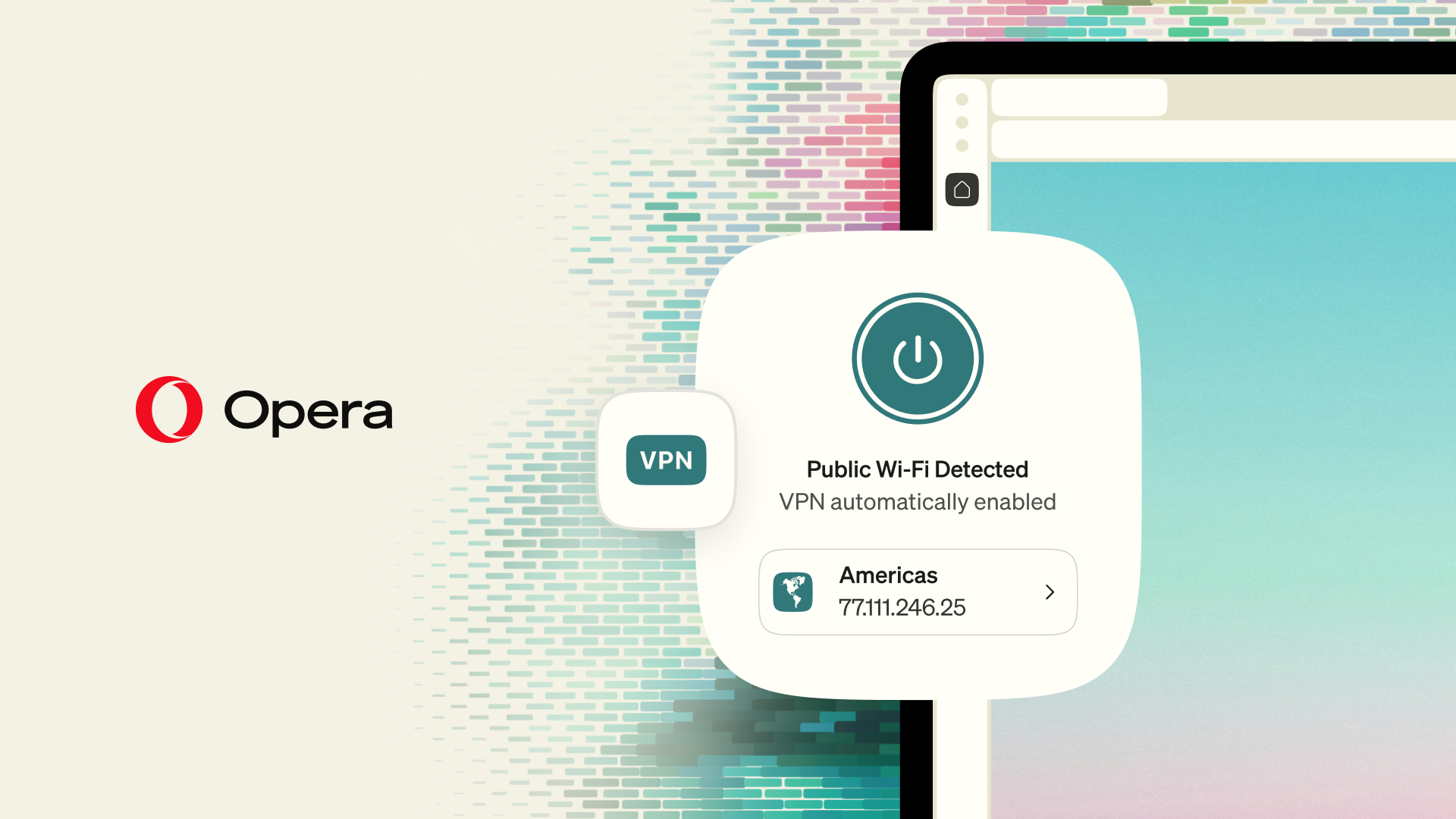
Opera's free VPN, Ad blocker, and Flow file sharing. Just a few of the must-have features built into Opera for faster, smoother and distraction-free browsing designed to improve your online experience.