
Introducing the New Opera Air
Share


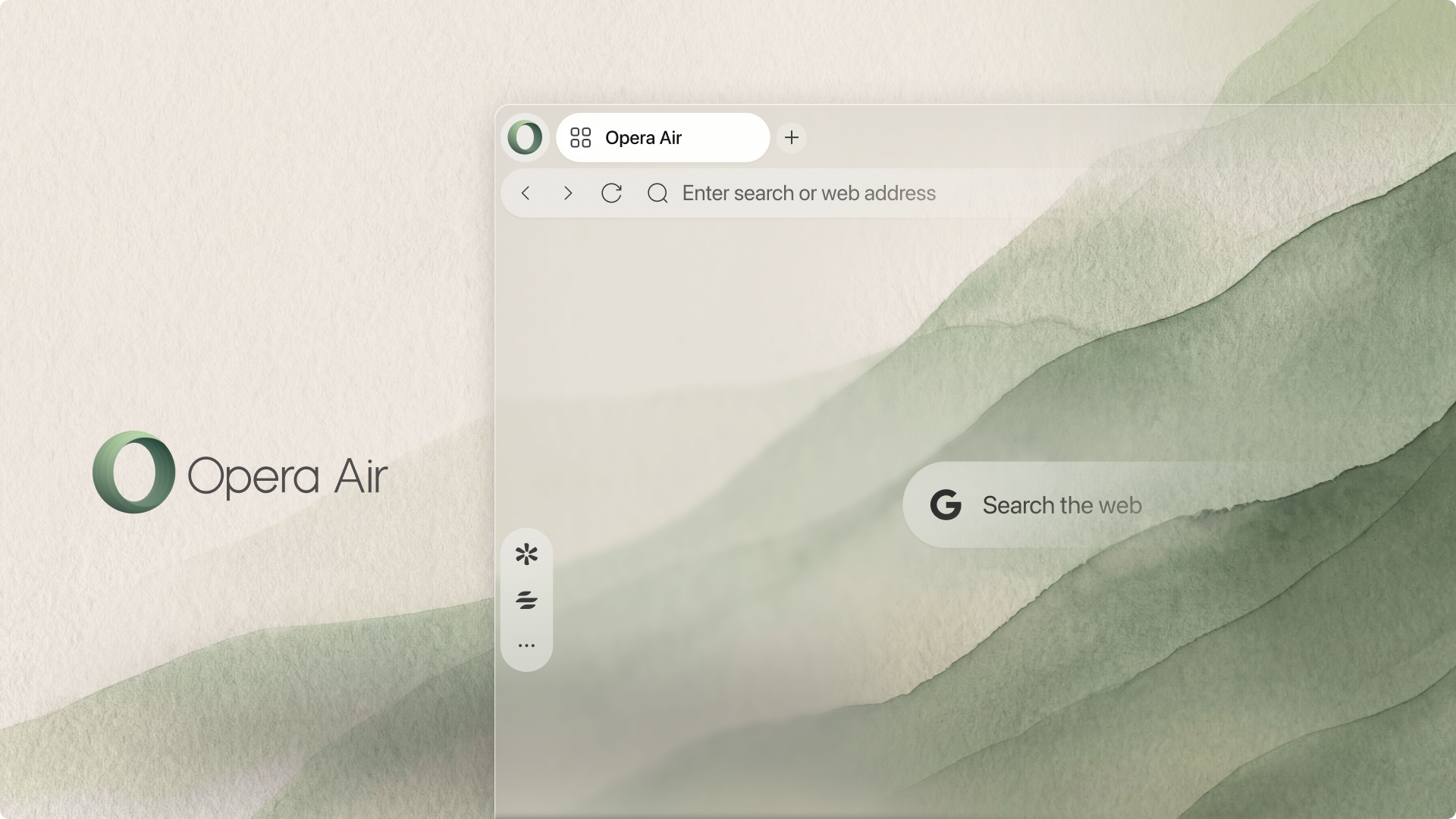
Today we’re launching the reimagined Opera Air. A minimalist browser, Air’s goal is to help you do what you opened the browser to do so that you can close it and get back to the rest of your life. But how does Air support that? And if Air starts with less by default, what can you actually do in the browser?
Less. On purpose.
The internet is a noisy, distracting place. So often you get online, lose track of what you set out to do, and stay far longer than you intended. Packed with tools and features that surround your screen, browsers sometimes add to the clutter, paradoxically making it harder to focus and complete your tasks.
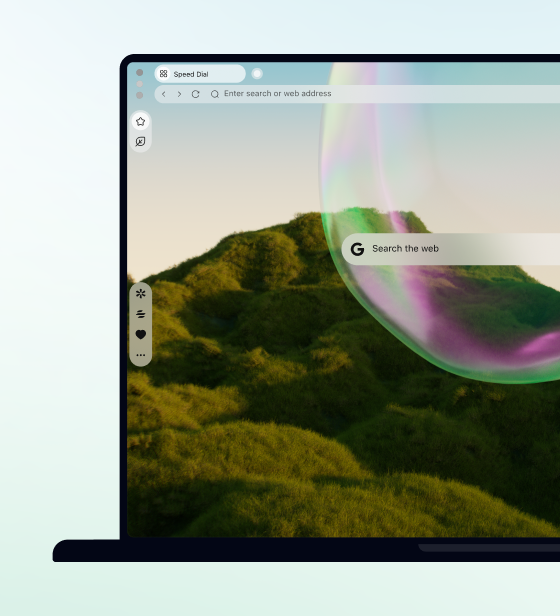
Opera Air does not have any less utility than other browsers – it simply starts with less, offering you a warm, welcoming window from which to begin. There are no Speed Dials. Notifications and promotional content is off by default.
Everything you want and need in a browser, however, can be added back in as needed. Air additionally comes with Soundscapes and Breaks built in to help you get on task and stay there.
Plenty to unpack here, so let’s get into it.
Radically Clean UI
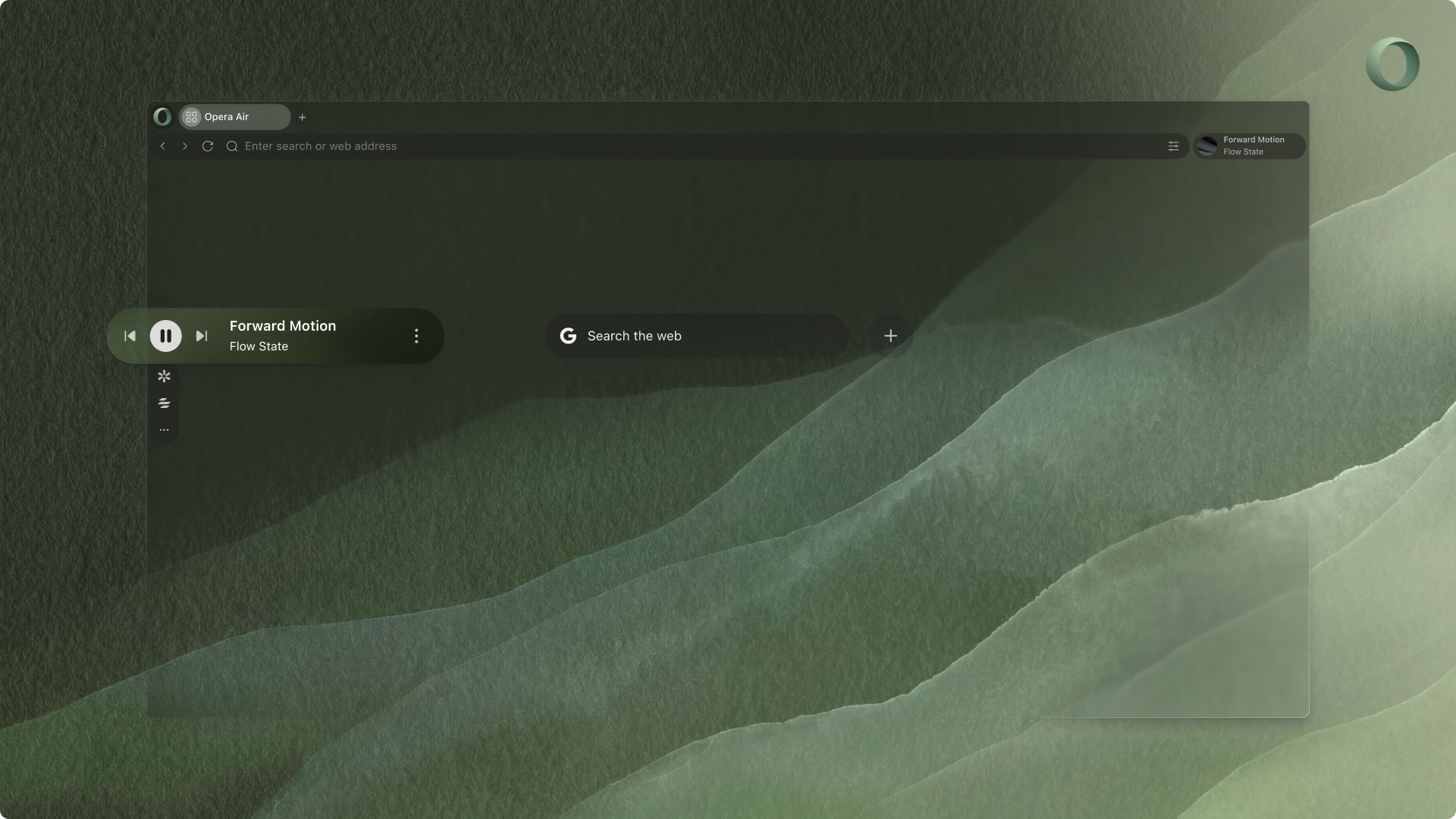
Minimalism isn’t just about aesthetics – it’s about how something makes you feel. With Opera Air, we’ve removed as much as possible to tune out distractions and help you focus.
So there are no widgets, no Speed Dials. No predefined shortcuts. Nothing to clutter the space and compete for your attention. It’s like sitting down at an empty desk with just the few tools you need to get working. Whatever else you might need is still there, and you can add it back in as you like. But you’re starting with a clean workspace and a clear mind.
No Interruptions
Once you get going you’ll want to stay on task. That’s why Opera Air has turned off any unnecessary distractions that might interrupt your work, such as promotional tips and system level notifications from Opera Air. Having created a quiet, calm environment inside the browser, we try to keep it that way.
New Wallpapers
We also want to make it beautiful as well, which is why Air comes with a refreshed catalog of wallpapers. Not just a cosmetic change, the new wallpapers create space and support your attention via techniques borrowed from the art world: the use of perspective, fractals, and textures. Soothing to look at and gentle on the eyes, the wallpapers – which automatically adjust to Light or Dark Mode – build in quiet by design.f
Refreshed Soundscapes
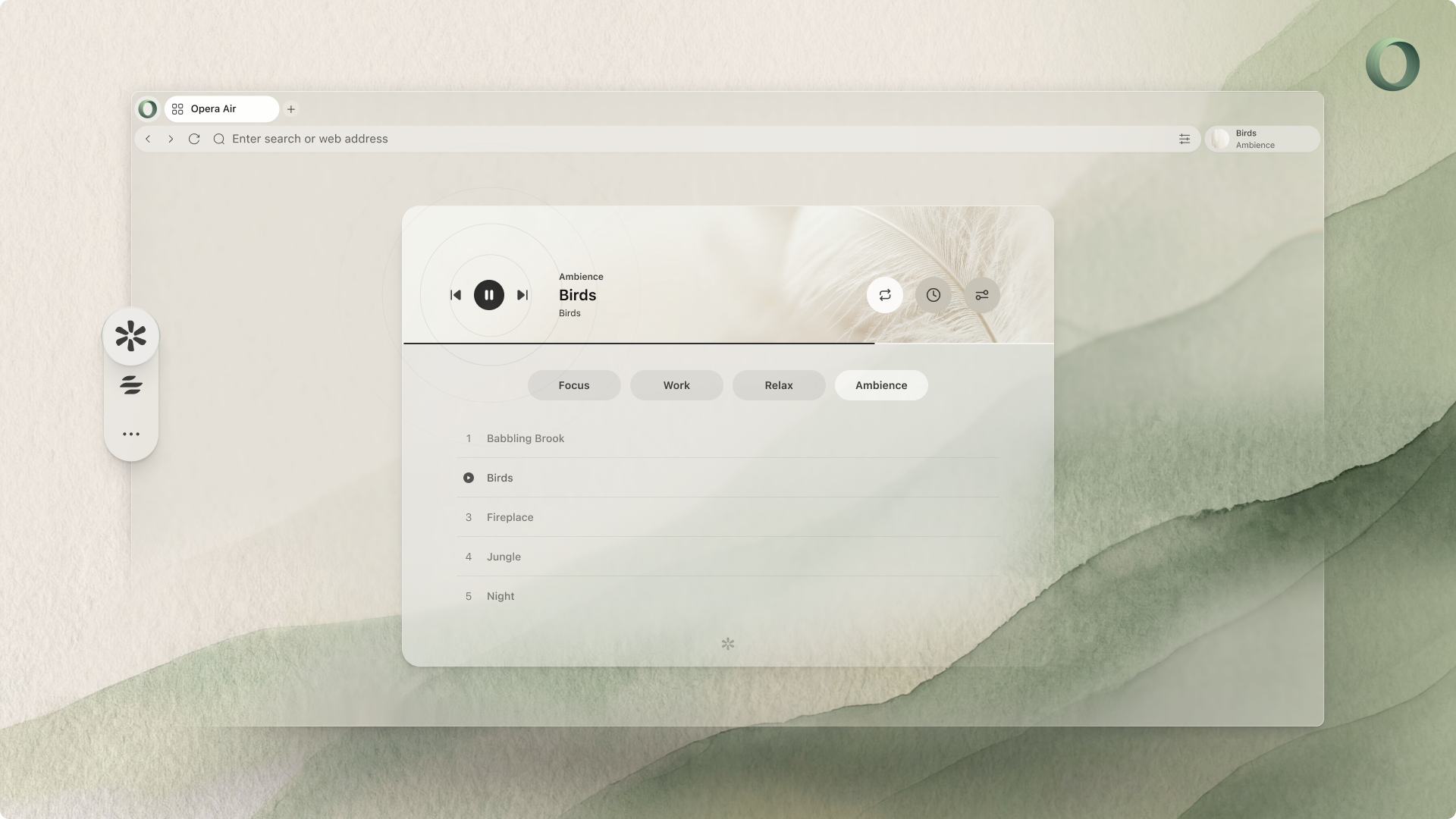
Nothing is quite so settling as good music – something light and undemanding, yet warm and inspirational. Soundscapes takes that idea and creates a soundtrack within your browser.
There are four categories of Soundscapes: Focus, Work, Relax, and Ambience. The first three are categorized in terms of the frame of mind you’d like to achieve as you listen. Entirely new within Opera Air, Ambience simply plays relaxing background noise, like Sea Waves or Spring Forest.
So how does it work? Air’s Soundscapes are designed to activate states like focus, relaxation, or creativity through the combination of music, ambient sounds, and, when desired, binaural beats.
An auditory technique in which two slightly different frequencies are played in each ear, binaural beats may induce various mental states, such as relaxation or focus, via the third frequency registered by the brain. Off by default, binaural beats are for those moments when you need peak concentration – that extra boost to get the job done. They can be turned on and off in the top-right corner of the Soundscape player, where you can also set a timer or put a track on repeat.
Five new Soundscapes have made their way into Opera Air, including Hyperfocus, a more energetic track created to help you find your rhythm and stay there.
Mindful Breaks
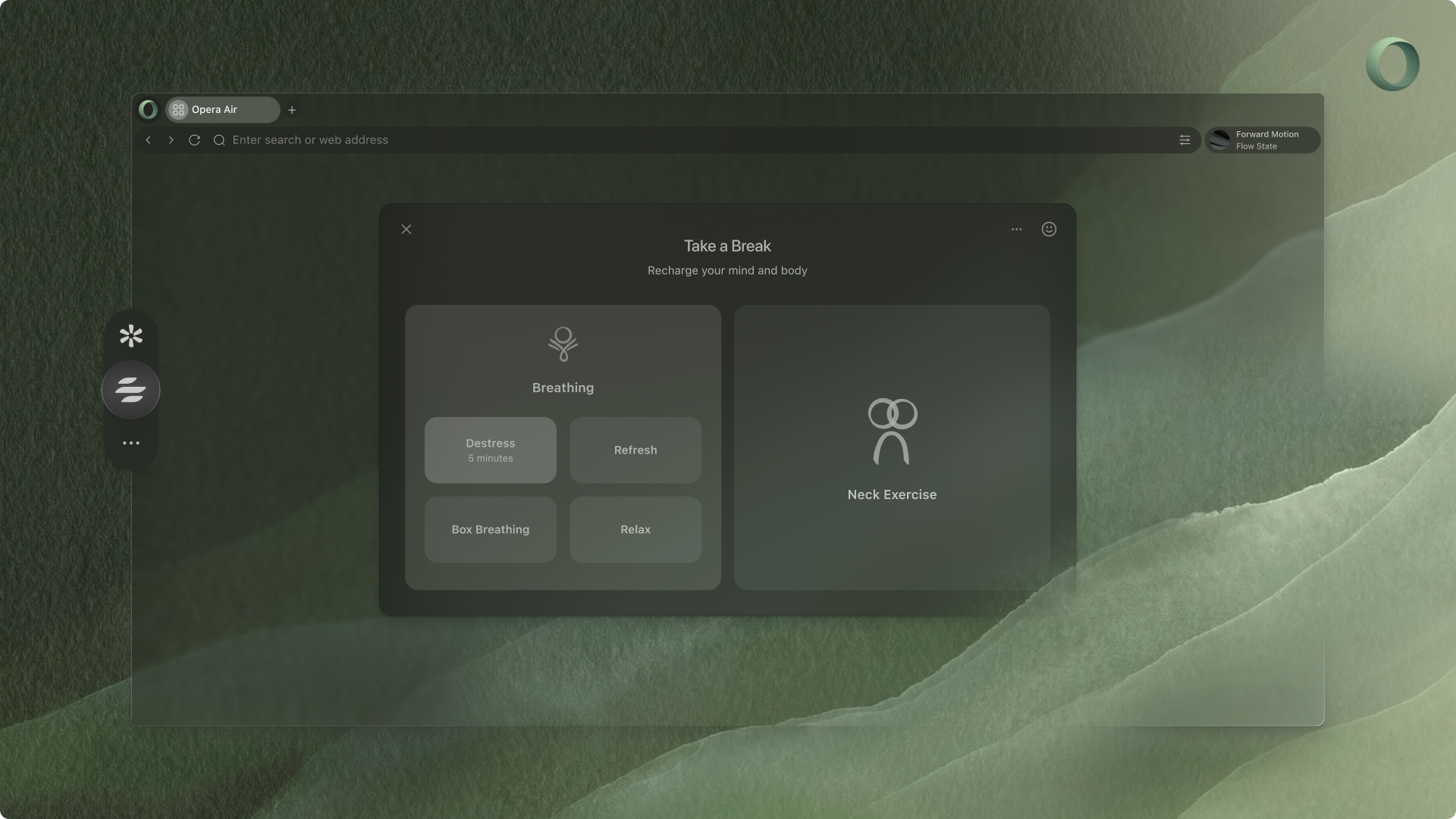
Working efficiently does not mean working without a pause. Every so often we need to take a moment, catch our breath, have a stretch – in short, to refocus. Opera Air lets you do that from right inside the browser.
Breaks now come with two types of exercises: Breathing and Neck Exercises. There are four types of breathing exercises that range from 3 to 5 minutes – Destress, Refresh, Box, and Relax – and which you can start one from the sidebar in just two clicks.
You can also customize the experience to create the optimal environment for you, with options to select between a male or female voice guide, as well as which music track and ambient sound you’d like to accompany the exercise. English, German, Portuguese, and Polish language options are currently supported.
The four types of neck exercises available in Air are Unwind, Pain Relief, Loosen Up, and Tension Release, which range from 5 to 14 minutes. Should you wish, you can turn on your camera to see yourself as you follow along with the movements of the model on your screen (though it is not necessary). As with the breathing exercises, you can also select your voice guide, musical track, and ambient sound to your preferences.
And how will I know when to take a break, you might be wondering? Well, Opera Air has that covered with reminders that you can set at different intervals (ranging from 45 to 180 minutes) to help break up those long sessions at your computer. Break reminders are disabled by default, but can be turned on at any time in the Break Settings.
Taken together, Breaks offers quickly accessible opportunities to release tension, lower anxiety, and simply have a moment. So refreshed, you can get back to your work with the heightened clarity of mind required to finish what you opened Air to do – and get back offline.
So come up for a breath: download Opera Air here.

User comments
Feel good with Opera Air
Enter a clean, focused, ad-free web with guided meditations, break reminders, and ambient sounds with binaural beats.




You deserve a better browser
Opera's free VPN, Ad blocker, and Flow file sharing. Just a few of the must-have features built into Opera for faster, smoother and distraction-free browsing designed to improve your online experience.