
Opera One gets a new and faster native ad blocker
Share


Hey all,
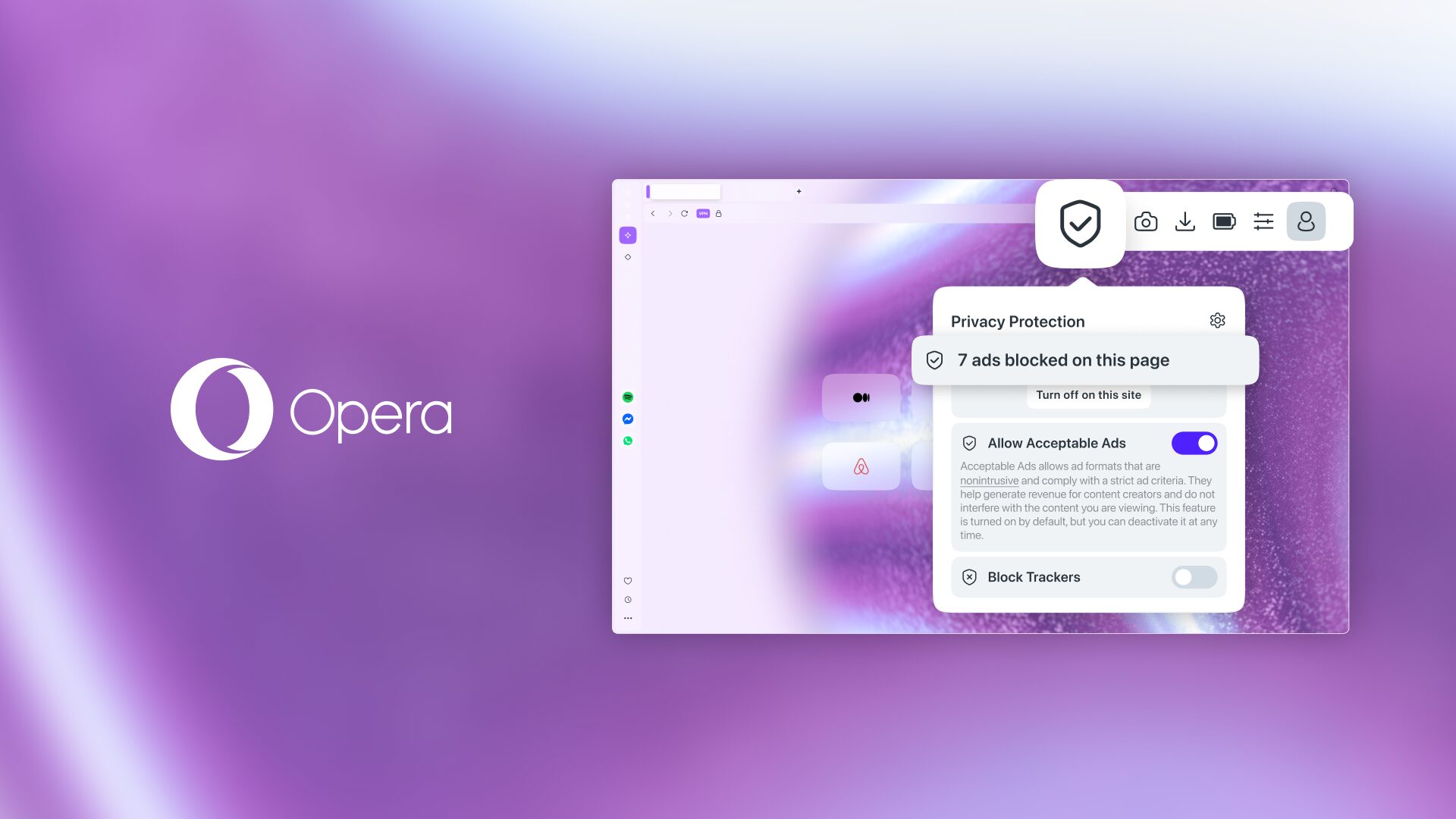
In our previous blog about Opera as the best browser for video streaming we left off by saying that there was more to come, and today we’re delivering. We’re introducing a major update to the native ad blocker in Opera One: a completely rebuilt engine that is, quite simply, the fastest Opera ad blocker to date.
We were the first to bake a native ad blocker directly into the browser, and today we’re able to say that we’ve been cooking! By overhauling the ad blocking engine and adding compatibility with uBlock lists and filters, we’ve created our fastest and most efficient ad blocker yet. For you, this ensures a better browsing experience in today’s increasingly chaotic web.
While we’re still supporting existing Manifest V2 extensions, remember that Opera will always help you block ads natively.
A new and revamped native ad blocker in Opera One
Most major browsers will require you to install a third-party extension for ad blocking. And while those extensions are excellent solutions, they require some technical knowledge to install and configure properly.
For us it’s key that you get those essential features built into the browser, and the whole point of a native ad blocker is that you get the best quality protection out-of-the-box. By remaking the ad blocking engine, we’re able to bring you an ad blocker that performs to the best industry standards, and does so natively.
With Opera you get an ad blocker that requires no installation, no extensions, no prior knowledge, nada.
You just need to turn it on.
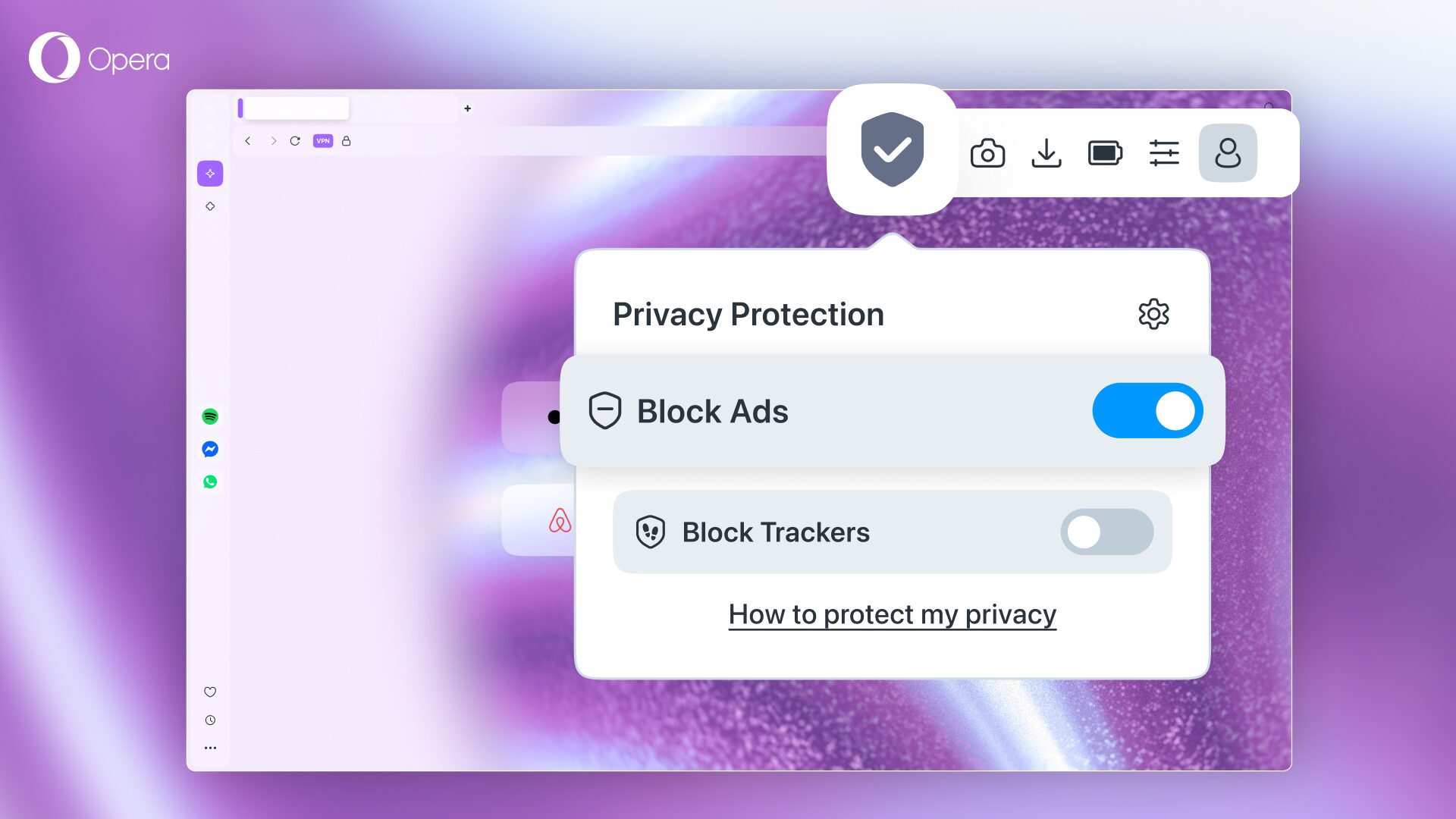
You can toggle the ad blocker on in the toolbar of your browser as shown in the picture below:
Why do you need to use an ad blocker?
If you’re already using an ad blocker you’ll know the benefits it brings, but if you haven’t turned yours on yet, here’s what might motivate you to try it out:
- Fewer annoyances: there are some pages that serve you downright annoying and intrusive ads. With an ad blocker, you can say bye-bye to those and get a more pleasant browsing experience by eliminating the clutter from your screen.
- Better video streaming experience: there’s nothing more anticlimactic than trying to show a funny video to someone else and having to go through several ads that can amount to minutes – it literally kills the mood. Those are the key moments when you want to have an ad blocker on!
- Better privacy: Some ads can go beyond simply being annoying; they can track you across the web, even when you haven’t agreed to it. With Opera’s built-in ad and tracker blocker, you can stop all this tracking in its… well, tracks.
- Faster page loading: when a website is loading, it has to load in all the ads with it as well, meaning videos, images, complex animations, and more elements have to load alongside the actual content of the webpage you’re visiting. When you block those ads the page loads faster and you can jump directly into the content you’re there for.
- You can always support your favorite sites: there are fantastic ads out there that might actually be meaningful to you. That’s why you can whitelist the websites you want with the built-in Opera ad blocker. If you want to see ads on a specific website, or support a specific creator, you can do so while still using the ad blocker everywhere else.
Get the best ad blocker with Opera
Download Opera here, turn on the ad blocker, and start video streaming the best way possible.

User comments
You deserve abetter browser
Faster, safer and smarter than default browsers. Fully-featured for privacy, security, and so much more.


You deserve a better browser
Opera's free VPN, Ad blocker, and Flow file sharing. Just a few of the must-have features built into Opera for faster, smoother and distraction-free browsing designed to improve your online experience.