
The latest version of Opera for Android brings AI Deep Thinking on mobile
Share


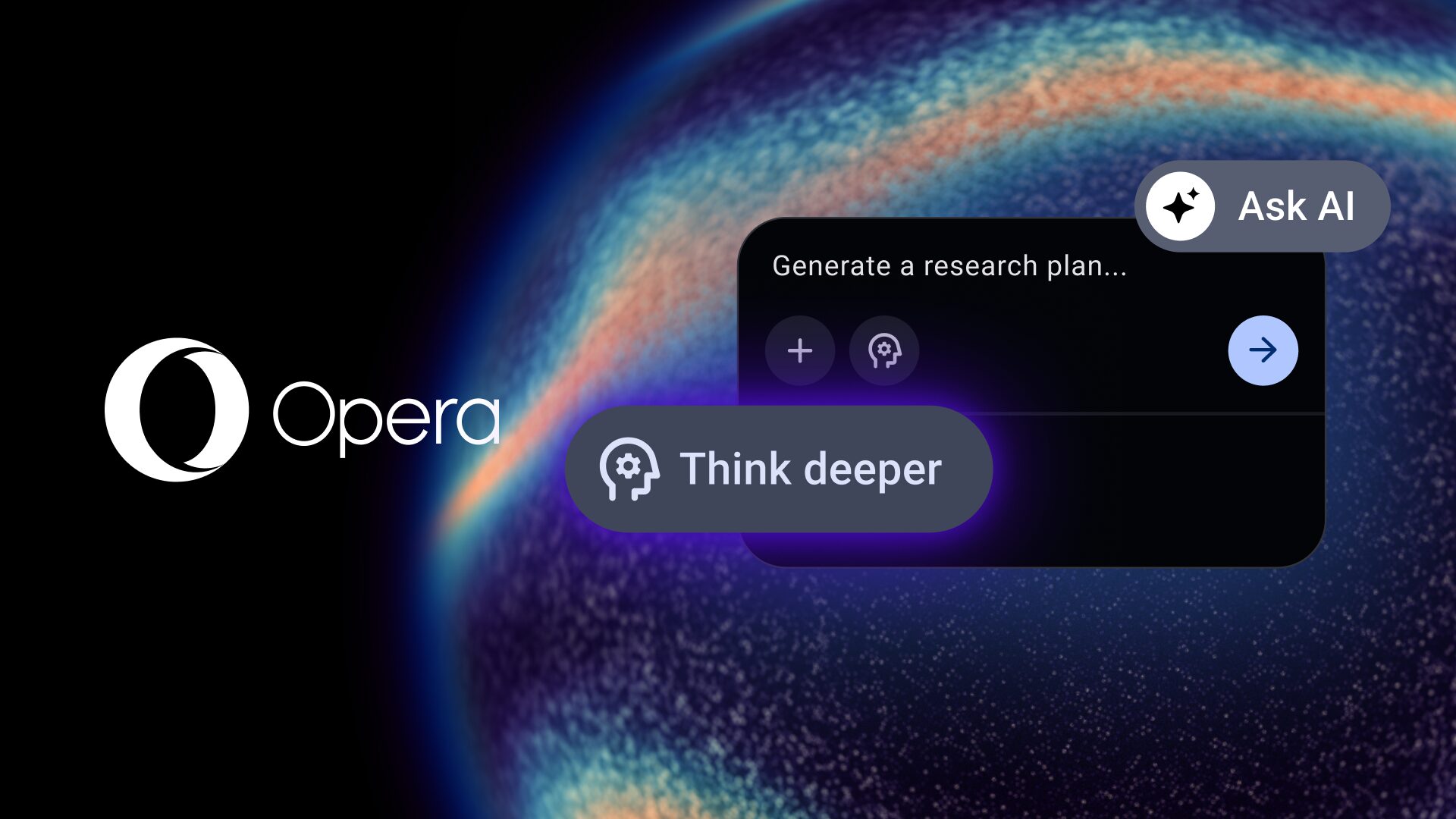
Let’s be honest, incorrect and shallow responses will lead you nowhere when you want to get started with a research project, or maybe dive deeper into a topic for a revision or a paper. On top of that, you can’t always have your laptop at hand when ideas or curiosity hit you and you really want to know more. So why not have an AI that can Think Deeper in your pocket, and for free? That’s precisely what the latest version of Opera for Android does for you.
Opera for Android has a new feature that expands the capabilities of Opera browser AI: Think Deeper. What does that mean? Well, it makes the Opera AI take a little longer to think your question through, find up-to-date sources and give you a better and more comprehensive answer. This is particularly useful when you’re trying to do research or just want to find information beyond a simple search.
Finding AI in Opera for Android
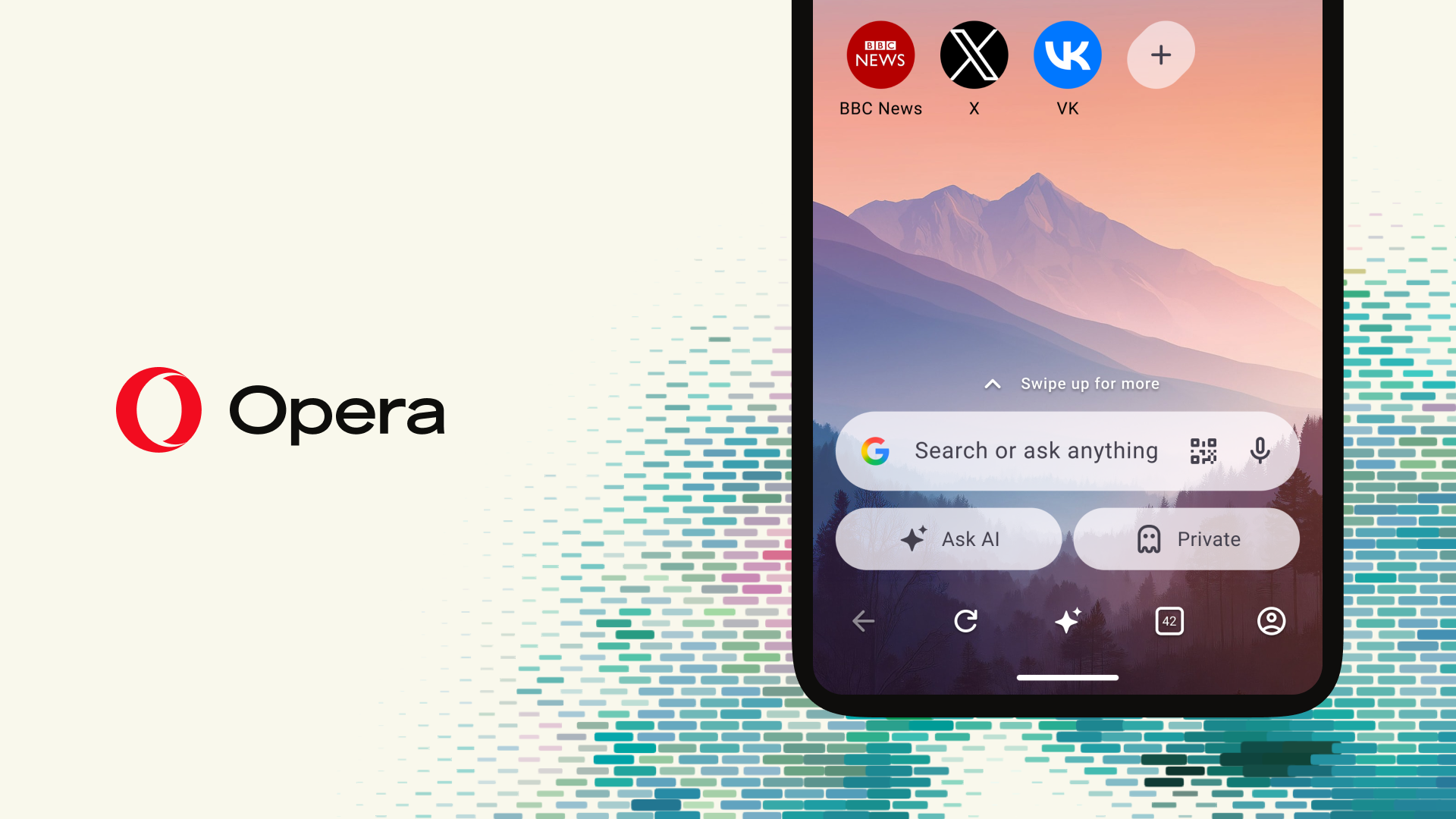
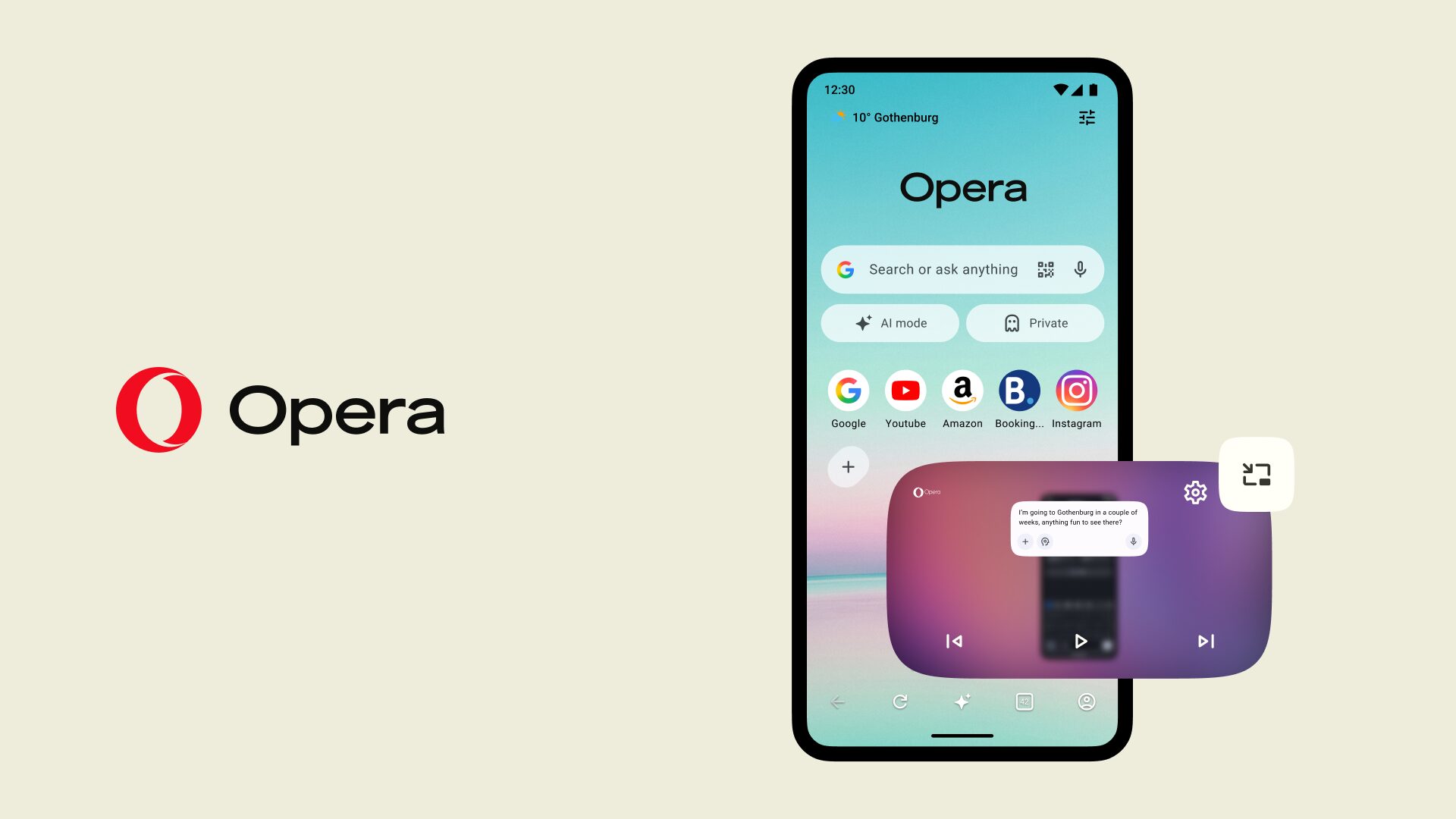
Before we dive into our latest update, here is a quick reminder of where to find Opera’s built-in AI on your Android device. In our recent updates, we brought our AI front and center to put it right at your fingertips. You no longer need to navigate through settings or open separate apps; you can access our AI directly from the main search bar.
Just tap the search box and select “Ask AI” to start chatting, generating ideas, or uploading files. Now, we are taking that easily accessible AI to the next level with its latest capability: Think Deeper.
What is the Think Deeper capability?
When we say that an AI Thinks Deeper, we’re referring to its capability to prioritize precision over speed in its answers. This is because the AI will spend time producing an internal chain of thought that resembles a deliberate reasoning process instead of relying on “intuitive” responses. Additionally, it will also search the web for relevant sources and context that will result in a better and more accurate answer. In technical terms, this reduces the chances of hallucination; in more human terms it means that the answer will be more reliable – and this applies to all AIs out there.
How can you use Think Deeper with Opera?
Think (deeply 😉) about those questions that you’re interested in and that you need to address for your work, studies, or passions. How would you go about answering them? Would the opinion of an expert help you? When you send a prompt to AI and activate Think Deeper, it’s just like that – and in this case, that means having an expert on most subjects right in your pocket!
This technology can be used for much more than researching. It actually rewards those who are patient, since you can get significantly better results when using the Ask AI feature in Opera for Android with Think Deeper. How? Think of cases like:
- Travel planning, comparisons, and recommendations;
- Fact-checking dates, specs, definitions, recent events;
- Coming up with a strategy or a plan for your endeavours.
Those are common use cases for AI in general, and all of them benefit from the fact that Think Deeper will take a multi-step approach and reason about what it has been asked. Furthermore, it will search the web for the most up-to-date information available.
How to use Think Deeper in Opera for Android
To use the Deep Thinking within Opera for Android, you need to:
- Open the browser;
- Tap on the search bar;
- Select Ask AI; and
- Tap on the Think Deeper icon
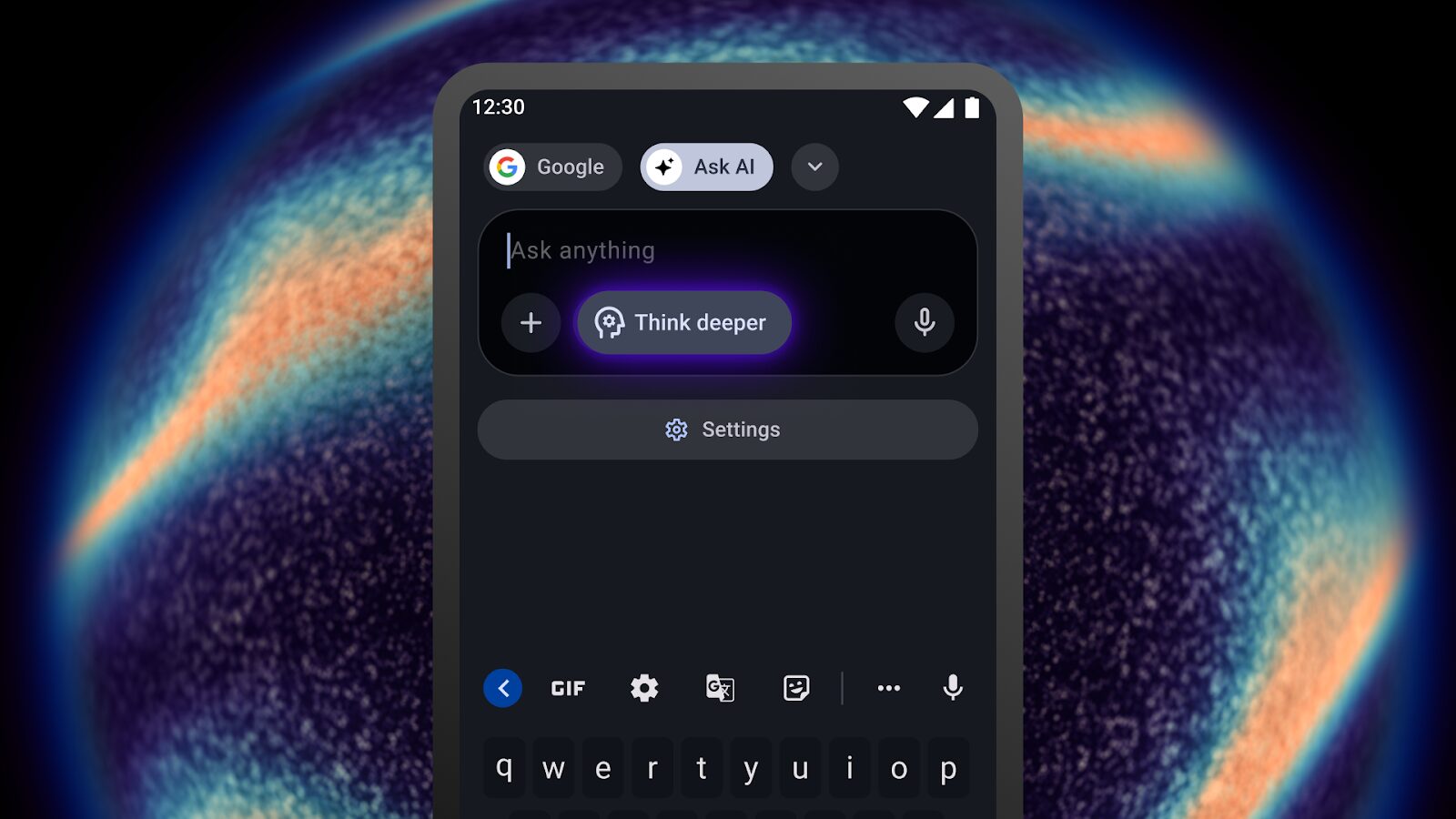
Don’t get left behind!
Get ahead of the curve with Opera for Android’s free browser AI, now featuring Deep Thinking – download it here.

User comments
You deserve abetter browser
Faster, safer and smarter than default browsers. Fully-featured for privacy, security, and so much more.


You deserve a better browser
Opera's free VPN, Ad blocker, and Flow file sharing. Just a few of the must-have features built into Opera for faster, smoother and distraction-free browsing designed to improve your online experience.