
Opera for Android version 102 puts search within thumb’s reach and brings a smarter QR scanner
Share


Hey all,
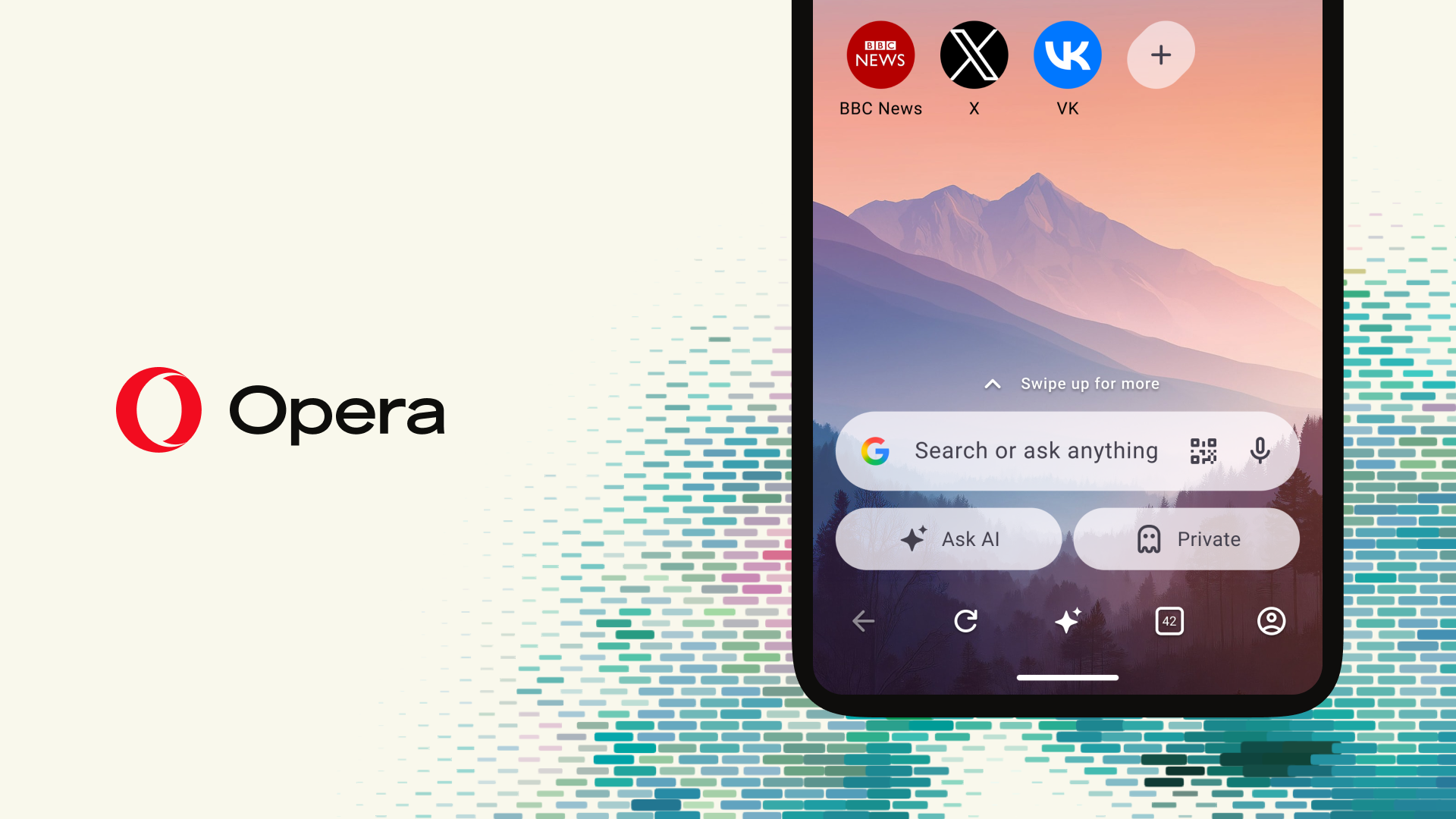
We’re releasing Opera for Android version 102, and it’s all about making the browser easier to use. You can now move the address bar to the bottom of the screen, search stays one tap away even as you scroll, and our QR code scanner has been rebuilt from the ground up.
Your address bar, right where your thumb is
Phones keep getting taller, and the top of the screen keeps getting further away. Reaching up for the address bar every time you want to search means shifting your grip, or giving up and using your other hand.
With Opera for Android 102, you can move the address bar to the bottom of the screen, right where your thumb naturally rests. Searching, typing a URL, or jumping to a new site all happen without stretching.
We’ve also thought about what happens when you scroll. As you scroll down through the news feed on your start page, the search bar tucks itself away into a small search icon in the bottom-right corner. You get more room for reading, and when something sparks your curiosity, one tap on that icon and you’re searching. No scrolling all the way back to the top.
A QR scanner that zooms in, and shows you where you’re going
QR codes are everywhere now: restaurant menus, parking signs, posters, tickets. But they’re not always easy to scan. They’re small, far away, or printed on the wall behind someone’s table.
Our new QR scanner in Opera for Android 102 is faster and more reliable, and it lets you pinch to zoom in on codes that are small or out of reach. No more walking up to the poster or holding your phone at odd angles.
We’ve also added something we think every scanner should have: when you scan a code, you’ll see the full URL before anything loads. Take a look, and if it’s where you expected, tap to open it. If it doesn’t look right, simply back out. A quick scan never has to be a blind click.
Smoother browsing with the built-in ad blocker
We’ve also been working behind the scenes on Opera’s built-in ad blocker, tuning it to run more smoothly in the background so pages feel cleaner and browsing stays quick.. If you are looking for ways to get more from Opera, check this blog right here.
Put search within thumb’s reach and scan your next QR code with confidence! Download Opera for Android.

User comments
You deserve abetter browser
Faster, safer and smarter than default browsers. Fully-featured for privacy, security, and so much more.


You deserve a better browser
Opera's free VPN, Ad blocker, and Flow file sharing. Just a few of the must-have features built into Opera for faster, smoother and distraction-free browsing designed to improve your online experience.