
OFA, Opera for Android, Opera for iOS, Opera Mini
Inside Opera’s Evolving Design Loop
Share


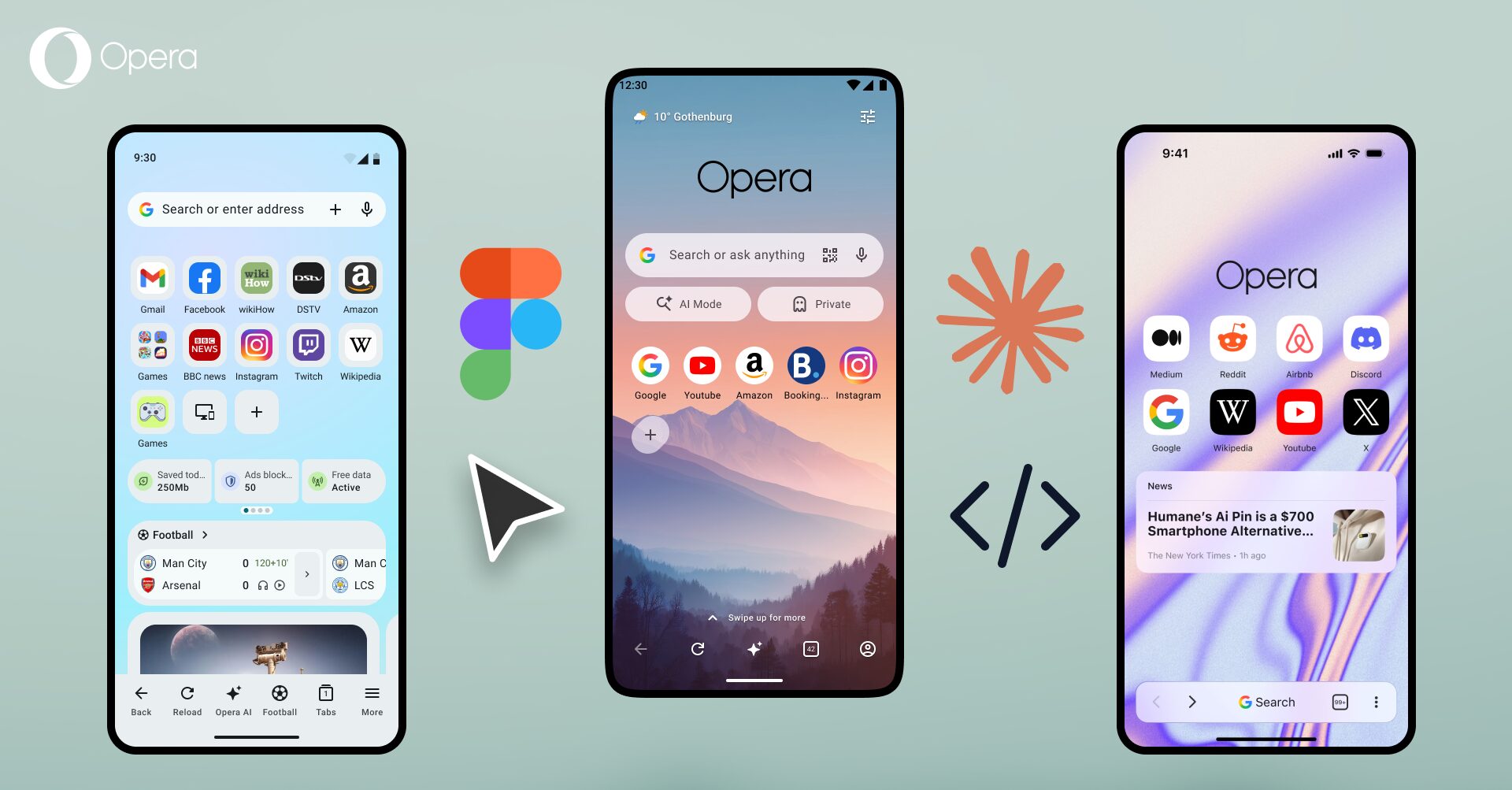
The shift toward interactive prototyping isn’t just changing how quickly designers can work. It’s changing where design ends and engineering begins.
Across Opera’s mobile products, designers are increasingly moving from static concepts to working prototypes, testing interactions, exploring technical constraints, and iterating before engineering gets involved.
I asked four lead designers, Oleksii (Opera Mini), Alex (Opera for Android), Alexander (Opera for iOS), and Ronan (Opera News), how these new workflows fit into their daily routine and what is changing about the way they design.
Across the four teams, here’s how the design-to-build loop used to work:
[ Idea ] ──► [ Figma ] ──► [ Engineering ] ──► [ First Build ] ──► [ Feedback ]
How it looks today:
[ Idea ] ──► [ Figma ] ──► [ Coded Prototype ] ──► [ Interaction ] ──► [ Feedback ] ──► [Iterate] ──► [ Engineering ]
What looks like a longer chain is actually a faster loop. Interactions that might have taken days of back-and-forth can now turn into testable prototypes in a few hours. For larger concepts and test builds, the timeline shrinks from weeks down to a matter of days. Testing and iteration happen long before engineering needs to touch a line of code, and what gets handed off is no longer a static spec. It’s working code.
The prototype is the spec now
Ronan (News) used to hand off Figma frames to front-end developers and audit the result once built. Now, he builds coded prototypes himself using command-line assistants like Codex. “I can build how it looks and works and audit it myself,” he says. “I can pass that to the developers so they can focus on data integration, security, and other complex tasks without spending as much time trying to get it to look or behave correctly.”
Oleksii (Mini) takes this a step further: the prototype doesn’t just speed up handoff, it actually becomes the spec. “The working prototype is often the spec,” he says, “and the level of detail is very high. Everyone in the process makes product decisions based on the real prototype, not Figma flows.”
Alexander (iOS) sees this shift as a powerful middle layer between Figma and production that didn’t really exist before. “That sounds like a small difference,” he says, “but it changes the whole rhythm of the work.”
For Alex (Android), the shift centers on “vibe coding” — using conversational prompts to rapidly prototype and test interactive ideas before touching the codebase. “Before implementing our ideas in the codebase, we can create quick prototypes to test them, feel if it’s what we want to achieve, and see how the animation works,” he says. “Then it’s much easier for us to hand off those design decisions to developers, so they can understand exactly what we’re aiming for.”
Moving the boundary
Alexander (iOS) sees the core shift between design and engineering in collaboration, rather than speed. “The relationship becomes less about designing and handing something over to engineering,” he says, “and more about we’re shaping this together.” Engineers understand the intended interaction immediately, and designers get a better sense of what’s complex to build, because they’re the ones touching the code now.
Oleksii (Mini) frames the shift around feasibility, but points in the same direction: a working prototype changes the conversation from “Is this feasible?” to “Here’s what I found is feasible, let’s refine it.” Ronan (News) has found that a GitLab URL, sitting next to a Figma file, sometimes lands closer to how developers already work.
None of the four sees an expectation to ship production-ready code. The boundary between design and engineering hasn’t disappeared. It’s just moved.
For Alexander (iOS), that boundary matters more than it might elsewhere. Opera for iOS is a browser, and a browser is tied directly to the technology underneath it. “Interaction, performance, UI, and technology are so closely connected,” he says. “When the UI and browser technology are so closely linked, writing code helps designers see real technical limits much earlier.”
Four Teams. One Shift.
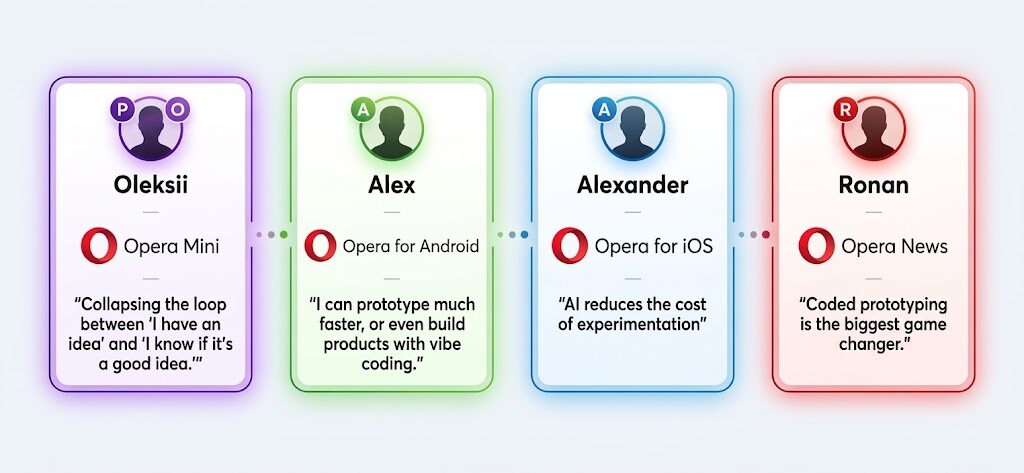
Which skills still matter
Where traditional design skills fit into this new workflow depends on how each designer works.
Ronan (News) and Oleksii (Mini) both think that traditional craft skills like illustration, photo manipulation, and pixel-perfect mockups carry far less weight today. Because both write and audit functional code via command-line assistants and real API integrations, their perspective comes directly from hands-on building. As Oleksii points out, “Knowing your design system well enough to reuse it correctly matters more. Design principles and knowing “why” always mattered, but now it becomes even more important.”
Alex (Android) uses conversational prompts more for prototyping ideas and testing motion than for producing code himself, and his view follows from that. “I don’t think my role has changed so much so far,” he says. “We are developing products and bringing ideas to life. It’s not about making mockups or shifting pixels on the screen. Fundamental skills are more important now than before. Understanding color theory, typography, layout, navigation, motion, and UX design principles is essential.”
Alexander (iOS) lands somewhere in between: “There will always be boundaries, particularly around product judgment, systems thinking, technical architecture, and understanding people.” He thinks the mechanical parts of a designer’s job matter less. “Things like creating endless variations of screens, moving pixels around, or producing high-fidelity mockups just to communicate an idea can increasingly be accelerated by AI.”
No ceiling in sight
When asked about how new tools impact product design, all four designers were very optimistic.
Oleksii (Mini) sees no ceiling at all, calls it a genuine cultural shift rather than an upgraded toolkit, and says he hasn’t found a drawback yet.
Alexander (iOS) is equally enthusiastic: “Every time the cost of making something decreases, people start exploring things they wouldn’t have explored before,” he says. “That’s bigger than simply having a better tool.”
Ronan (News) thinks coded prototyping is the biggest game changer, and he expects it to keep expanding for a long time with every new model bringing new strengths.
Where Opera product design is heading
Across Opera’s mobile teams, the distinction between prototype and finished product is already beginning to blur, and the designers expect that trend to accelerate over the next year.
Oleksii (Mini) and Ronan (News) both expect designers to start working directly with live APIs, real data, and existing codebases. The goal is to move past static concepts and hand developers functional UI that sits much closer to production-ready code.
Alexander (iOS) foresees a fundamental shift in how designers engage with the product. He expects designers to become “much more involved in prototyping and early implementation,” with the distinction between prototype and product becoming less rigid.
“I think we’ll see more designers experimenting directly with the technology,” he says, “rather than only describing how it should behave.” The exciting thing, he adds, “isn’t that AI can write code for us. It’s that it gives designers more ability to make things.”
The goal hasn’t shifted
Opera actively encourages teams to use modern tools to help design and build better products, but technology is only half the equation. What each designer chooses to build still comes down to judgment, experience, and listening to users. That part hasn’t shifted at all.
Faster prototypes, shorter loops, and working code don’t replace real user feedback. They complement it by putting something functional into people’s hands much earlier, making testing more realistic.
Ultimately, all of it points toward the same outcome: building better experiences for the people using them.
Download Opera for Android | Opera Mini | Opera for iOS

User comments
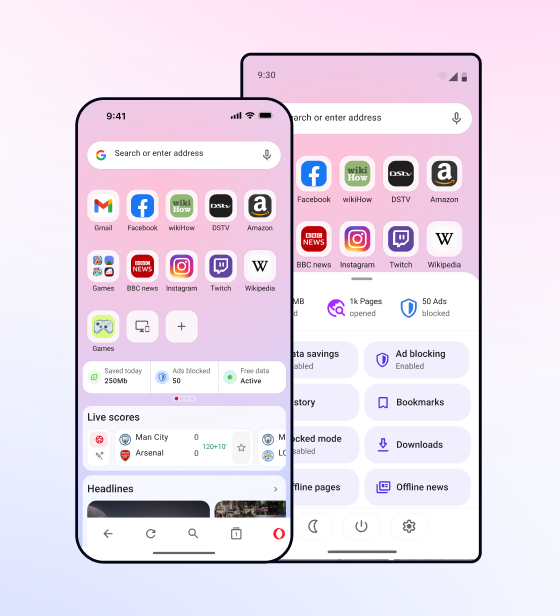
Browse fasterSave data
The lightweight Opera Mini browser blocks ads, protects your privacy, and saves up to 90% of your data.

Don't have Google Play?
Download the app here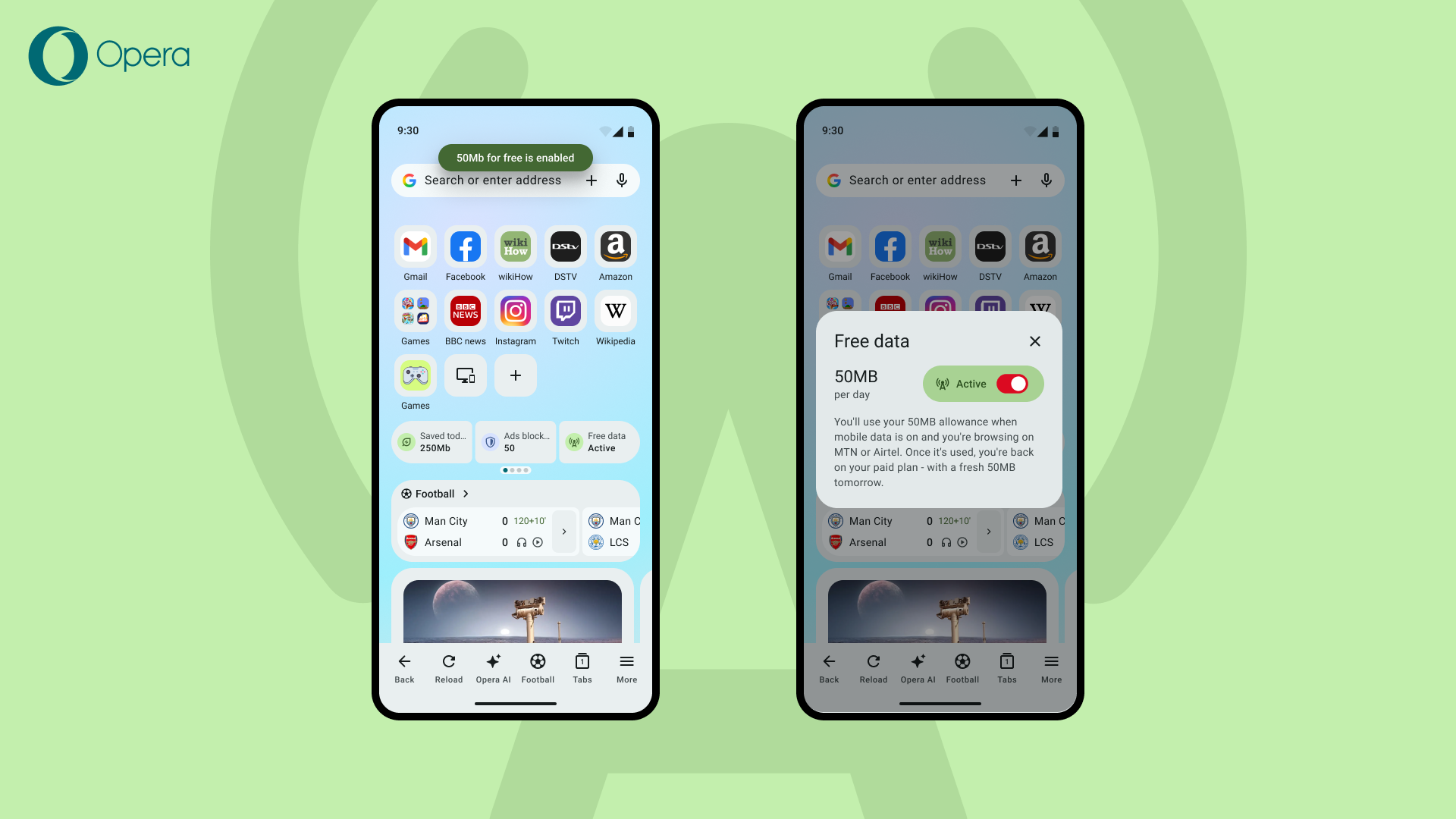


You deserve a better browser
Opera's free VPN, Ad blocker, and Flow file sharing. Just a few of the must-have features built into Opera for faster, smoother and distraction-free browsing designed to improve your online experience.