
Llama and QWEN – New LLMs to choose from in Opera Neon
Share


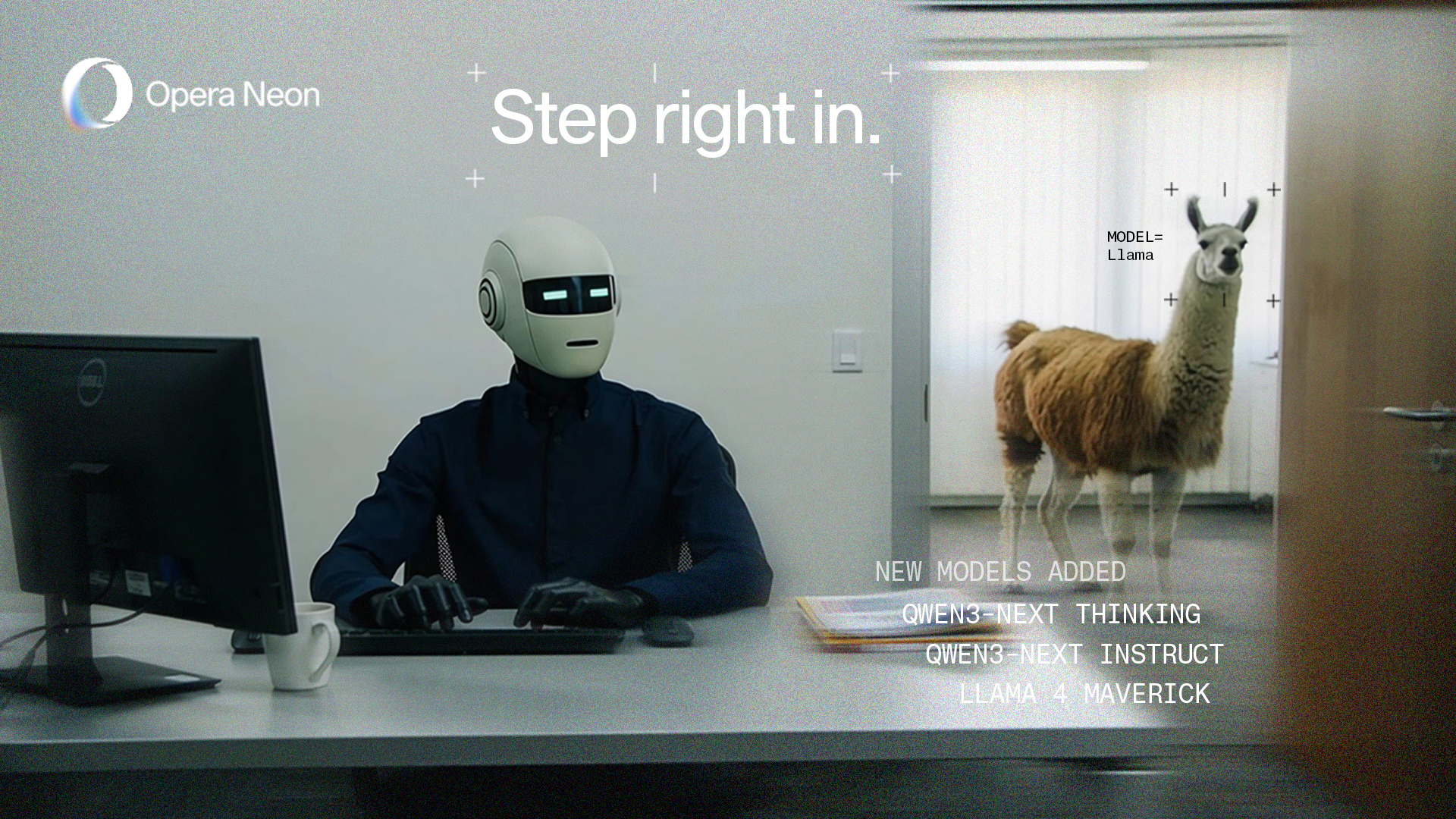
Improving Opera Neon. That’s precisely what we’re up to during the month of January 2026; we’ve updated Opera Neon to introduce new models that you can choose from when you’re using Neon Chat. We’re adding the following models to the list of LLMs that you can choose from:
- Llama 4 Maverick;
- Qwen3-Next Thinking; and
- Qwen3-Next Instruct
These new models are joining the growing list of LLMs available for you in Neon Chat, where you can use our own Opera browser AI, as well as the latest models from Google (Gemini 3 Pro) and Open AI (GPT 5.2), and many more. You can also get access to previous models from Gemini and GPT (like Gemini 2.5 Pro, or GPT 4.1). Because we know that if you’re using Opera Neon you’re an AI power-user, we’ll continue to bring you the best LLMs.
Llama 4 Maverick
This LLM has been created by Meta, and is hosted by Top Gun – okay you got us there, it’s actually hosted by Google. Maverick is one of the more capable models in the Llama 4 family from Meta, and it’s built for more difficult tasks as opposed to its lighter versions. What does that mean for you? Well, it can handle more complex questions (queries), a bigger and better context window which is useful for longer conversations (keeps the context), and produce higher-quality writing as well as help with coding.
Qwen3-Next Thinking & Instruct
These two models are actually different, and each of them is a fine-tuned version of the Qwen3-Next AI model that serves a specific purpose. For instance:
- The Thinking version of the Qwen3-Next model has been optimized for multi-step problem solving, planning, and complex question answering – meaning that it can “think more” when necessary. Additionally, this model can handle a bigger context window, which allows you to interact with it using more complex queries that require more tokens.
- The Instruct(ions) version of Qwen3-Next is optimized for other tasks that don’t require reasoning. It’s great at instruction-following (hence, the name) and solving general tasks like writing, summarizing, and explaining.
To be clear, it’s not that one model is better from the other but rather that they are different and have been optimized to do different tasks. So, go ahead and try both of them out with Neon Chat and test it yourself.
Multi-model AI in the browser
Okay, now you know that there are new models in Opera Neon, but what does it even mean? Let’s go over how you can use these new models, as well as the existing ones as well.
When you go into Opera Neon and access the Neon Chat you’ll see a drop-down option option underneath the text input box:
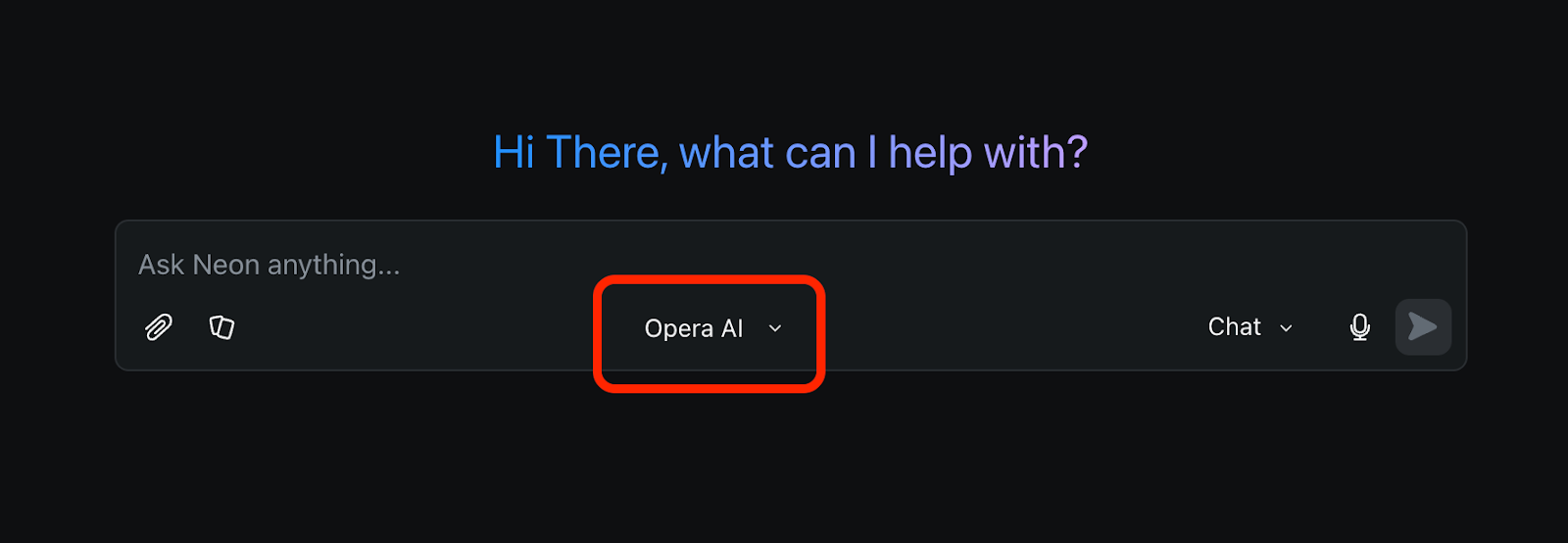
Opera AI refers to our own AI engine . It is a cool piece of AI engineering as it combines, or selects from several LLMs based on our own decision module. Hence, often, just using Opera AI will yield the best results.
But of course, Neon is a tool for competent users, and we want to enable you to also override and select the particular model you want to use – if you so wish.
Once you click on this drop-down menu, you’ll be able to choose any of the available LLMs to interact with from Neon Chat:
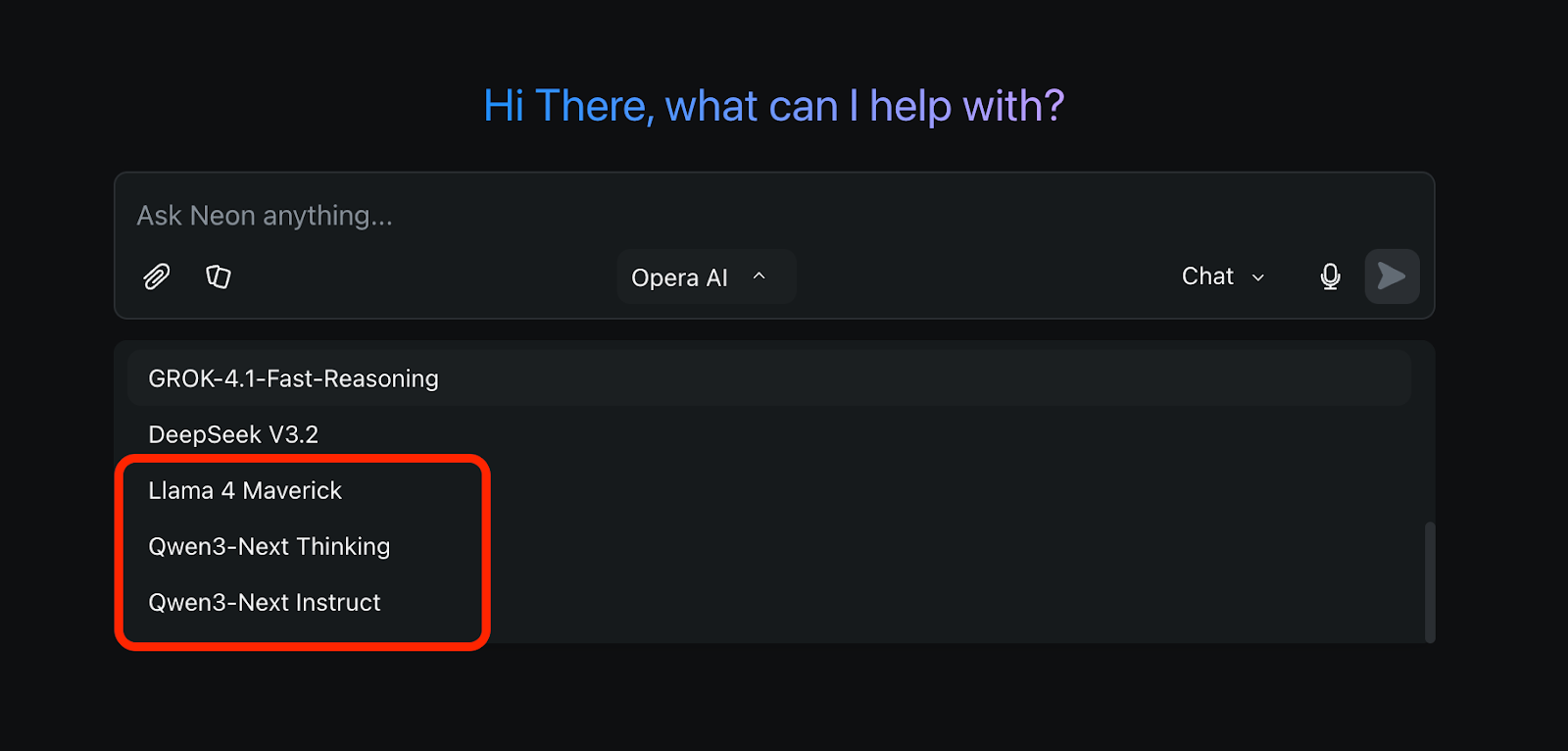
There are several to choose from, not just the ones we’re talking about here. So go ahead and give them a try, you have access to all of them with your Opera Neon subscription!
Always the latest LLMs in Opera Neon
We’re working towards bringing you the latest LLMs and AI models out there into Opera Neon so you can have an agentic browser that lets you do more with AI – all under a single subscription. Check them out by downloading the browser here.

User comments
Turn ideas into action
Chat, create, and get things done with Opera Neon, the AI-powered browser that researches, builds, and acts for you.


You deserve a better browser
Opera's free VPN, Ad blocker, and Flow file sharing. Just a few of the must-have features built into Opera for faster, smoother and distraction-free browsing designed to improve your online experience.