
WebAI: Local AI for the web, now in Opera
Share


Hey all,
Back in 2024, Opera was the first major browser to give built-in access to local AI models in an experimental developer build. Since then, advances in open-weight models and consumer hardware have made running AI on your computer more practical.
At the same time, developers want to build AI into their sites and extensions without sending every request to the cloud, paying for every token, or tying their users to one vendor’s model. Many would rather hand that work to AI running on the user’s own computer.
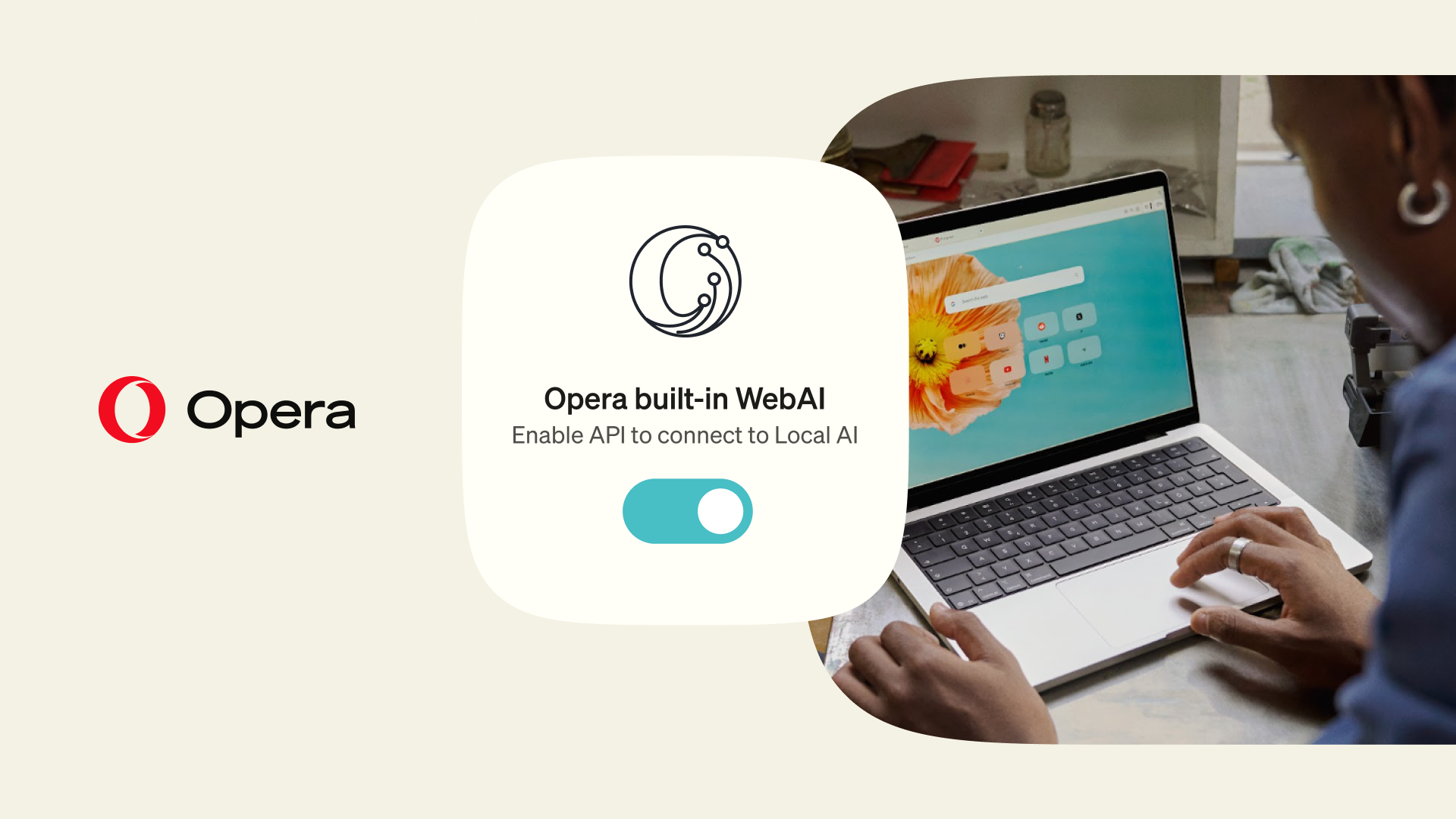
Today, we’re starting a bigger push into local AI, making it a central part of our browsers. The first step is WebAI, now in early preview across Opera One, Opera GX and Opera Neon. With local AI built into the browser, you can start creating your own browser capabilities instead of waiting for software companies to build them.
“A lot of what people want from AI doesn’t need a data center. Your laptop can already do it, without sending your data anywhere,” said Krystian Kolondra, EVP Browsers and AI, Opera. “We first shipped local models to developers in 2024. Now we’re bringing them to everyone. More models and tools are coming, and you’ll always decide what runs on your machine.”
Why does local AI matter? Dan Berte, Opera’s Product Advocacy Director, explains.
What is WebAI?
WebAI lets websites and extensions use AI that runs locally, in your browser. People want AI to do more than answer questions in a chat window. They want it to work with the pages they’re on, and WebAI makes that possible.
WebAI is a proposed web standard, backed by companies including Google and Microsoft. Opera’s implementation lets developers use a range of AI models directly in the browser, including open-weight models running on Opera’s inference engine.
Local inference is built into the browser, so there’s no separate AI app to install, no local server to configure and no API key to get. Because the AI runs on your computer, the content it processes doesn’t need to be sent to a cloud AI provider.
WebAI works with different compatible local models, including open-weight models provided through Opera and compatible models already on your device, so you’re not tied to a single model provider.
You’re always in control
WebAI is opt-in. Nothing is downloaded until you turn it on in Settings, and you can turn it off at any time.
Why it matters for developers
WebAI introduces the Prompt, Decision and Semantic Embeddings APIs. With them, developers can generate text, classify information and find relationships between pieces of content: building blocks for tools that do more than answer questions.
For developers, especially independent developers and small teams, WebAI means:
- Peace of mind for your users: page data can stay on their device when the AI uses it
- No per-request cloud costs, and no AI infrastructure to run
It also makes it easy for anyone using AI coding tools to build their own personal extensions. For example, one that spots relevant job postings, prioritizes the articles you should read, highlights information that matches your interests, or makes your saved content searchable, all without running an external AI service.
See what it can do
To show what developers could build, our team made six experimental extensions. They’re examples to spark ideas, not Opera features:
- Project Lens: Tell it what you’re working on, and it colors any article by how much each paragraph matters to your project
- Got It?: Writes a quick quiz about the article you just read, so you can check you understood it
- Questionable Intelligence: Asks playful questions about the article you’re on and draws the verdict as a chart
- Semantic Art: Turns an article into moving art, with similar sentences becoming visual neighbors
- RecordIn Alchemy: Turns any article into an insufferably inspirational social media post
- C·I·A·O (Cat Intelligence at Opera): Two ASCII cats improvise a scene on any topic you give them
You’ll find the full list of supported APIs and developer documentation at next.opera.com/web-ai.
How do I try it?
- Download or update Opera One
- Go to Settings → Opera AI and turn on Enable Web AI API. This downloads a compatible local model, so it may take a few minutes
- Install one of the example extensions above and open it from your extensions menu
WebAI is an early preview, available on Windows PC (64-bit, Intel/AMD) and Macs with Apple silicon. It isn’t available on Intel-based Macs, Linux or Windows on Arm.
Running AI locally uses your computer’s own processing power, so how quickly it responds depends on your device. Local AI performance is still improving, and we’ll keep making it lighter and faster.
We can’t wait to see what you build!
Download Opera One.

Emily Northway
User comments
Turn ideas into action
Chat, create, and get things done with Opera Neon, the AI-powered browser that researches, builds, and acts for you.



You deserve a better browser
Opera's free VPN, Ad blocker, and Flow file sharing. Just a few of the must-have features built into Opera for faster, smoother and distraction-free browsing designed to improve your online experience.