
Opera free VPN can now automatically protect you on public Wi-Fi networks
Share


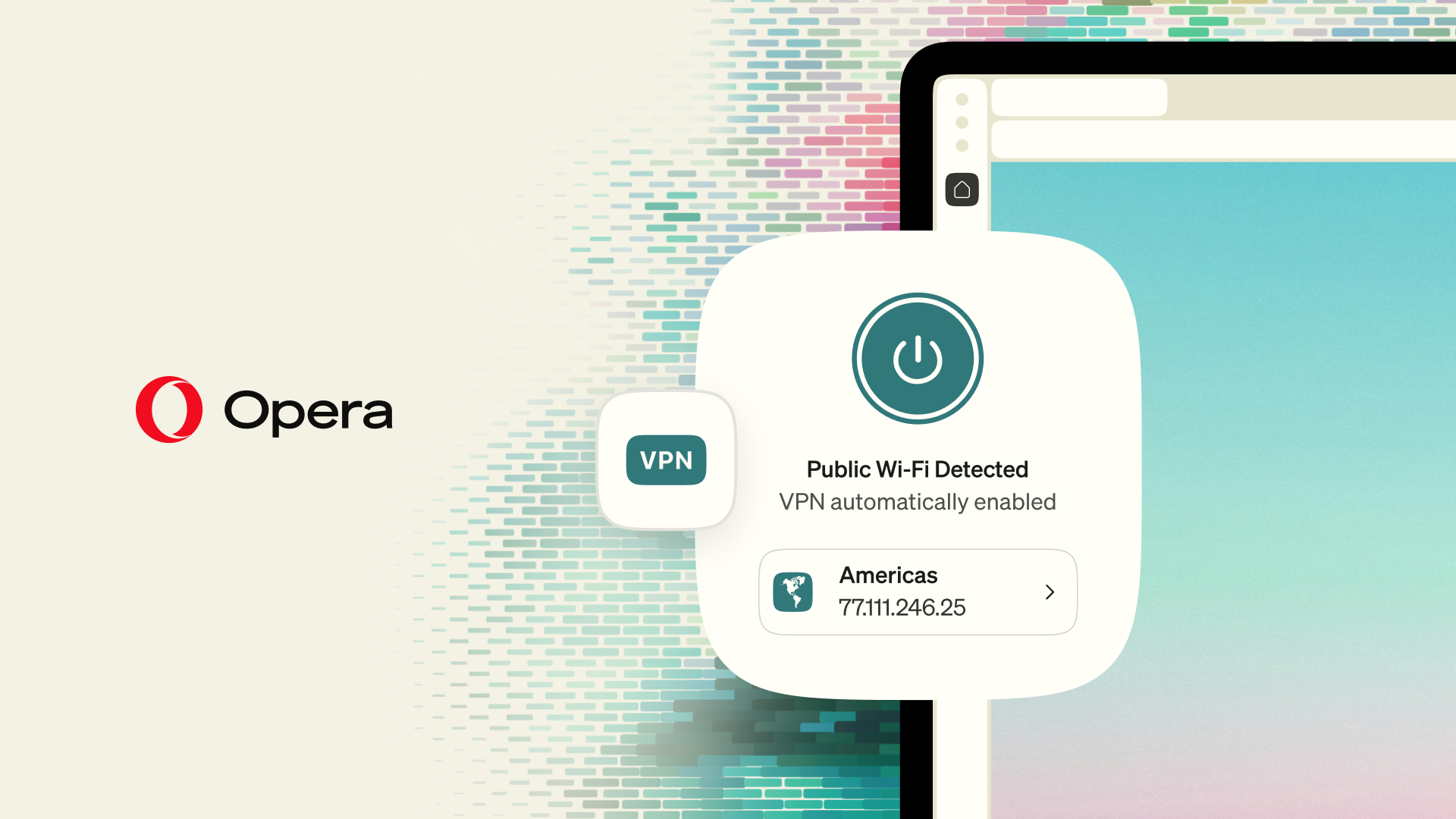
We’ve had a free VPN built into the browser since 2016. It doesn’t ask you for an account, it doesn’t have a bandwidth limit, and it doesn’t cost anything. We did it that way because we believe that you should be in control of the way you see and reach the web. After ten years, some browsers have integrated something similar, albeit in different ways.
Today we’re adding something to the Opera free VPN for desktop: it can automatically turn on when you connect to a public Wi-Fi network, once you’ve switched the setting on. Below we explain how that works, how we got here, and why a browser company gives away a free VPN in the first place.
Ten years on, still the only one
When it comes to a VPN, ours continues to be the only one built into our desktop and mobile browsers that’s free, has no bandwidth limit, requires no account to use, and has been independently audited. Chrome and Safari, the two most popular browsers, don’t even offer an integrated VPN at all, and pre-installed defaults such as Edge limit how much you can use them (as of writing this it’s capped at 5GB per month).
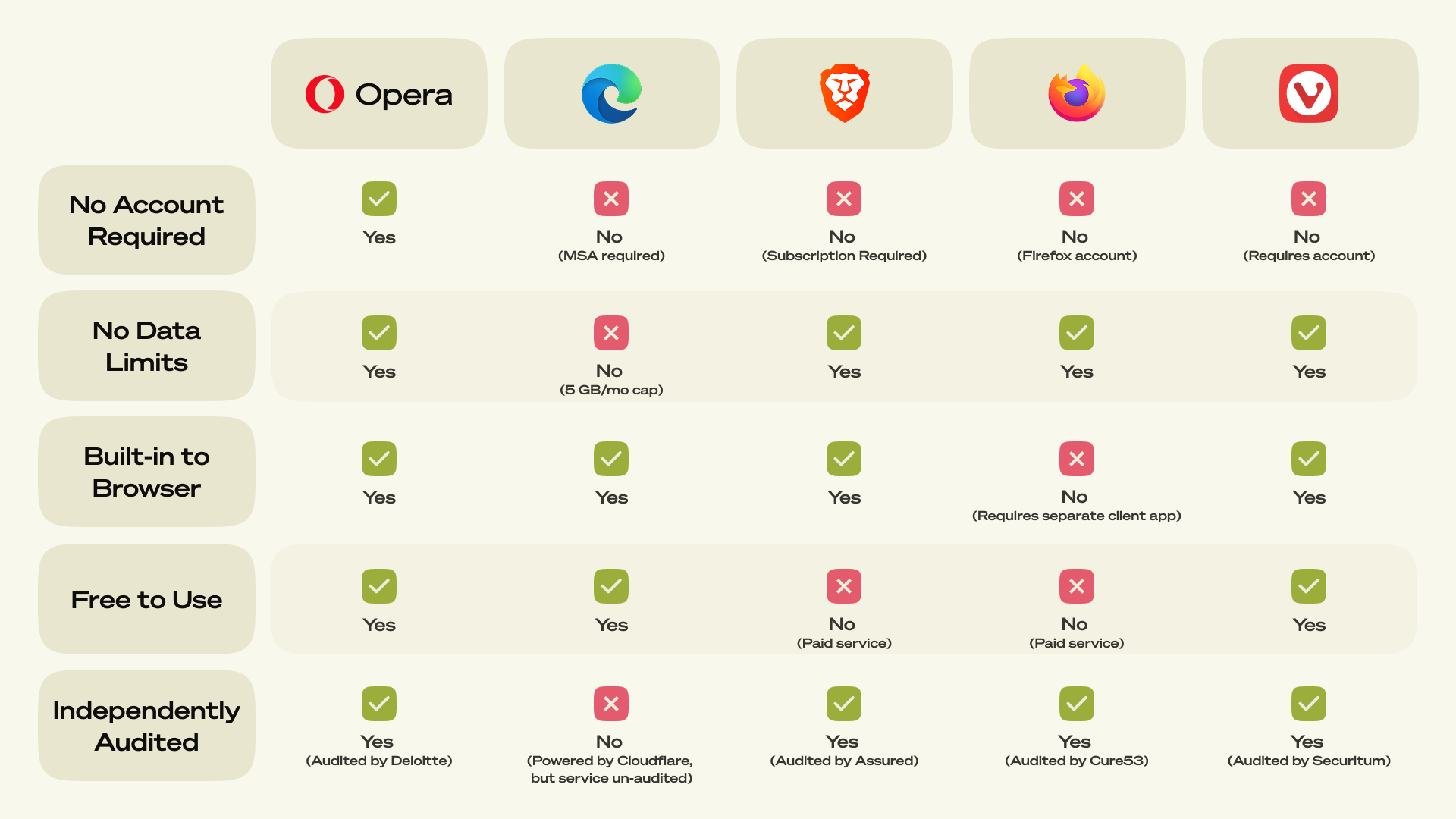
Comparison made on September 10, 2026.
No other browser matches these criteria. The combination of all these elements are what make the Opera free VPN unique, and that’s the point.
We keep improving our VPN
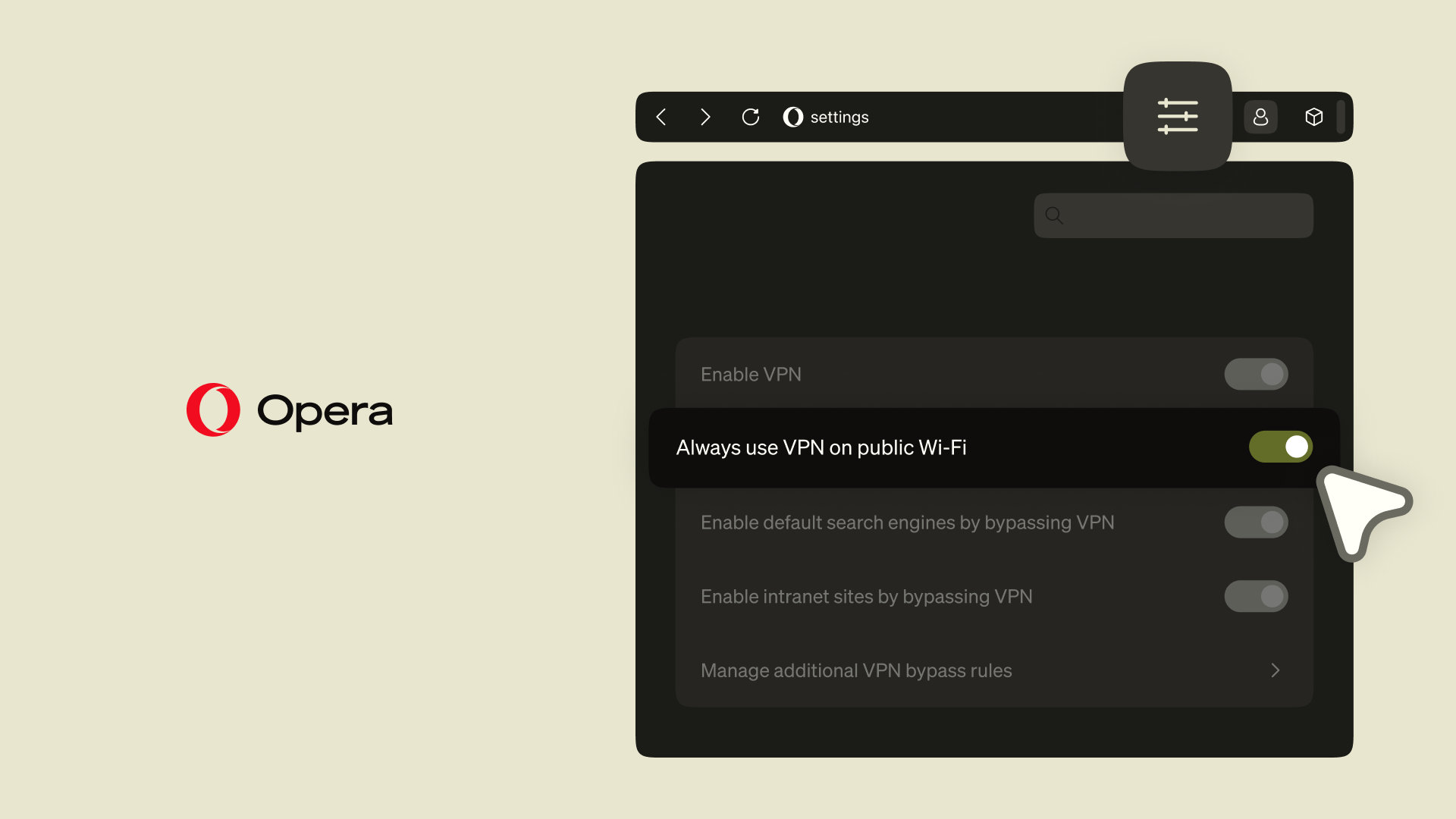
Even after ten years, we keep working on improving our VPN, and now we’re making it easier for you to protect your browsing on public Wi-Fi networks. The Opera free VPN can now detect when you’re on a public Wi-Fi and turn itself on, protecting all the traffic that goes through the browser. For this to happen you need to activate the functionality in the browser: Settings > VPN > Toggle on “Always use VPN on Public WiFi”.
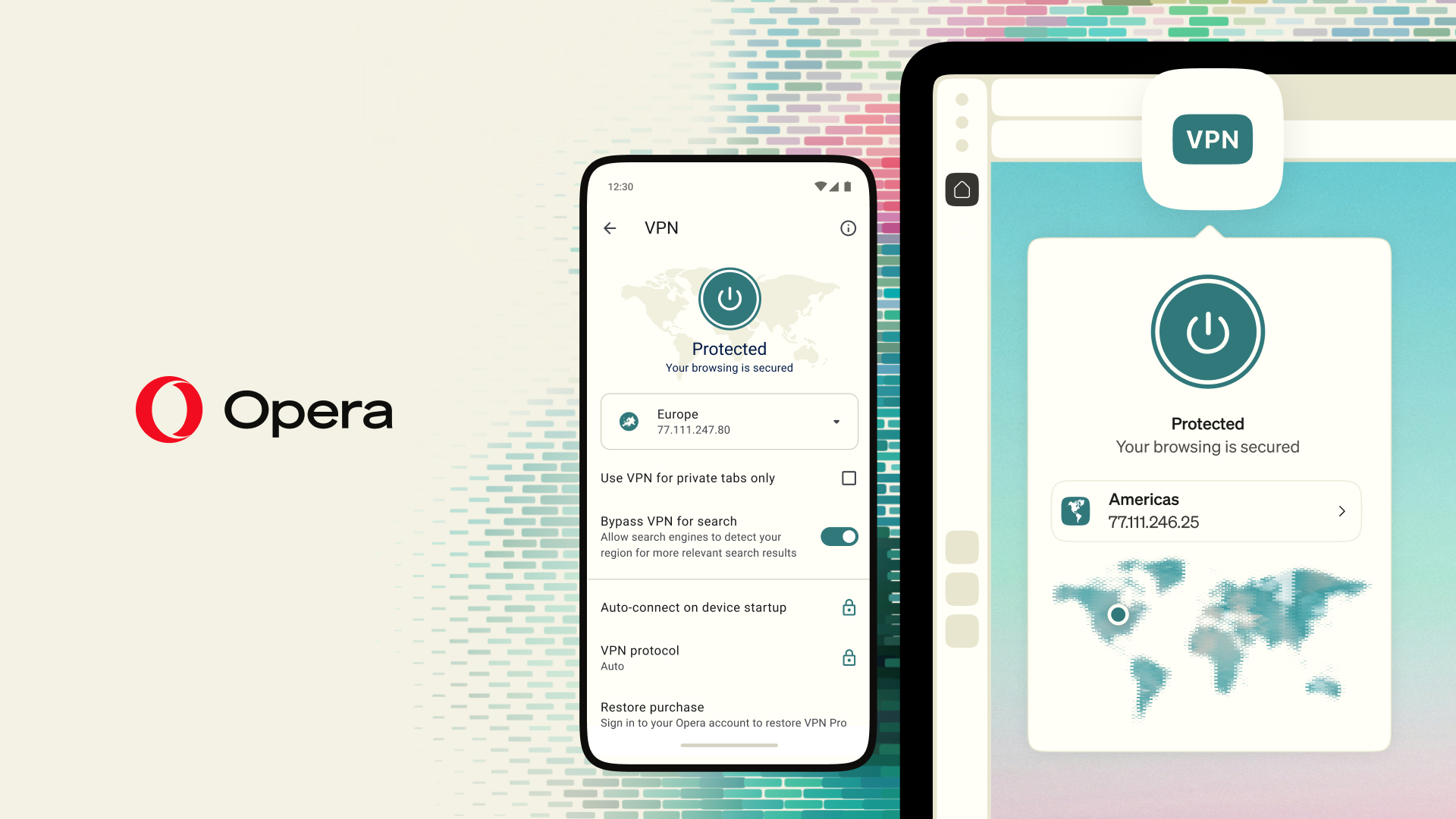
Public Wi-Fi networks often carry additional security risks and it’s always a good idea to use a VPN when you’re connected to them. But let’s be honest, it’s normal to forget to turn your VPN on when you’re coming from a long trip to an airport, or when you just want to work through the afternoon from a cafe – your mind is somewhere else and that’s okay, we got you.
We’re rolling this out initially in France and the US, with more regions to follow. You can read more on how it works here.
Our free VPN has been audited by third parties
Opera VPN is a no-log service which means it does not collect or store your browsing data. This has been independently verified through a third-party audit by Deloitte in 2024. So, when you connect to our free VPN servers in the US, Singapore or the Netherlands, you can be confident that we don’t collect any data about your activity in the browser, for any purpose. Separately, in 2022 Opera VPN’s security code was tested by Cure53, a Berlin-based cybersecurity firm, and published the results.
If you’ve got further questions about our privacy policy you can always refer to our Privacy Statement for more information.
Why our browser VPN is free
We get this question a lot, and the answer is simple: we consider the free browser VPN a part of a comprehensive privacy-enhancing package – together with other features like the built-in Ad Blocker and Tracker Blocker – that truly makes a difference for those who choose to use Opera, and gives them a reason to stick with our browser. We make our money elsewhere (here are some more details about that, if you’re wondering), so that we can provide stand-out features such as these without worrying about monetizing them.
Try the Opera free VPN
Download Opera and turn on the free VPN. No account needed, no limits, no cost.
You can read the full changelog for this update here.

User comments
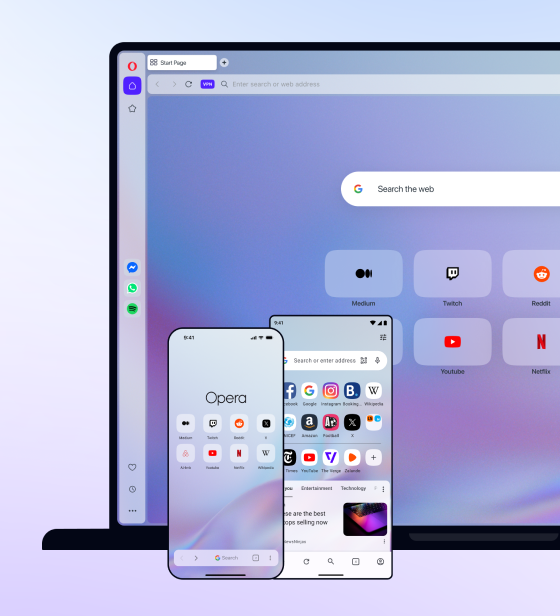
You deserve abetter browser
Faster, safer and smarter than default browsers. Fully-featured for privacy, security, and so much more.

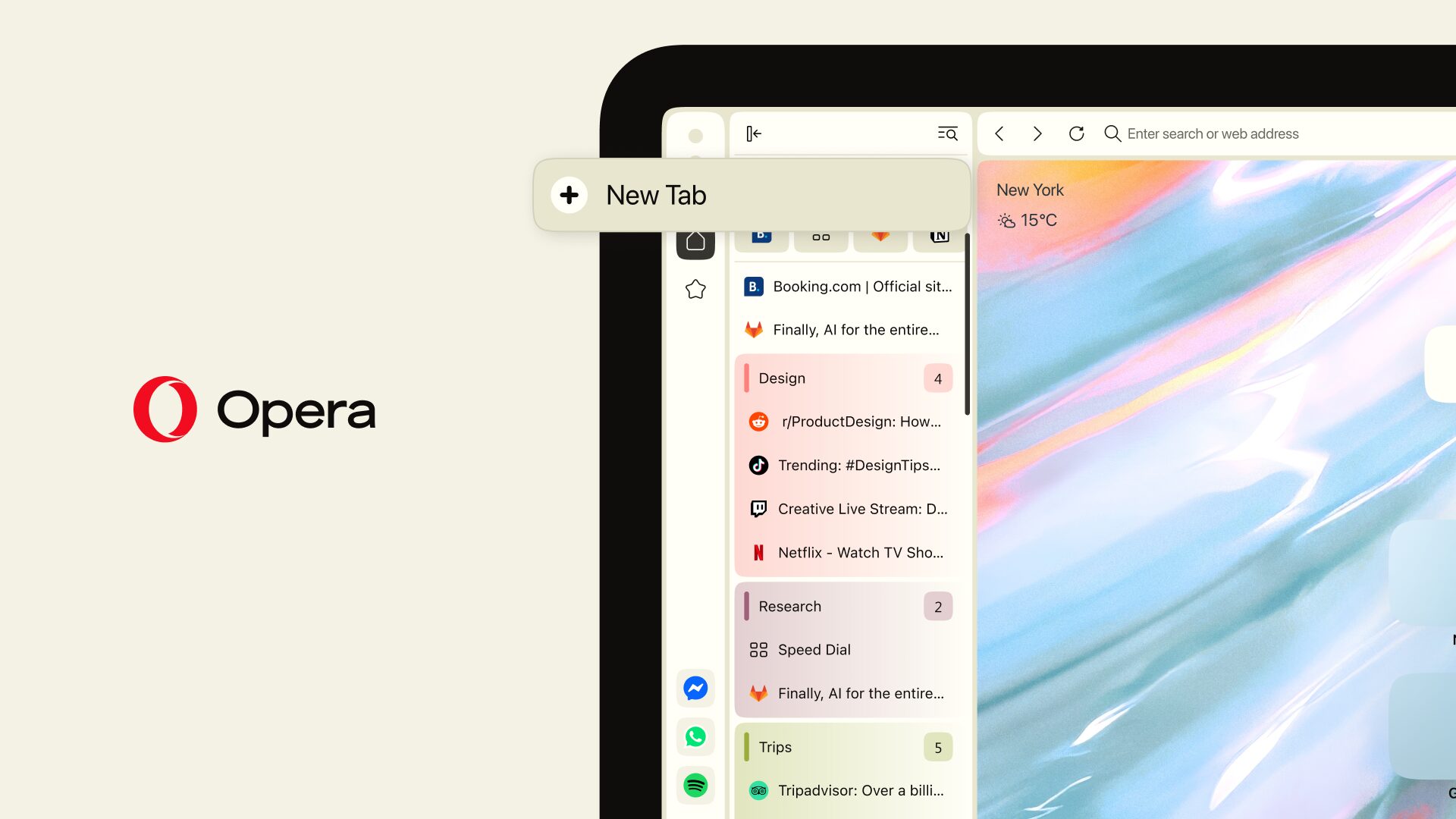



You deserve a better browser
Opera's free VPN, Ad blocker, and Flow file sharing. Just a few of the must-have features built into Opera for faster, smoother and distraction-free browsing designed to improve your online experience.