
Opera for Android just turned 100!
Share


Hello everyone,
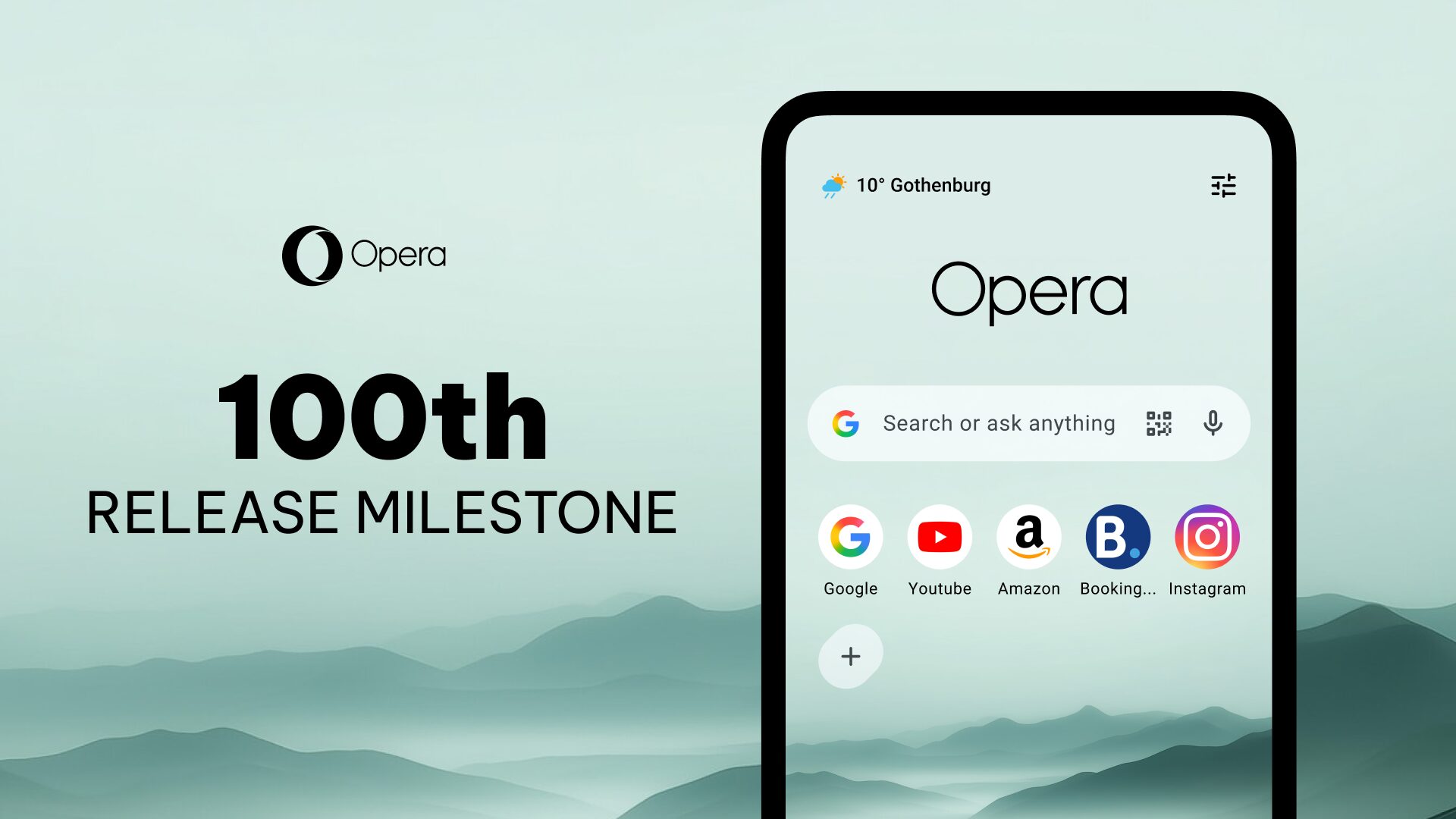
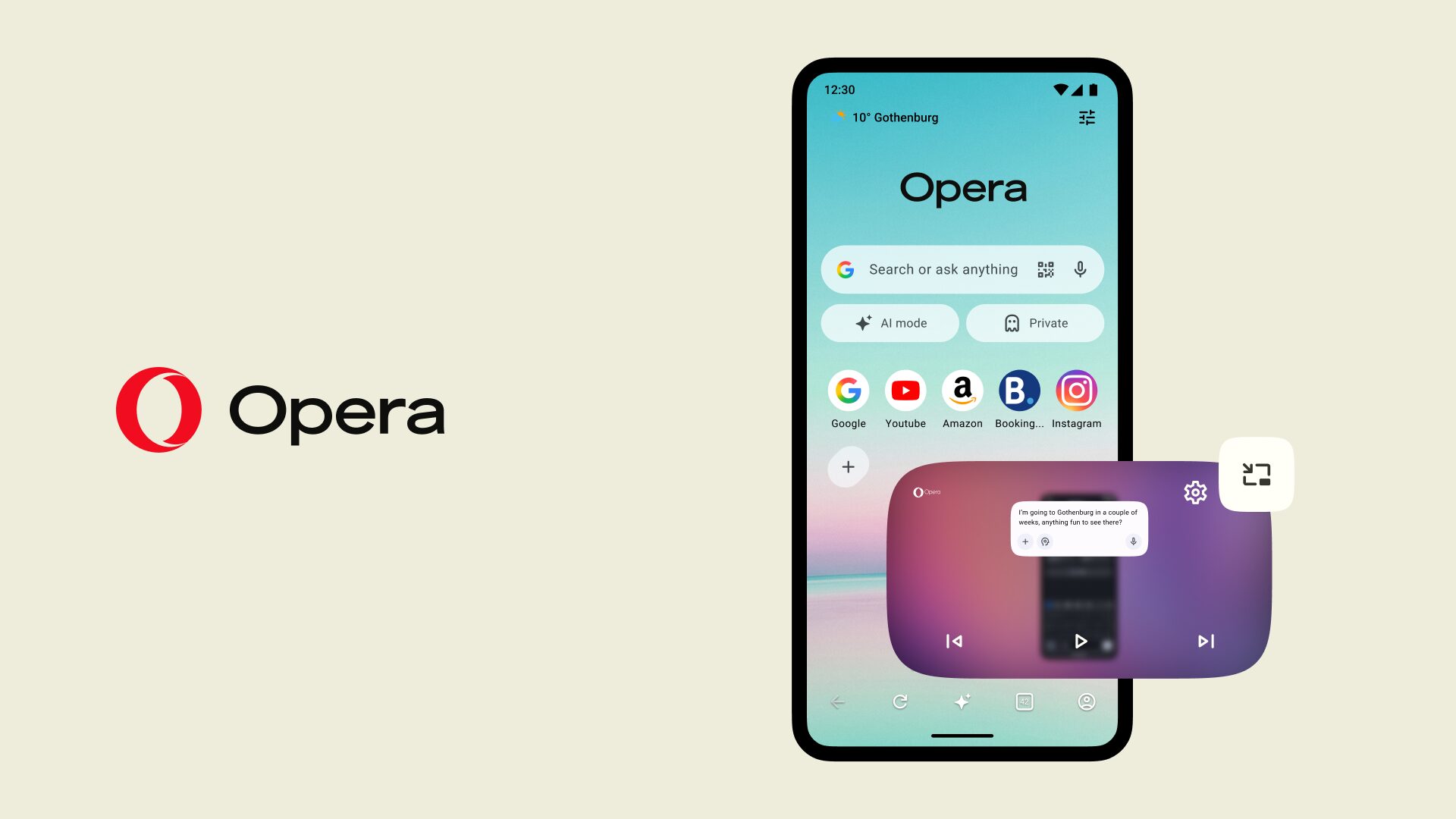
Opera for Android is rolling out version 100, and we couldn’t let that milestone pass without celebrating it with you. So say hello to Jump, a little offline game built just for this release.
Meet Jump
Jump lives right at the top of your start page, ready whenever you fancy a break. And the next time you are stuck without a signal, you’ll find it waiting on the error page too, so a dead signal doesn’t have to mean a dead end. Happy jumping!
The rest of what’s new
Version 100 carries a few other upgrades worth a mention.
- Chromium 149 under the hood
- Page zoom, replacing the old “text size” setting, for sharper control over how pages look
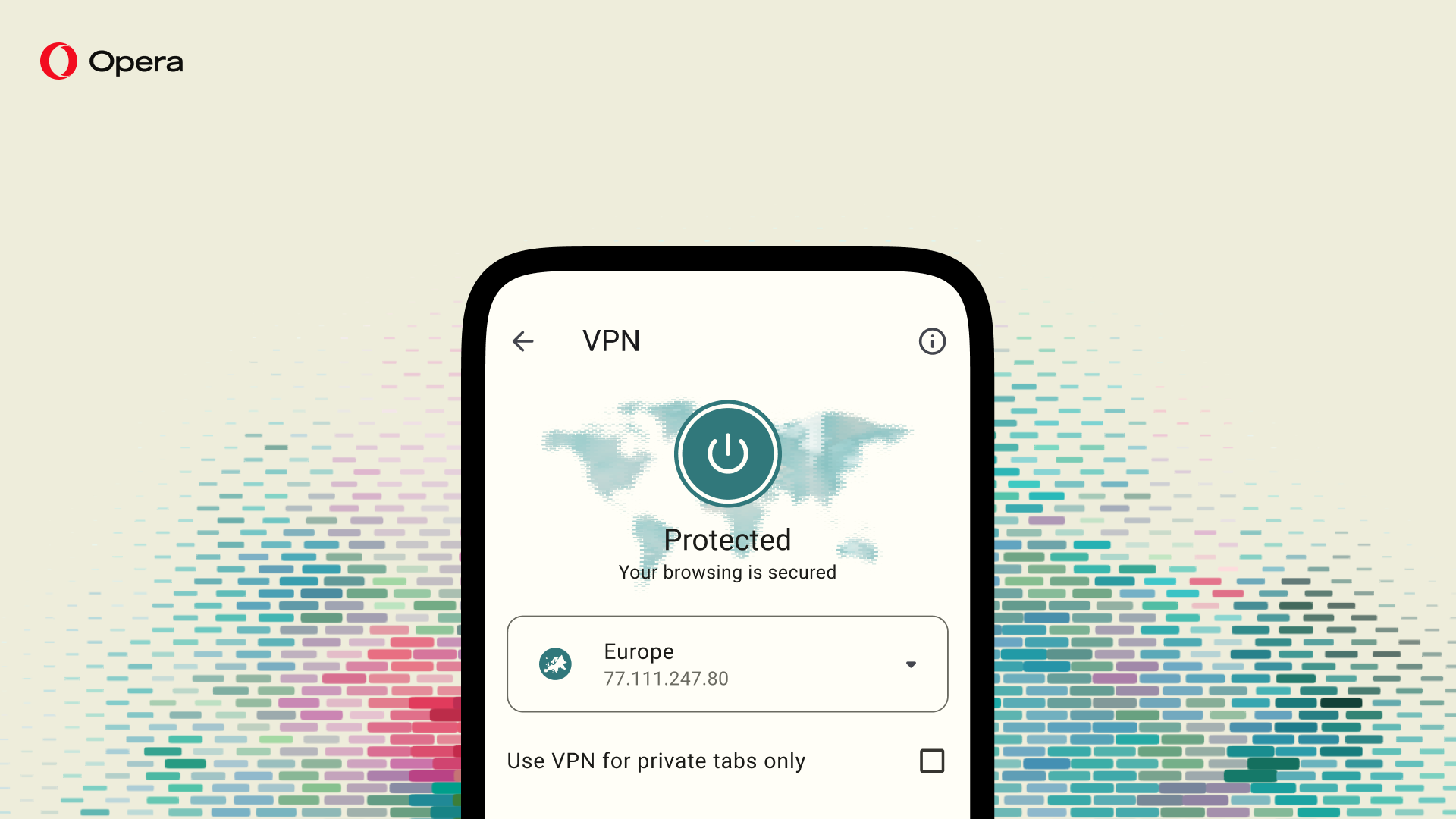
- The option to switch back from VPN Pro to our free VPN, no strings attached
- A dedicated search field on the start page for larger devices
- More Live Scores upgrades
With this release, Opera for Android reaches a milestone defined less by the number itself and more by the years of continuous work it took to get there. Across AI, privacy, productivity and content discovery, we’ve kept building on each front. And we hope this gives you more reasons to choose Opera every day.
One hundred versions in the making
Opera for Android has been finding its footing on phones since 2013, back when we made the jump from our old Presto engine to Chromium. If you go all the way back to version 14, you’d barely recognize the app. That’s the release that introduced Off-Road mode (our early take on data savings), brought in Discover as a brand new news feed, and briefly removed bookmarks in favor of Speed Dial, a decision reversed within versions after users made it very clear bookmarks weren’t going anywhere. Users made it clear bookmarks weren’t going anywhere, and we listened. Some lessons you only learn once.
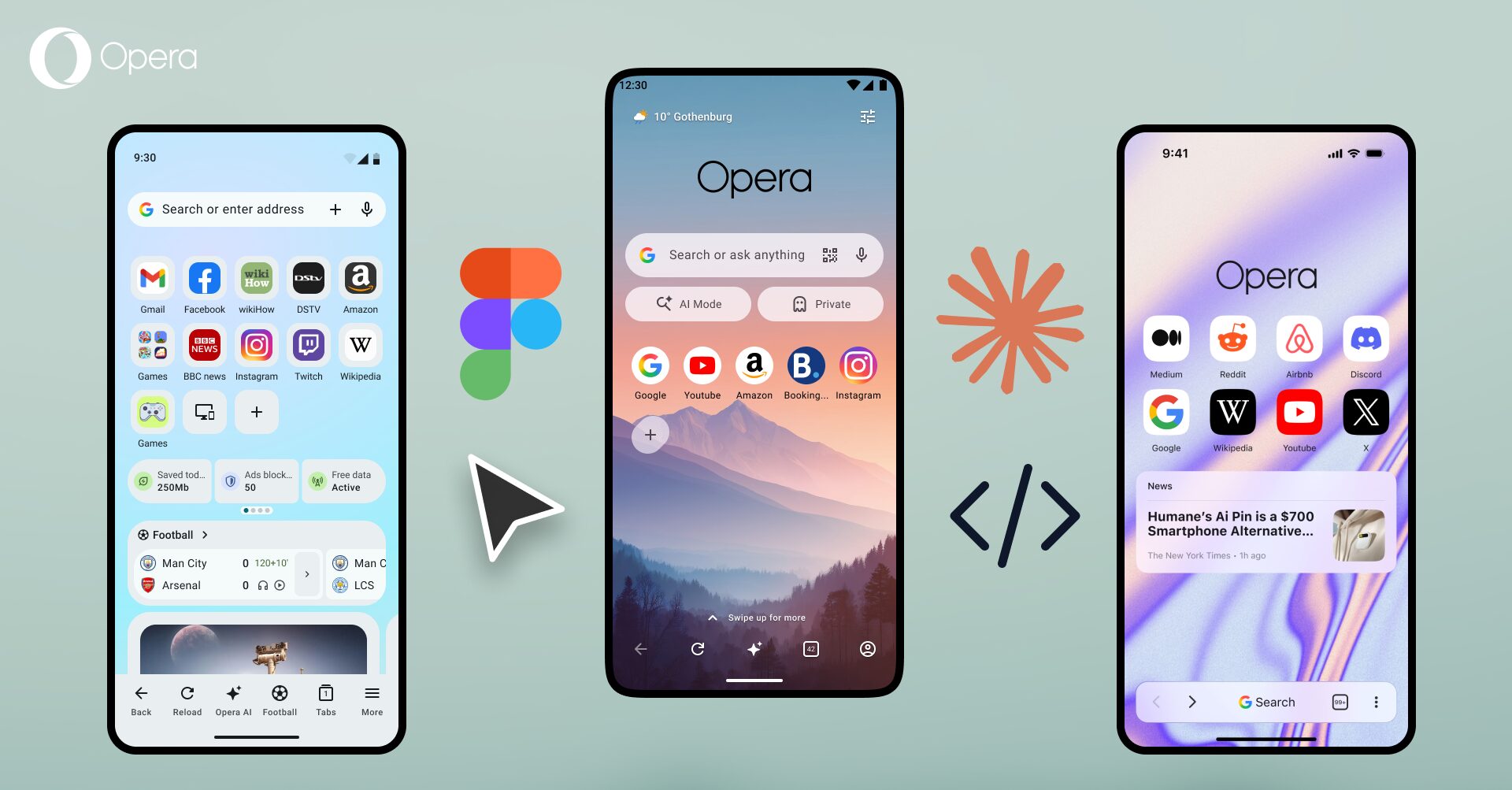
From there it’s been one release stacked on the next. Version 76 introduced Aria, our native browser AI, to Android for the first time. Version 90 gave VPN Pro a refresh with more locations and faster speeds, alongside emoji powered bookmark folders, a small feature that turned out to be a bigger hit than expected. Version 94 brought Free VPN Pro to everyone, no subscription needed. Version 95 introduced Think Deeper, giving our AI room to actually reason through a tricky question instead of rushing an answer. And version 97 rebuilt the start page from the ground up, adding a weather widget along the way.
Through all of that, a handful of features have stayed constant, the ones you keep telling us you can’t do without.
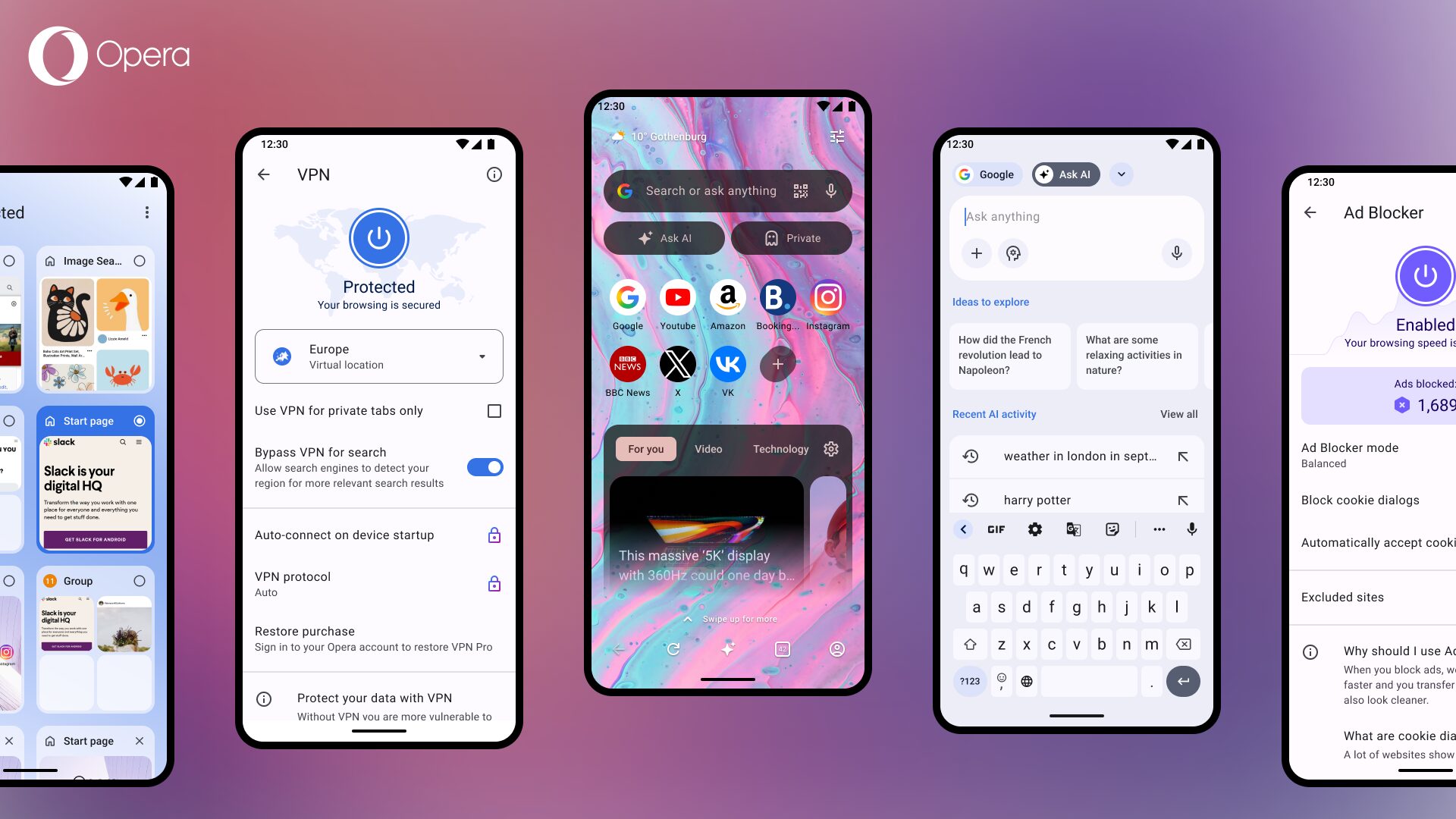
- A free, unlimited VPN with no subscription or data cap
- A native ad blocker that cuts load times and clears out clutter, no extensions required
- Tabs, bookmarks, and passwords syncing across desktop and mobile with no setup needed
- Tab management, including automatic grouping through Tab Islands and instant tab search, a feature we expanded earlier this year
That has been our philosophy – keep the fundamentals rock solid, then keep adding reasons to stick around.
Thank you for sticking around! Here’s to the next hundred.
Download Opera for Android.

Stefan Stjernelund
User comments
You deserve abetter browser
Faster, safer and smarter than default browsers. Fully-featured for privacy, security, and so much more.


You deserve a better browser
Opera's free VPN, Ad blocker, and Flow file sharing. Just a few of the must-have features built into Opera for faster, smoother and distraction-free browsing designed to improve your online experience.