
Opera upgrades the AI experience for its Android users
Share


Today we’re bringing an update to Opera for Android that improves the user experience and allows you to use websites as well as images as context for your AI queries. Opera for Android’s AI capabilities are now becoming closer to those of our flagship browser for desktop, Opera One, providing a more consistent experience across devices.
So today we’ll be talking about the following things that we’re introducing to Opera for Android:
- New access point to Ask AI in the search box: you can switch easily between search engines and AI.
- You can now attach files in the new search bar for the AI to analyze.
- You can use your current tab as context for your prompt when you Ask AI anything.
New access point to Ask AI
The first thing to highlight from this update is the new access point for all your AI queries in the browser: Ask AI. To access it you simply need to open the Opera browser on your Android device, tap on the search bar, and then select the Ask AI option to open the new search bar.
Now, when you tap in the search bar you can choose between traditional web search (with any of the search engines available) or the Ask AI option. With this new interface it’s much easier for you to switch between the traditional search and AI queries on the go.
Attach file in the new search bar
This new search bar also allows you to attach files that are stored on your Android device, or take a picture with your camera and attach it. Think, for example, of a document you need to translate – you can simply attach it as a pdf (or take a picture of it) and go to Ask AI to get it translated for you. And because it’s AI, you can keep asking questions about the document you just translated to better understand what it’s all about.
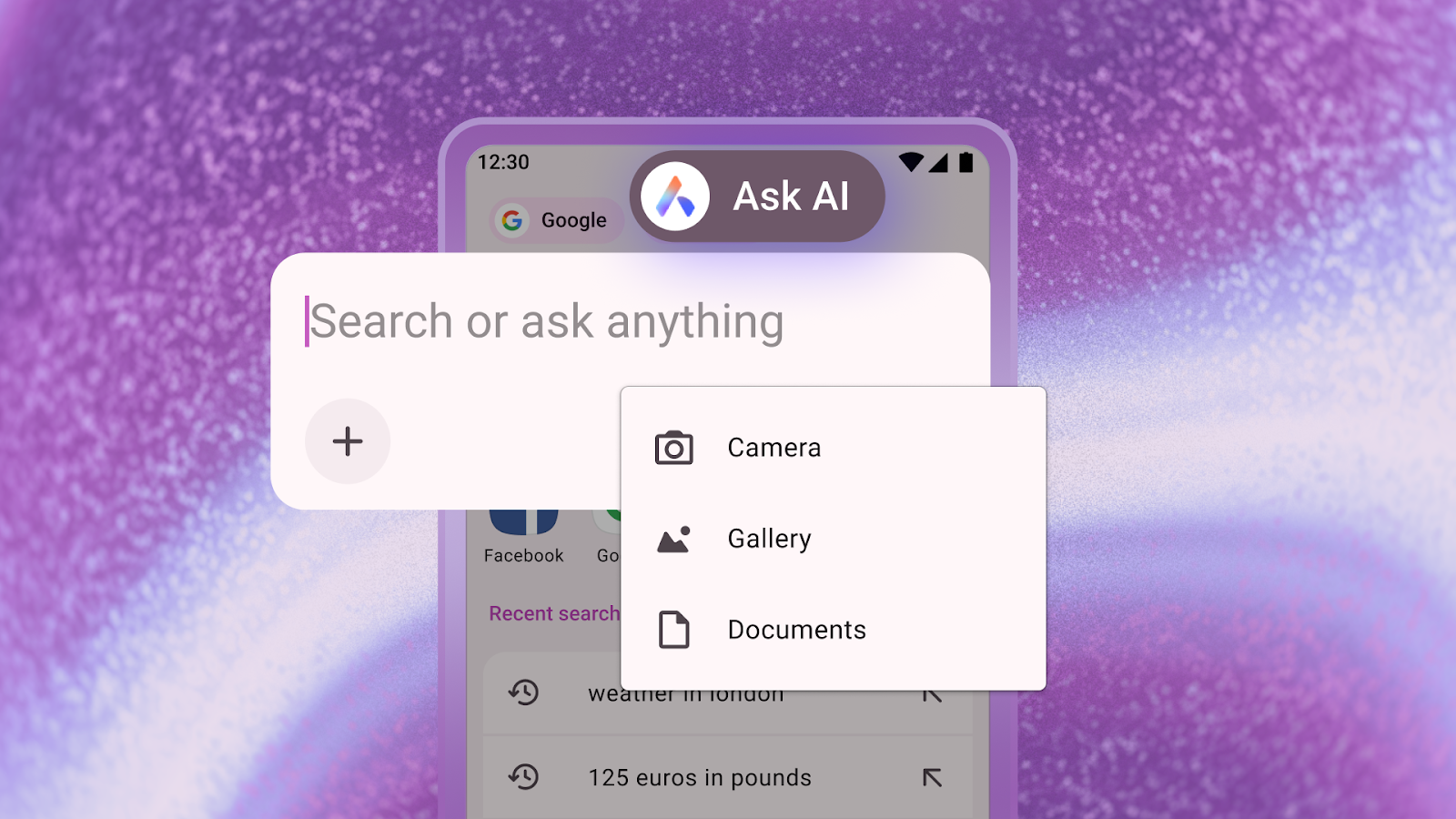
To attach files to the search bar you simply need to:
- Access the Ask AI interface.
- Tap on the “+” sign underneath the text input field.
- Once you’ve done that, you can choose to attach a document, an image, or take a picture with your device’s camera.
Use your current tab as context for the prompt
Let’s say you’re on your way back home and want to understand this complicated article about quantum computing and explain it to your family – a perfectly normal thing to do before dinner, right? Well in this kind of scenario (or any similar ones) you can use your Opera browser for Android and Ask AI to find a fun and easy way to explain the topic without having to explain everything to the AI. You can simply add the tab you’re reading from as context, and that’s it.
To use your current tab as context for the prompt you need to:
- While in any webpage, tap the three dots at the top right of the browser (to the right of the search bar).
- Select the “Ask AI” option.
- The search bar will appear and you’ll see that the webpage you were on has been attached to the chat and will be used as context for your prompt.
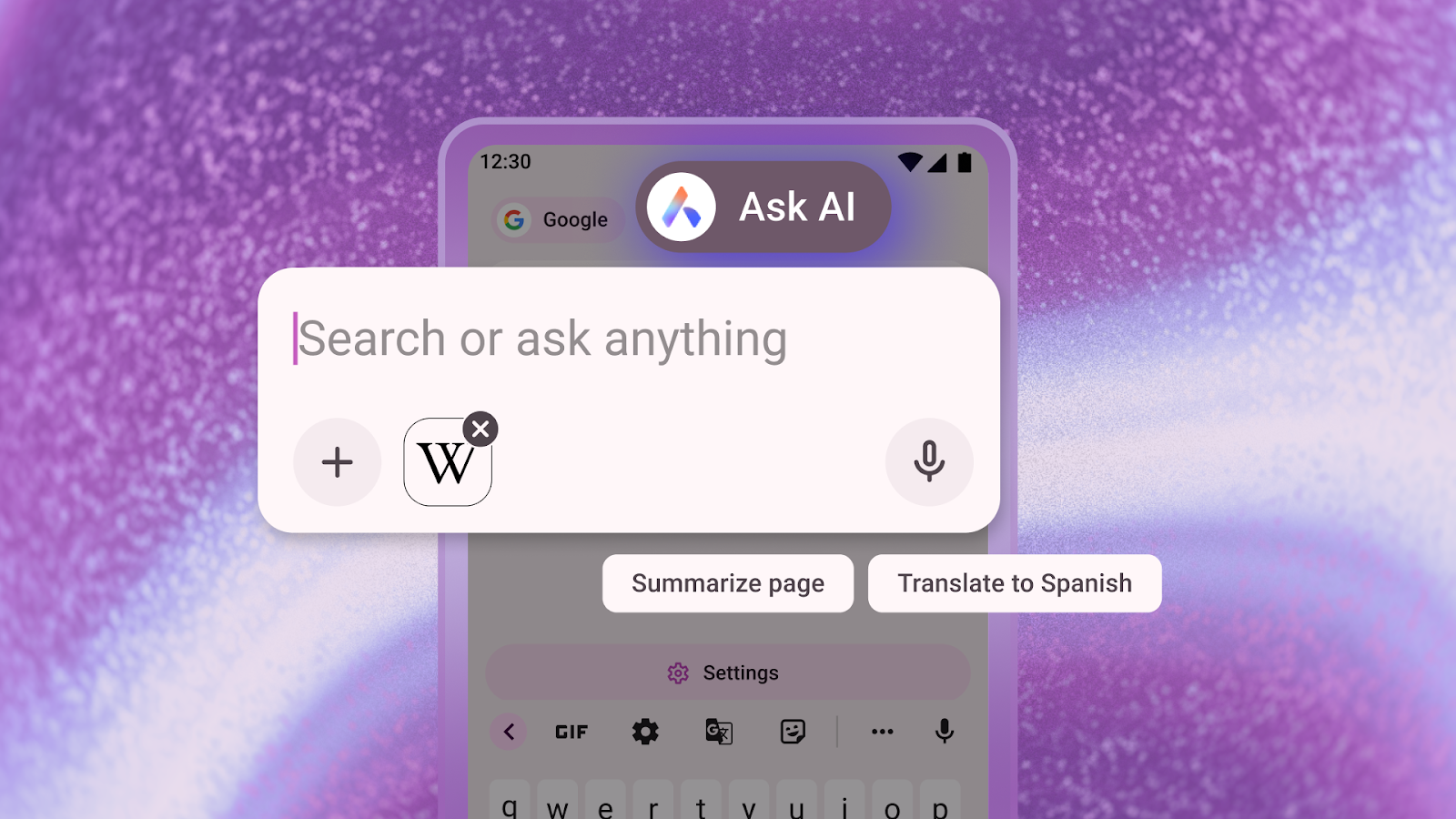
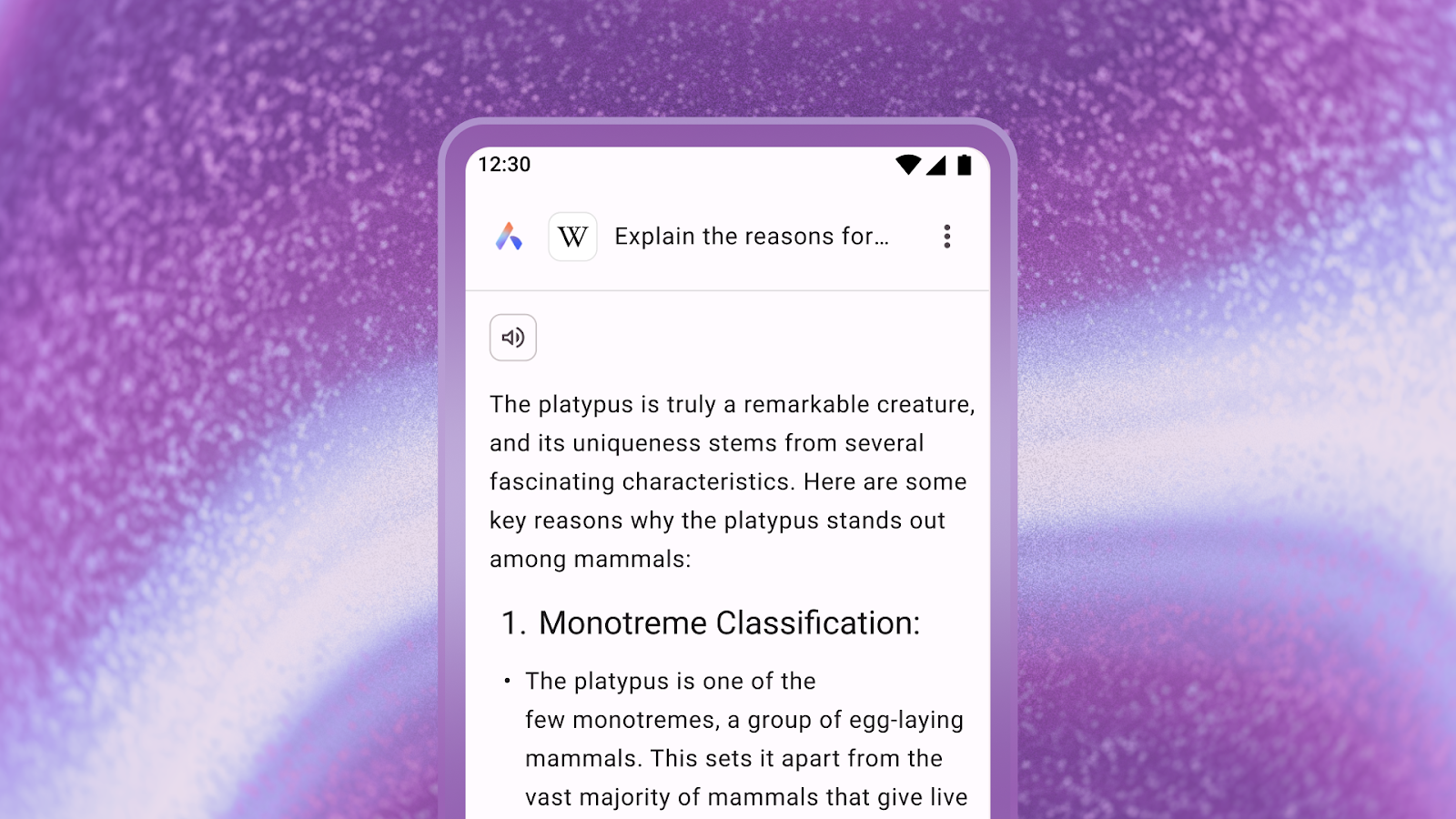
Once you’ve done that you simply need to type in your prompt and continue asking follow-up questions about the webpage you used and the topic it is about.
To protect your privacy, Opera AI only understands the context within the specific Tab you are using, and cannot access information outside it. Page context data will only be sent to the AI Engine when this is necessary to perform the task you requested. Opera AI does not send your browsing activity or history to our AI Engine.
Prompt and page context data is sent to Opera’s servers and to the AI model that is the most relevant to your desired task. This data is encrypted, so no one at Opera can read it. It is stored for up to 30 days, only to enable conversation continuity for tasks that you return to, and to enable faster processing. It is never used for AI training, advertising, or any other purpose. All such data is then deleted from the servers automatically after the 30-day mark.
Download Opera for Android
Download Opera on your Android device today and experience the most advanced browser AI for mobile.

User comments
Turn ideas into action
Chat, create, and get things done with Opera Neon, the AI-powered browser that researches, builds, and acts for you.




You deserve a better browser
Opera's free VPN, Ad blocker, and Flow file sharing. Just a few of the must-have features built into Opera for faster, smoother and distraction-free browsing designed to improve your online experience.