
100 versions in: A look back at Opera for Android
Share


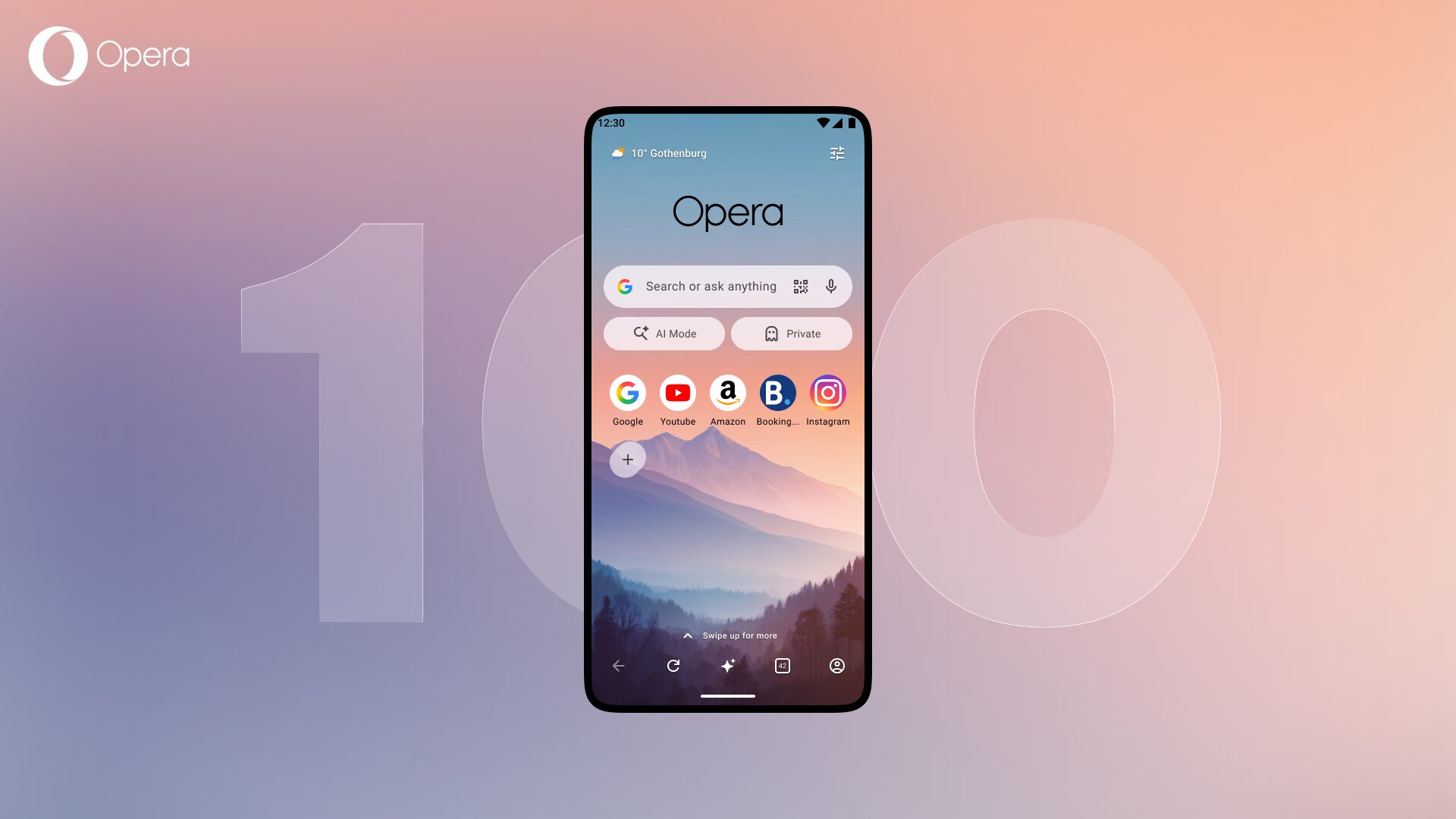
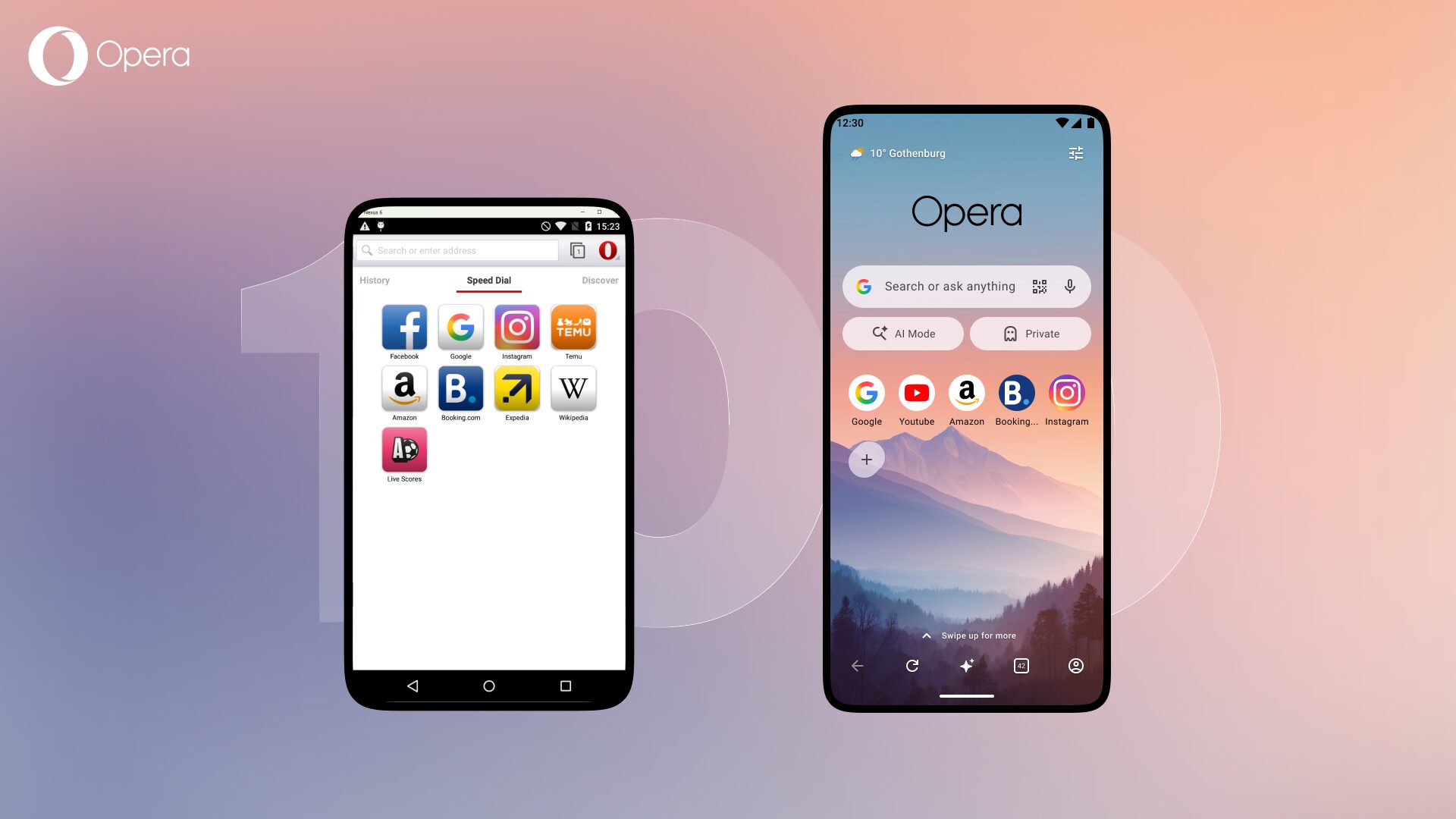
We just shipped Opera for Android version 100.
One hundred. That’s a hundred rounds of new features, redesigns, late-night bug fixes, bold experiments, a few things we quietly walked back, and a lot of things you now use every day without thinking twice.
To celebrate, we’re doing an OFA Rewind, a scroll back through the versions that got us here. Grab a coffee. This is the story of how a browser grew up.
Where it all began: one little red “O” (2010–2013)
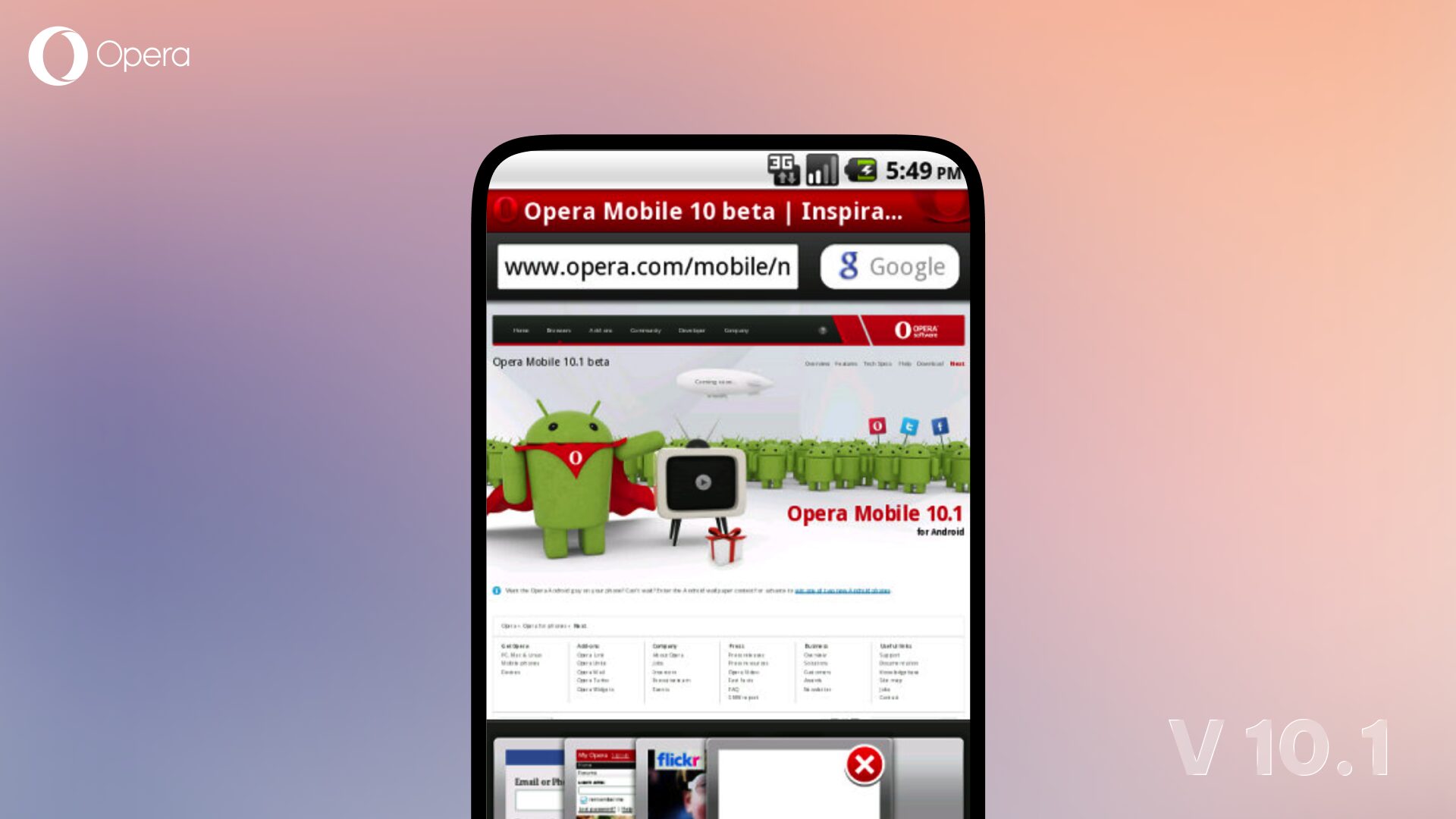
Long before there was an “Opera for Android,” there was Opera Mobile. The very first Opera browser landed on Android phones back in 2010 with Opera Mobile 10.1 powered by Opera’s own Presto rendering engine, running on hardware that would make today’s phones look like supercomputers.
Around the same era, its little sibling Opera Mini was quietly becoming one of the most-loved browsers on the planet. Built to be tiny and lightning-fast, Mini used a clever client-server trick to compress the web so it could load on almost any phone, on almost any connection. Fun fact: internally, Opera Mini was first nicknamed “Operette.”
Opera 14: the reboot that changed everything (2013)
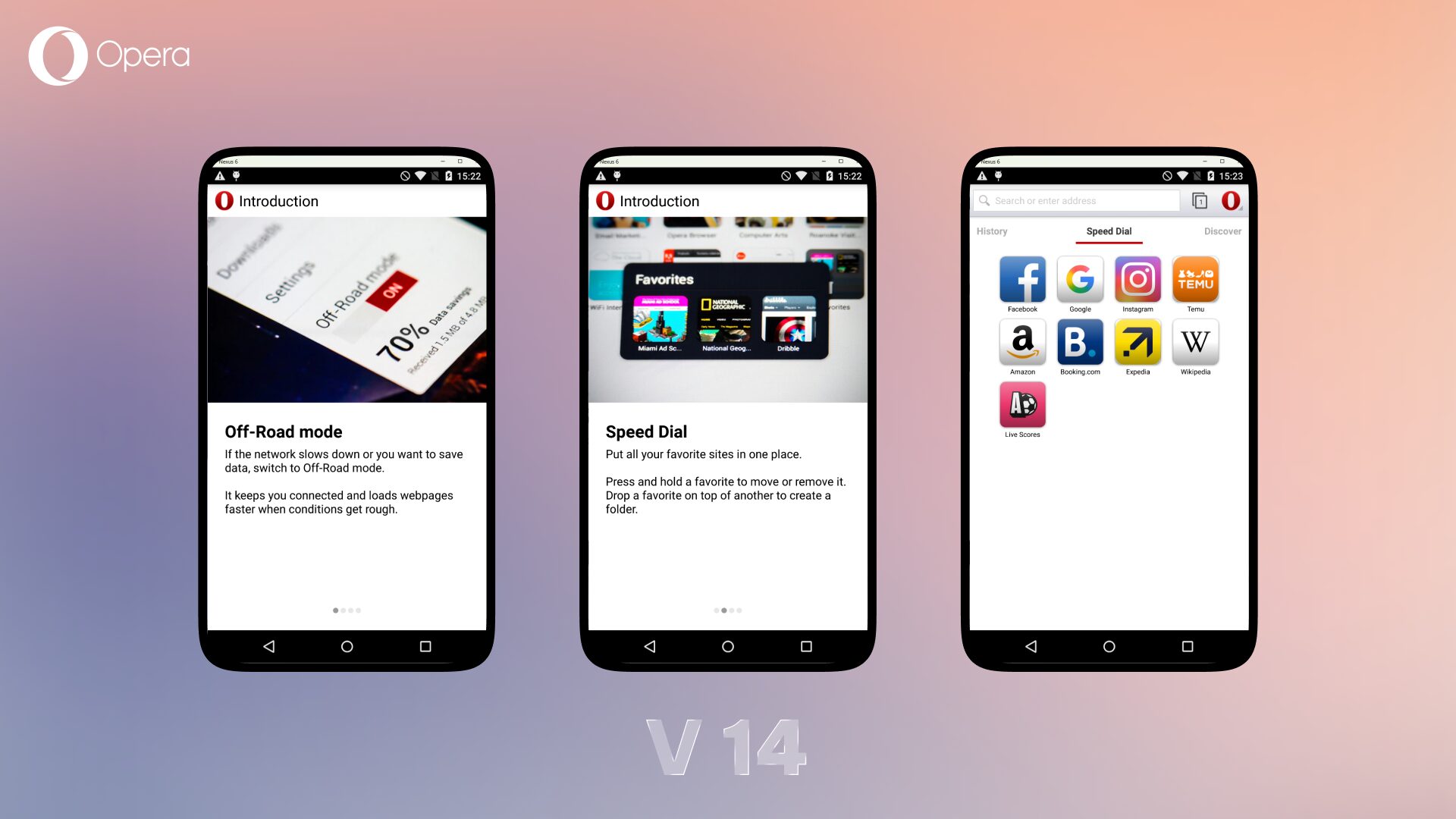
Then came the reinvention. In 2013, Opera made a huge bet: rebuild the browser on Chromium (the same open-source engine that powers much of the modern web), merge the best of Opera Mobile and Opera Mini, and give it a fresh native look. The result was Opera 14 — the first true “Opera for Android.”
A couple of things you might not know about that jump:
- We skipped version 13. Considered a bit unlucky. So we went straight from 12 to 14.
- The “Mobile Classic” moment. The redesign was bold, and our longtime users had big feelings about the new white interface. They loved the old look so much that we brought back the classic black UI as a separate “Mobile Classic” app and it shot straight up the charts. Lesson learned: never underestimate how attached people get to a browser they love.
- The bookmarks rebellion. Early on, we thought Speed Dials could replace bookmarks entirely. Users disagreed loudly and bookmarks came right back. They’ve stayed ever since.
The years we sweated the small stuff (2017–2021)
With the foundation set, the next few years were about making the everyday browsing experience genuinely great.
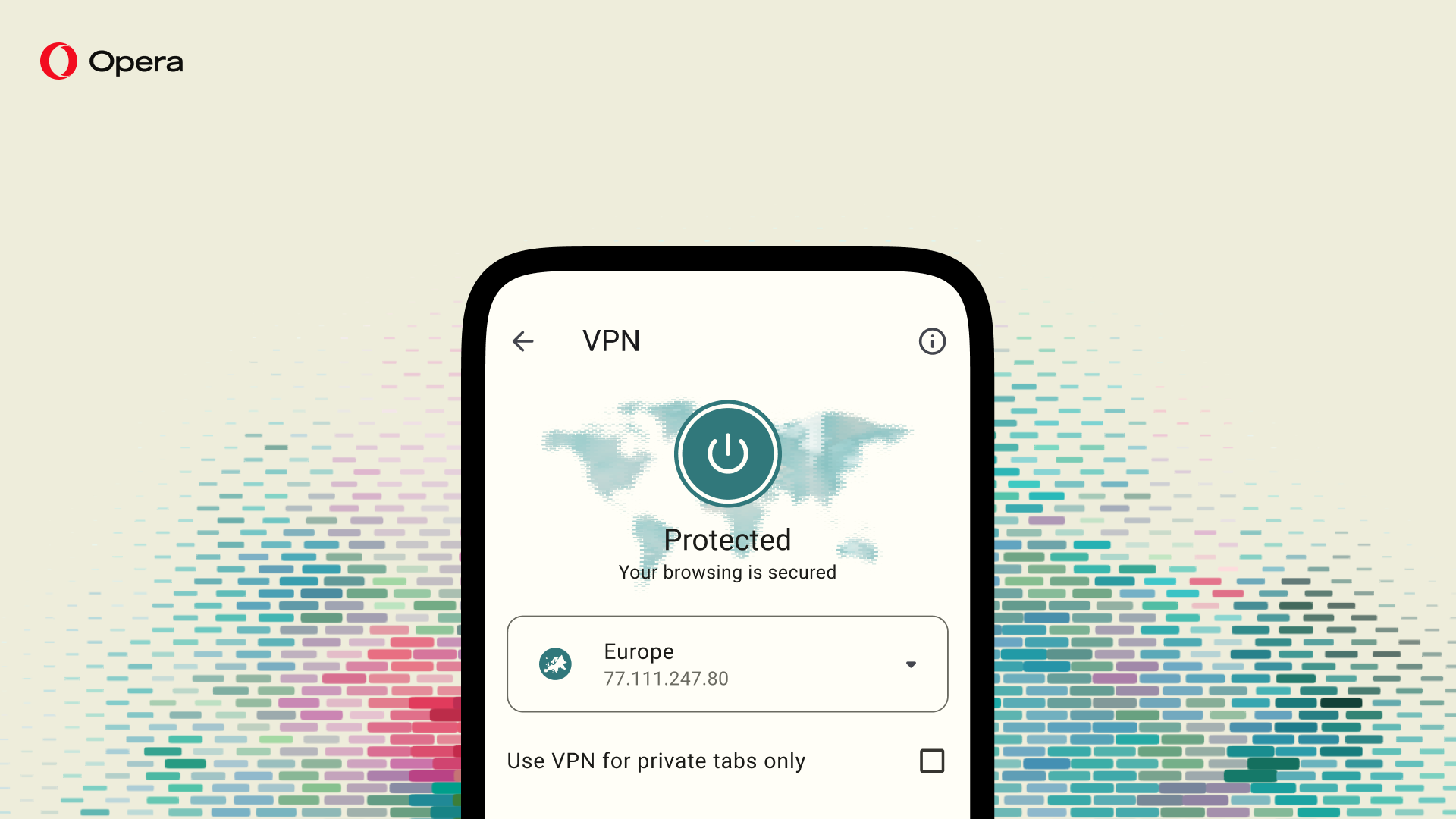
- Opera launched a free built-in VPN, users can enjoy a free and no-log service that enhances online privacy and improves security (v51)
- Data savings got smarter, with a badge right in the address bar so you could see exactly how much you were saving (v57).
- Speed Dials were redesigned with folders and cleaner grouping (v58).
- Sync, Flow, and QR sync made it effortless to move between your phone and desktop (v60).
- A built-in media player, WebSnap, and a start-page QR scanner arrived in v61.
- Opera even became the world’s first alternative browser optimized for Chromebooks (v64).
And in Q4 2020, Opera for Android crossed 80 million monthly active users. A milestone that said, out loud, that a lot of people had made Opera their browser.
Your privacy, your wallet, your rules (2022)
2022 was the year the browser got serious about protection and ownership.
- Tracker blocking, a privacy dashboard, and a security shield put you in control of who follows you around the web (v67).
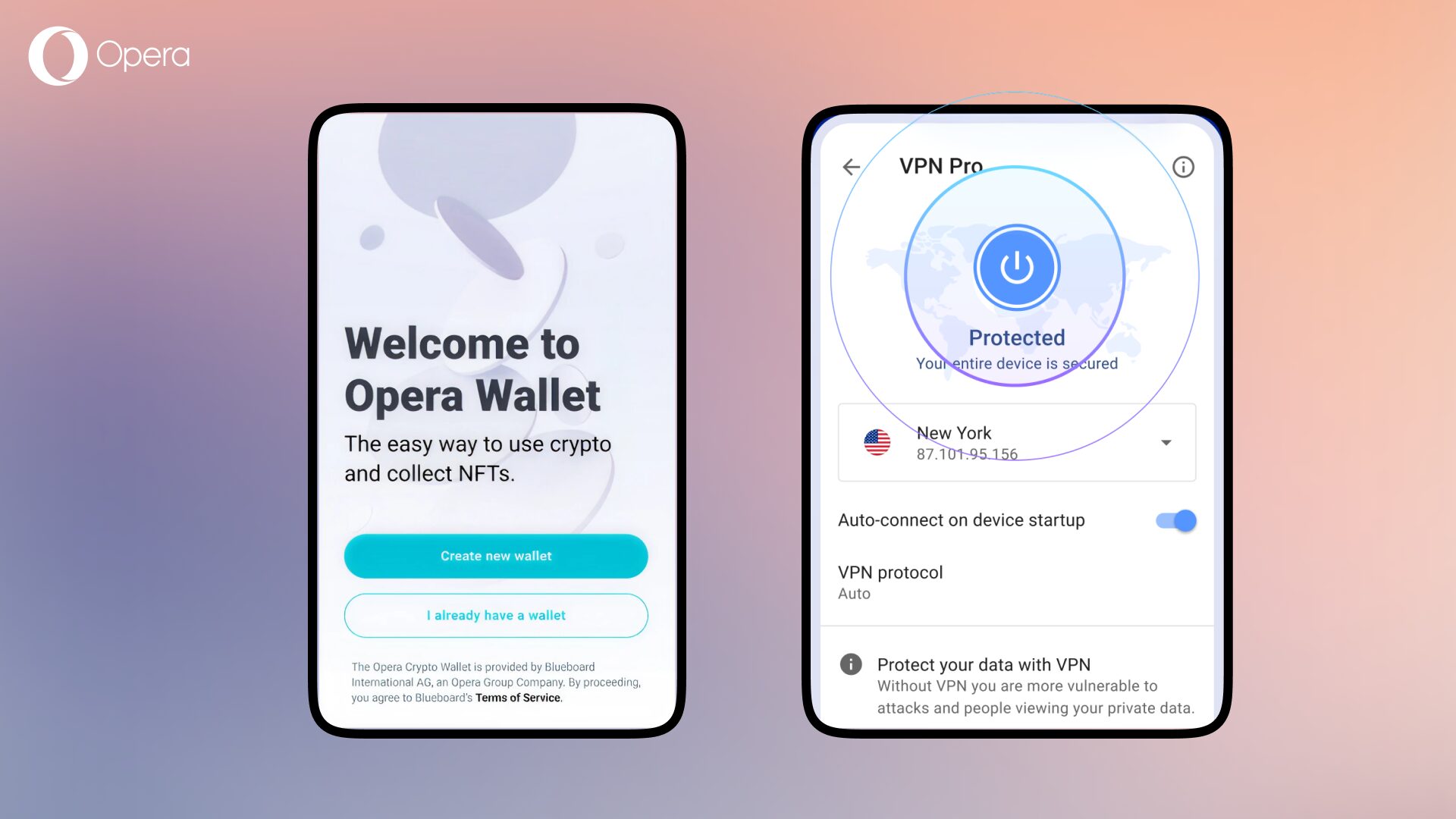
- VPN Pro arrived: a device-wide VPN built right into the app, designed to keep your connection private and secure without a separate download or a second subscription (v69).
- The built-in Crypto Wallet expanded to support multiple blockchains, for the users building their lives on-chain (v68–v70).
Making Opera yours (2022–2023)
Then came personality. Lots of it.
- Custom wallpapers let you make the browser feel like yours (v71–v72).
- The address bar moved to the bottom, easier to reach on ever-taller phones (v73).
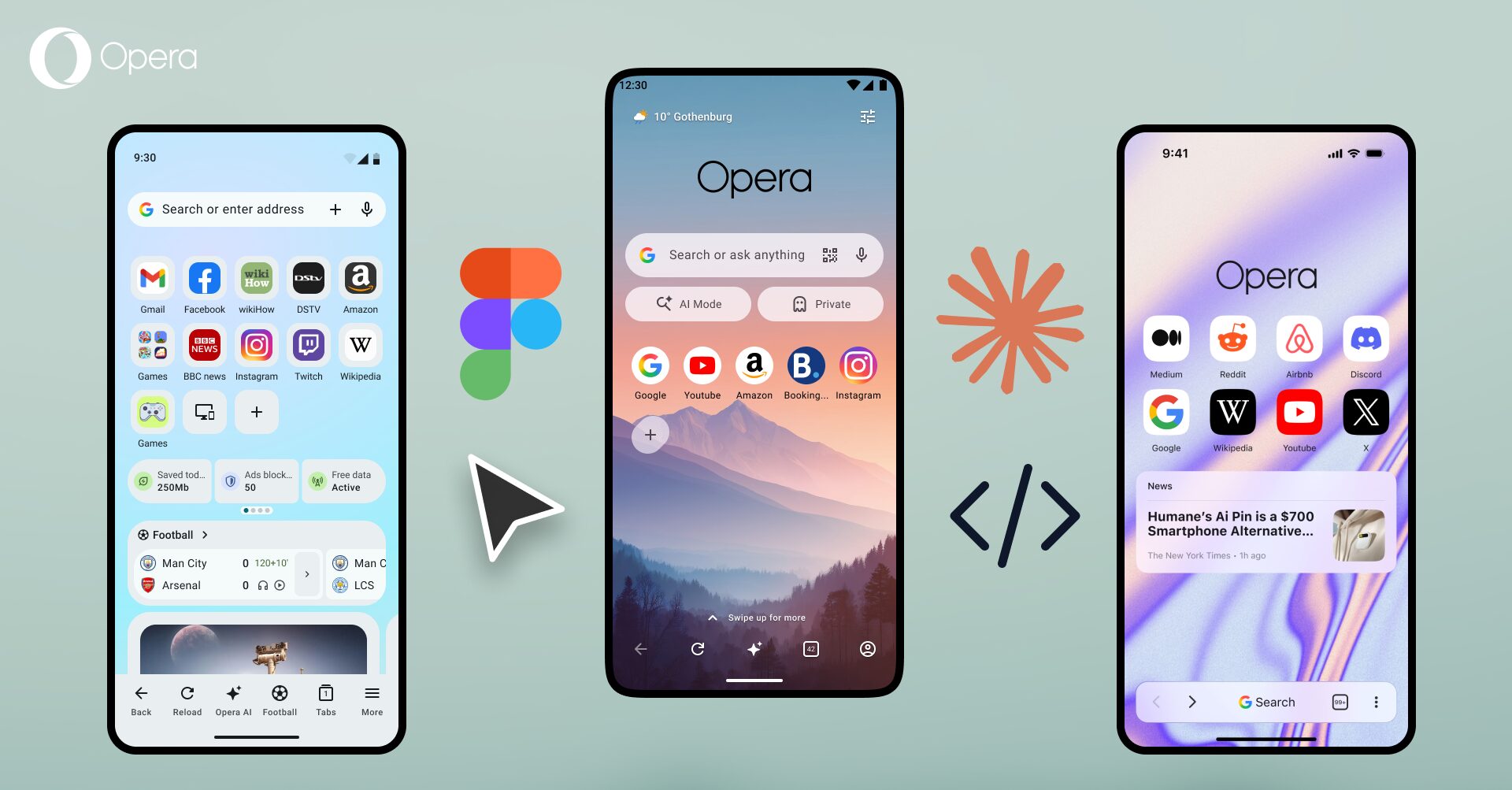
- Material Design 3 brought a cleaner, more modern look (v75), followed by an Opera One-inspired design theme (v77).
- Live scores landed for the football fans (v72), and kept getting better every season.
And then it learned to think: AI era (2023 → today)
And then everything changed again.
- In 2023, we introduced Aria, Opera’s own integrated browser AI, right where you browse (v75–v76). No extra app, no hoops.
- Aria learned to generate images (v83), understand images you show it, and run no-log for privacy (v85).
- Tab management got a complete overhaul with the new tab gallery, one of the most complete tab systems on any mobile browser (v89).
- VPN Pro was revamped with 45+ locations (v90), and later, a free VPN Pro built into the browser for everyone (v94).
- We launched a loyalty program to reward you for browsing (v92), a weather widget and a redesigned start page (v97), page zoom and football live scores onboarding (v98).
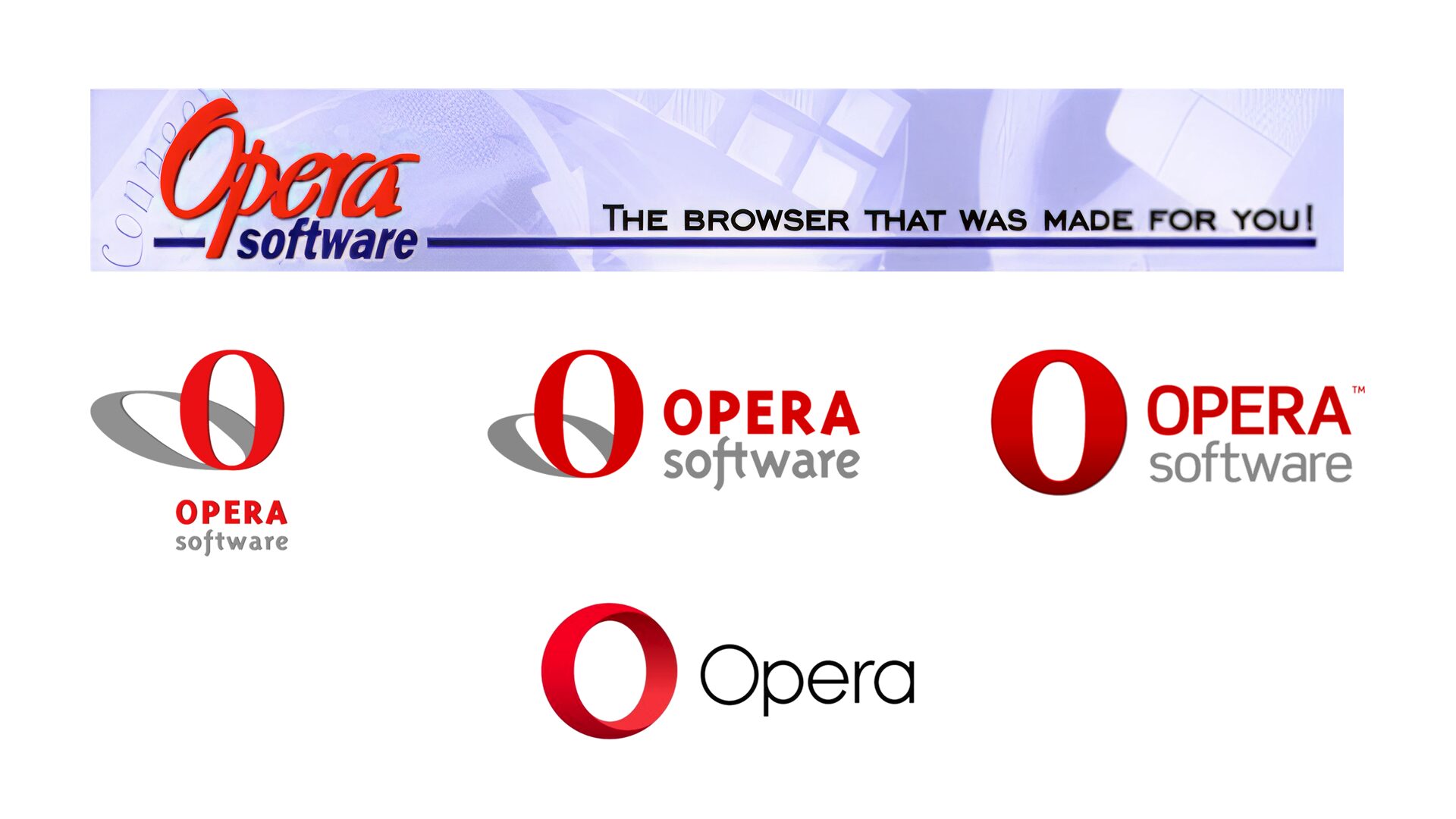
Even the “O” got a glow-up
It’s not just the features that evolved — our whole look did too. Opera’s iconic red “O” has been quietly refined again and again over the years, from its earliest scribbled form in the ’90s to the bold, confident circle you tap to open the browser today. The version you know now has been with us since 2015 — but it’s had plenty of past lives.
V100 and counting
From a compression trick that fit the web onto a feature phone… to an AI that generates images and a VPN that travels in your pocket — that’s a hundred versions of trying to make the web faster, more private, and more yours.
The wild part? We’re just getting started. Here’s to the next hundred. 🎉
Haven’t explored everything Opera for Android can do? Open your browser, tap the menu, and go discover the features you didn’t know were already there — the built-in VPN, AI, tab gallery, and the loyalty rewards waiting on your start page.
Thank you for browsing with us through all 100 of them!

Stefan Stjernelund
User comments
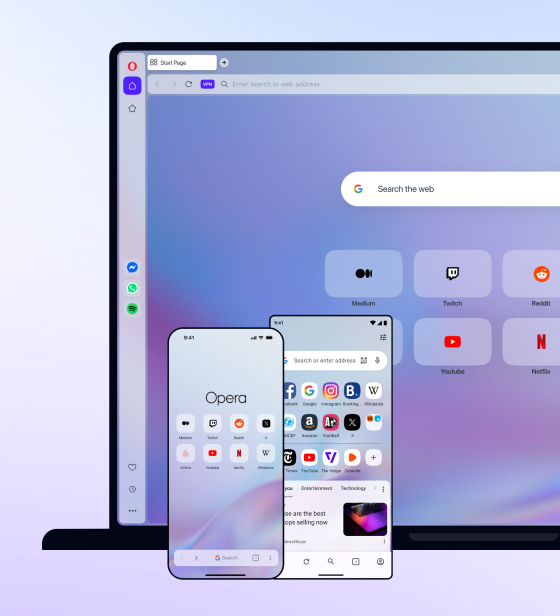
You deserve abetter browser
Faster, safer and smarter than default browsers. Fully-featured for privacy, security, and so much more.
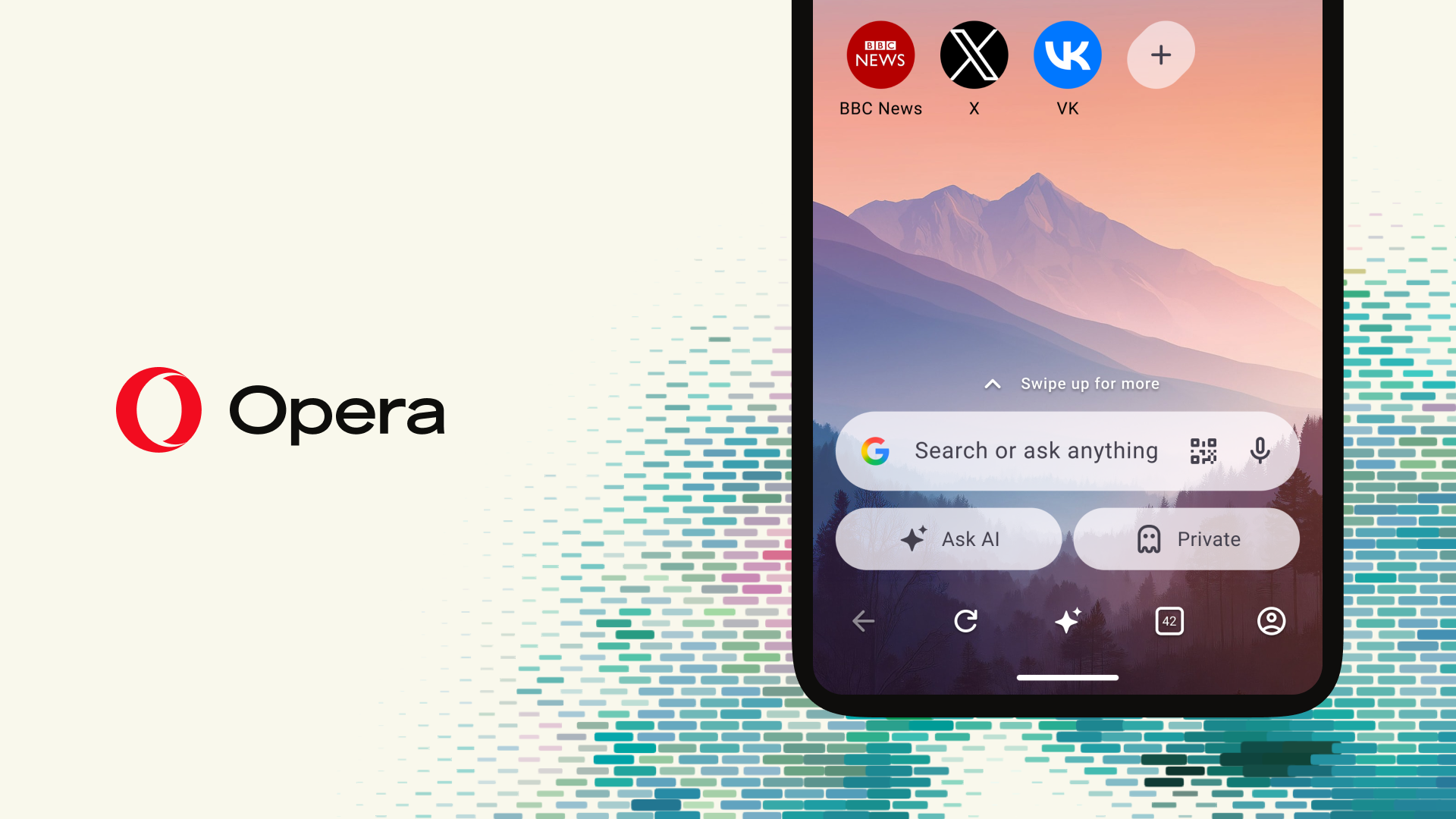
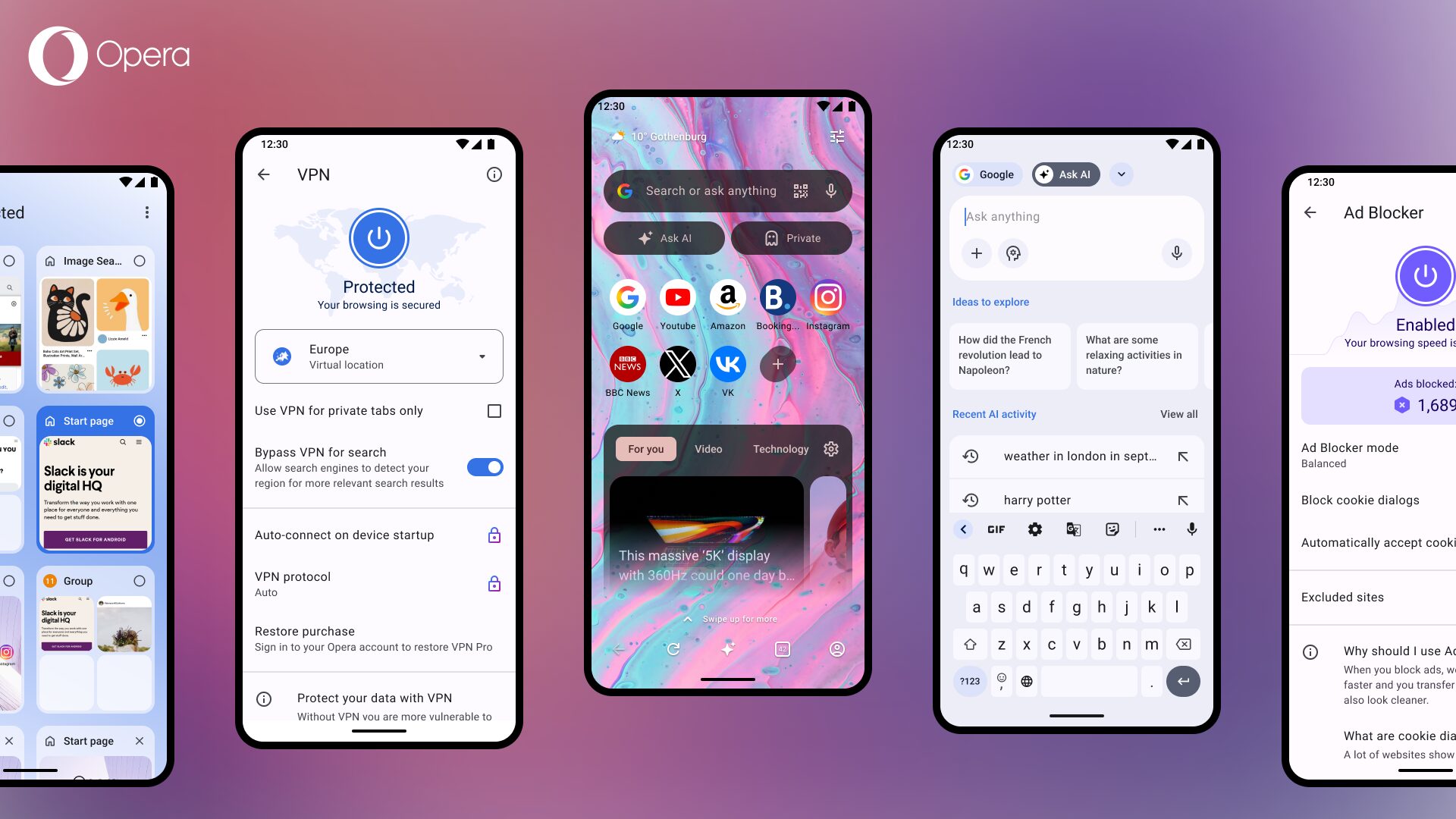


You deserve a better browser
Opera's free VPN, Ad blocker, and Flow file sharing. Just a few of the must-have features built into Opera for faster, smoother and distraction-free browsing designed to improve your online experience.