
Opera GX Lands on Linux
Share


You asked and we delivered: Opera GX is now on Linux.
We know the Linux community. We know you value total system control, next-level customization, and robust privacy and security – all of which is baked into the DNA of Opera GX.
No simple port, we’re here for the long term, with a dedicated team that will fix bugs, deploy quality of life improvements and regular updates, and be active in Linux community forums.
So let’s dive into it – what are you getting from Opera GX?
Peak Performance
You shouldn’t have to sacrifice your browser for your framerate. That’s why our GX Control feature allows you to limit RAM and Network usage so your games always have the resources they need. It also comes with a Hot Tabs Killer, which slashes resource-hogging tabs to keep games running smoothly.
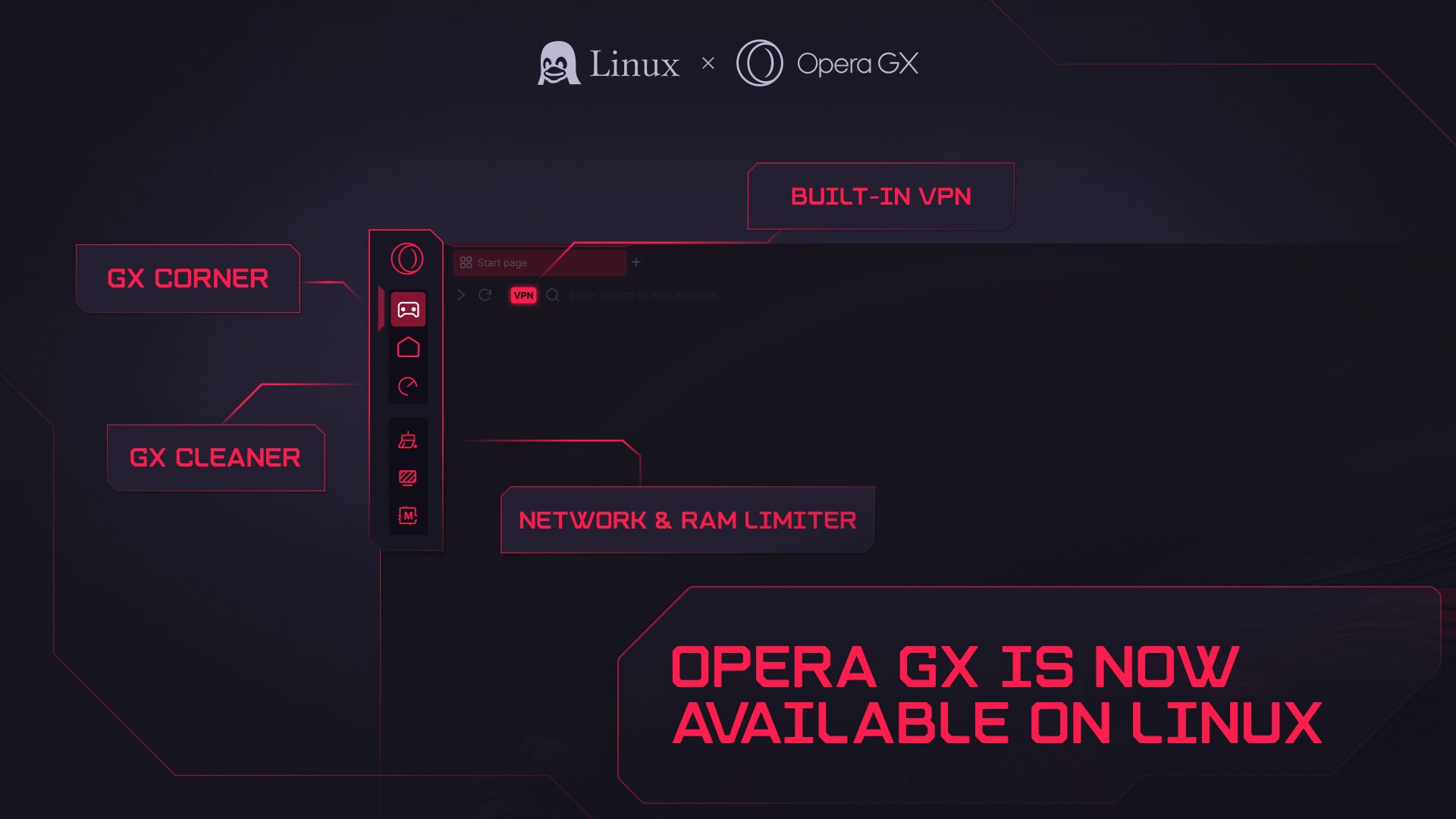
GX also allows you to watch streams and chat without switching tabs thanks to built-in sidebar integrations of Discord and Twitch. That means no more fumbling with new tabs and windows – everything in one place, so you can stay locked into the communities that matter most to you.
Personalization & Style
Your OS is customized, so your browser should be too – and we’re pretty confident that no other browser out there gives you quite as many options for customization as Opera GX.
Head to GX Mods in your sidebar and you’ll see all sorts of things you can tweak, including themes, sounds, shaders, and even core UI elements. To put it another way, you can: select a visual theme that best suits your set-up; customize the sounds your browser makes as you type, click or highlight with the cursor, switch tabs, and more; apply shaders that incorporate real-time special effects into your browsing experience; and even change app icons, sidebar designs, speed dial layouts, and startup animations.
And that’s not all. We know the Linux community loves to build things together. Well, you’ll probably love the GX Store, where you can download over 10,000 pre-set mods, many of which were created by your fellow GX users. Maybe it’s a mod in honor of your favorite video game or anime series, or maybe it’s just a kooky cat spinning around (we see you, Maxwell).
Privacy You Can Trust
We know privacy isn’t just a feature for Linux users – it’s a requirement. That’s why Opera GX – developed in Europe and GDPR compliant – comes with a raft of privacy and security features to keep you safe while browsing.
First off, there’s no data tracking within Opera GX – we do not collect your browsing history, location data, or search queries. Any data that may be shared is limited to what is strictly necessary to operate and improve the product, and only with your consent.
Opera GX additionally comes with built-in ad and tracker blockers that give you control over the ads and pops-up you see – or don’t – during use, as well as a zero-log VPN. Independently audited by Deloitte, it doesn’t log your activity or collect information.
How to get Opera GX on Linux
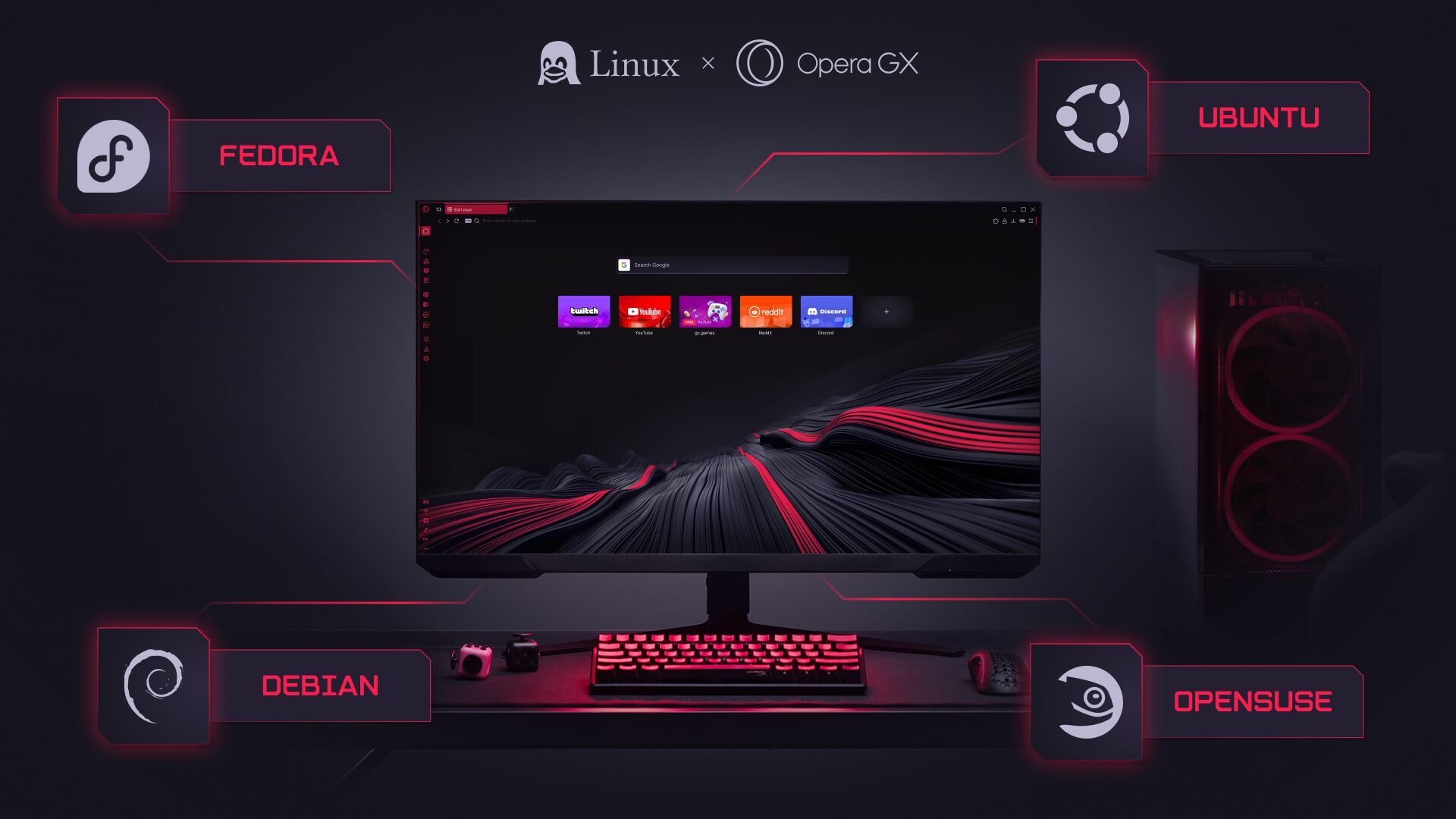
Opera GX on Linux supports Debian, Ubuntu, Fedora, and OpenSUSE-based distributions, and can be installed using .deb and .rpm packages. All you have to do is download the file, double click, and let your package manager take over.
Alternatively, if you’d prefer to manage the download manually, you can find a how-to guide here.
The wait is over! Check out Opera GX on Linux here: https://www.opera.com/gx/linux

User comments
Make the web your playground
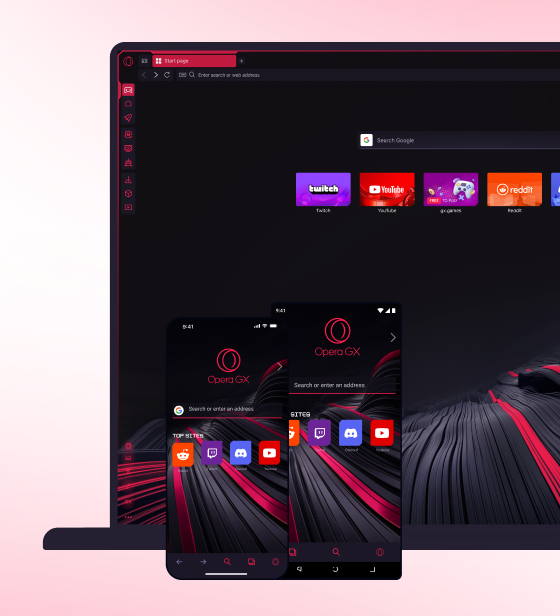
No lag, no clutter, just play. Squad up on Discord, stream on Twitch, and sprinkle GX with mods to make it your own.





You deserve a better browser
Opera's free VPN, Ad blocker, and Flow file sharing. Just a few of the must-have features built into Opera for faster, smoother and distraction-free browsing designed to improve your online experience.