
Opera GX gets new AI update
Share


We’ve been hard at work rebuilding and refining the AI in Opera GX to give you a smoother, more efficient experience. Our updated AI is faster, smarter, and ready to assist you.
Improved UI:
We’ve redesigned the AI’s access point, so now you’ll find a sleek, new “AI” button in the top right corner of your browser. Click it and you’ll open a dedicated AI interface that pops out as a side panel. No more overlaying your epic stream or crucial raid strategy. This AI knows its place – right beside your content, ready when you are.
A faster AI:
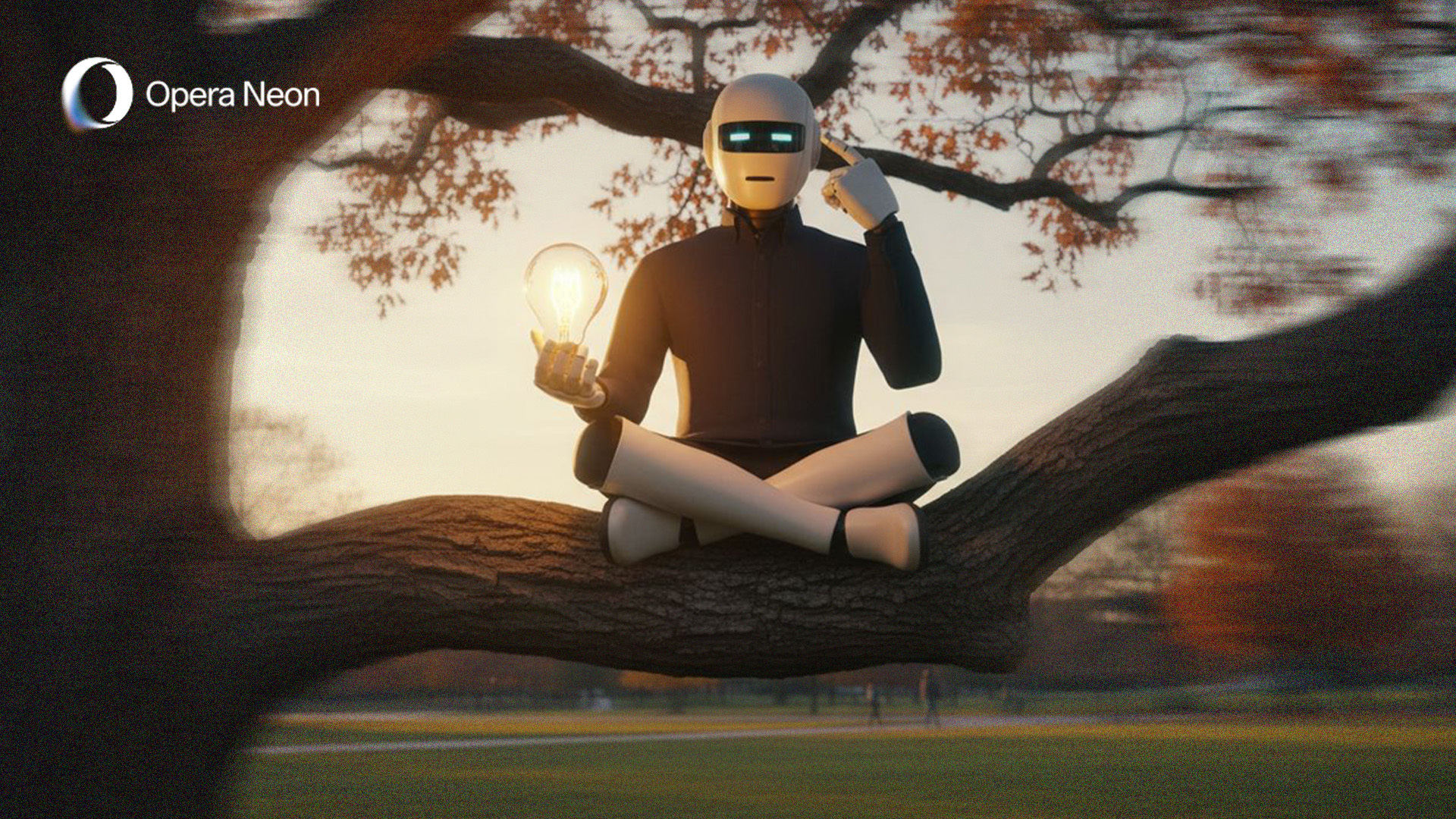
Because lag is for losers, we’ve ripped out the old engine and replaced it with an agentic-based powerhouse inspired by Opera Neon. What does that mean for you? 20% faster responses. Whether you’re researching lore, checking patch notes, or just trying to figure out which BF6 camping spots are the best.
Contextual responses:
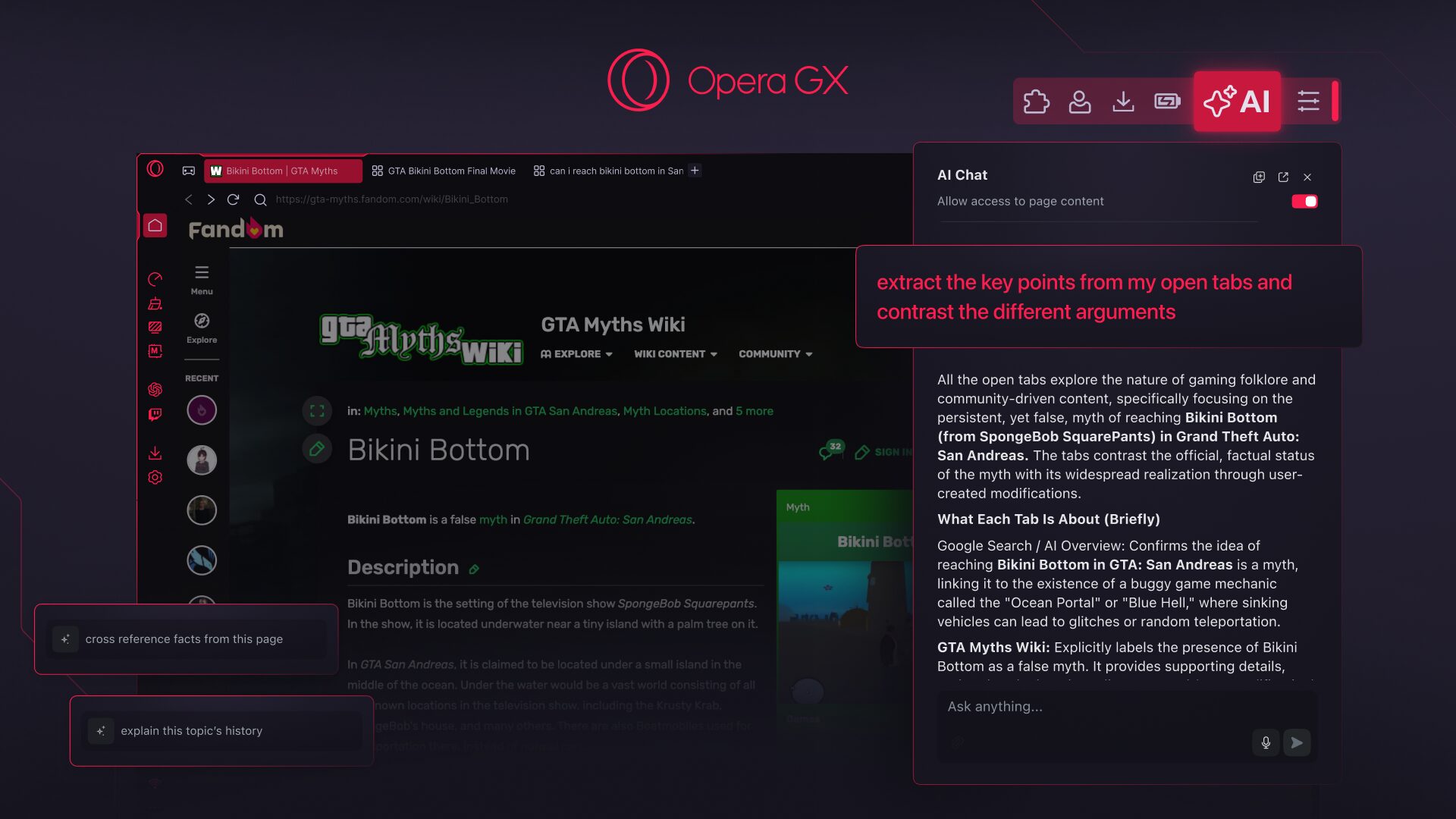
Opera GX AI now understands the webpage or Tab Island you’re currently looking at. Need a quick summary of a complex game guide? Want to compare stats of two different weapons across tabs? This AI has your back. And if you don’t want to use it, you can toggle off page context at the start of any new chat.
Video analysis on YouTube:
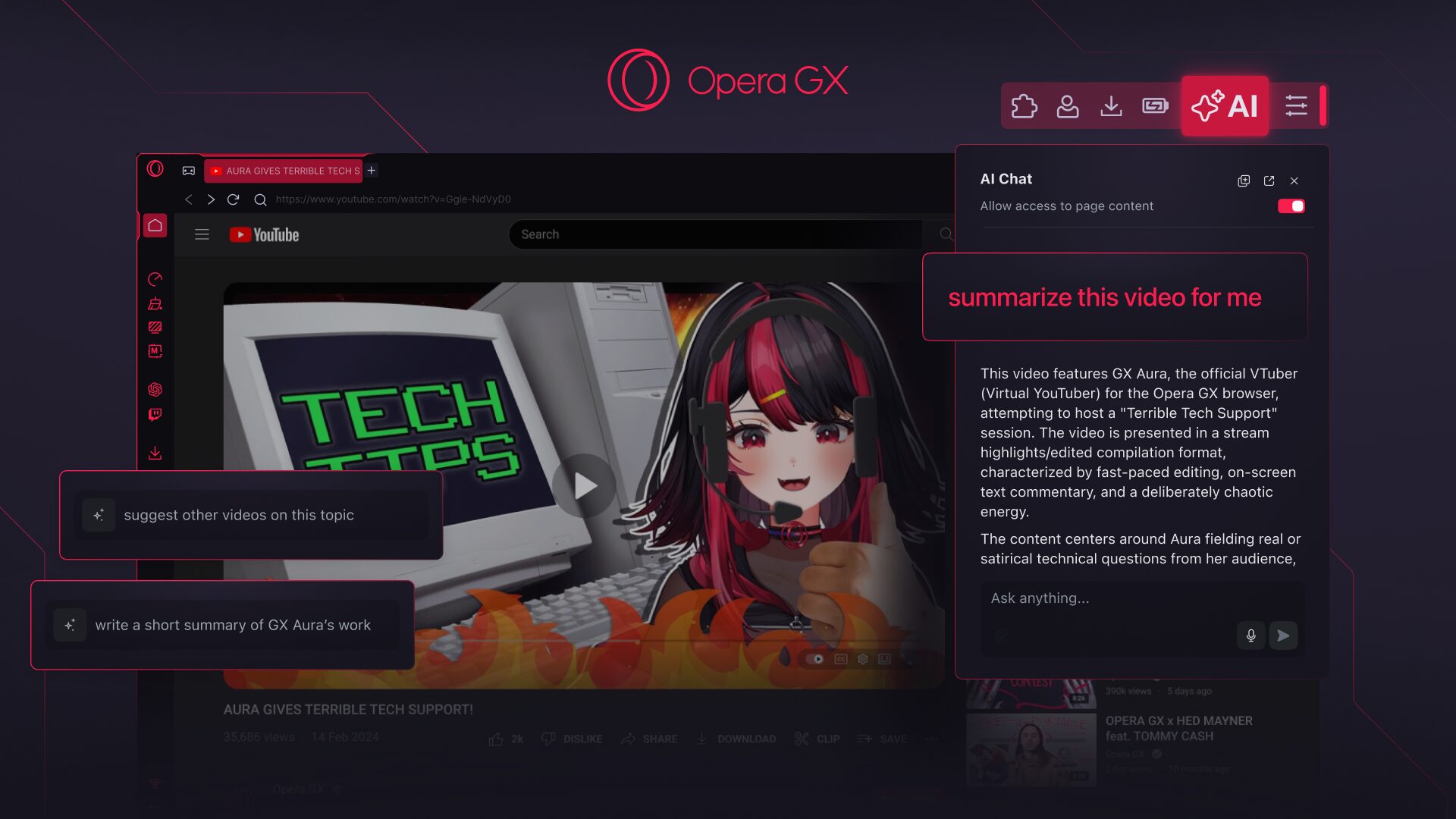
Longer YouTube videos can be a time sink, especially when you’re just looking for that one crucial moment or trying to condense hours of content. Our AI can now dive deep into YouTube videos, understand their context, and give you the rundown. It can even translate captions if you’re exploring content from across the digital globe. Think of it as having a personal editor, helping you find those hidden gems or just giving you the TL;DR so you can get back to gaming faster.
Privacy and control:
Your data, your rules. Opera GX AI is ready to go by default, but if you want to keep things strictly manual, it’s super easy to disable in settings or Easy Setup. When you dive into a chat, page context is enabled by default to give you relevant answers. However, you’re always in control: there’s a quick toggle at the top of the chat panel to turn it off whenever you want. To protect your privacy further, Opera GX AI only understands the context within the specific web page you’re currently on, or the Tab Island group it belongs to. In other words, we limit the information to what is necessary to perform the task you requested. Opera GX AI does not send your general browsing activity or history to our AI Engine.
More goodies for power users:
Multitasking is essential for any serious gamer, and now your AI can keep up with:
- Speech-to-text: To use this you need to click on the microphone icon that’s located at the right-hand side of the text input box, next to your prompt.
- Text-to-speech: When you get an answer from Opera GX AI you’ll see a “loudspeaker” icon at the end, press it and your answer will be read aloud for you.
Our AI can now process a whole arsenal of file types:
- Upload screenshots, images, concept art, or even memes, and ask the AI about them.
- Spreadsheets (.xls, .xlsx, .ods): Need to quickly parse some game stats or analyze your game economy? The AI can help. Min-maxing your character just got easier.
- Video (.mp4, .mpeg) and audio (.mp3): Similar to YouTube analysis, get insights from your local media files – but try to not upload any nasty content, we don’t want your AI to go rogue 😀
- Other crucial documents (.pdf, .csv, .txt, .json, .odt, .doc, and .docx): From lore documents to strategy guides, just upload and ask away. Who knows, maybe you’re a GM wanting to create a background story for that one random goblin attacking your group. Those nasty green stinkers can have feelings as well!
To attach files into the new Opera GX AI chat, you simply need to click on the clipboard icon located just underneath the text input field. It’s like having a digital archivist at your fingertips.
All new and upgraded users will automatically get the enhanced Opera GX AI simply by updating their browser. Once you’ve updated, the new “AI” button will appear next to your toolbar. Click on it and prepare to dominate the internet. And don’t worry – when you make the jump from Aria to the new Opera GX AI, all your previous chats and conversations will be preserved.
Enjoy!

User comments
Make the web your playground
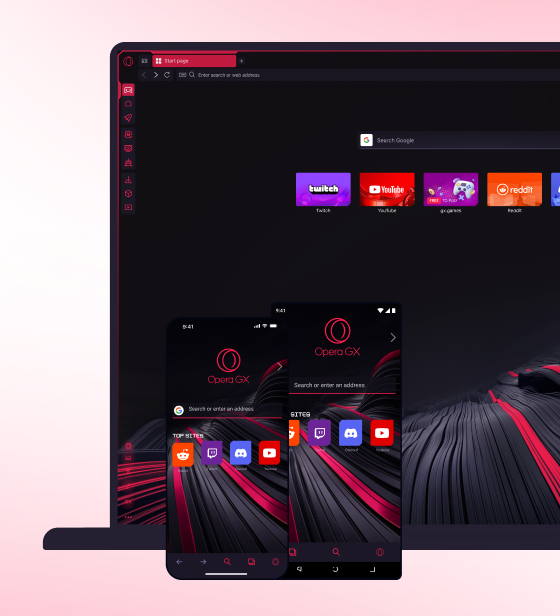
No lag, no clutter, just play. Squad up on Discord, stream on Twitch, and sprinkle GX with mods to make it your own.


You deserve a better browser
Opera's free VPN, Ad blocker, and Flow file sharing. Just a few of the must-have features built into Opera for faster, smoother and distraction-free browsing designed to improve your online experience.