
Say hello to Opera browser AI on Opera for Android
Share


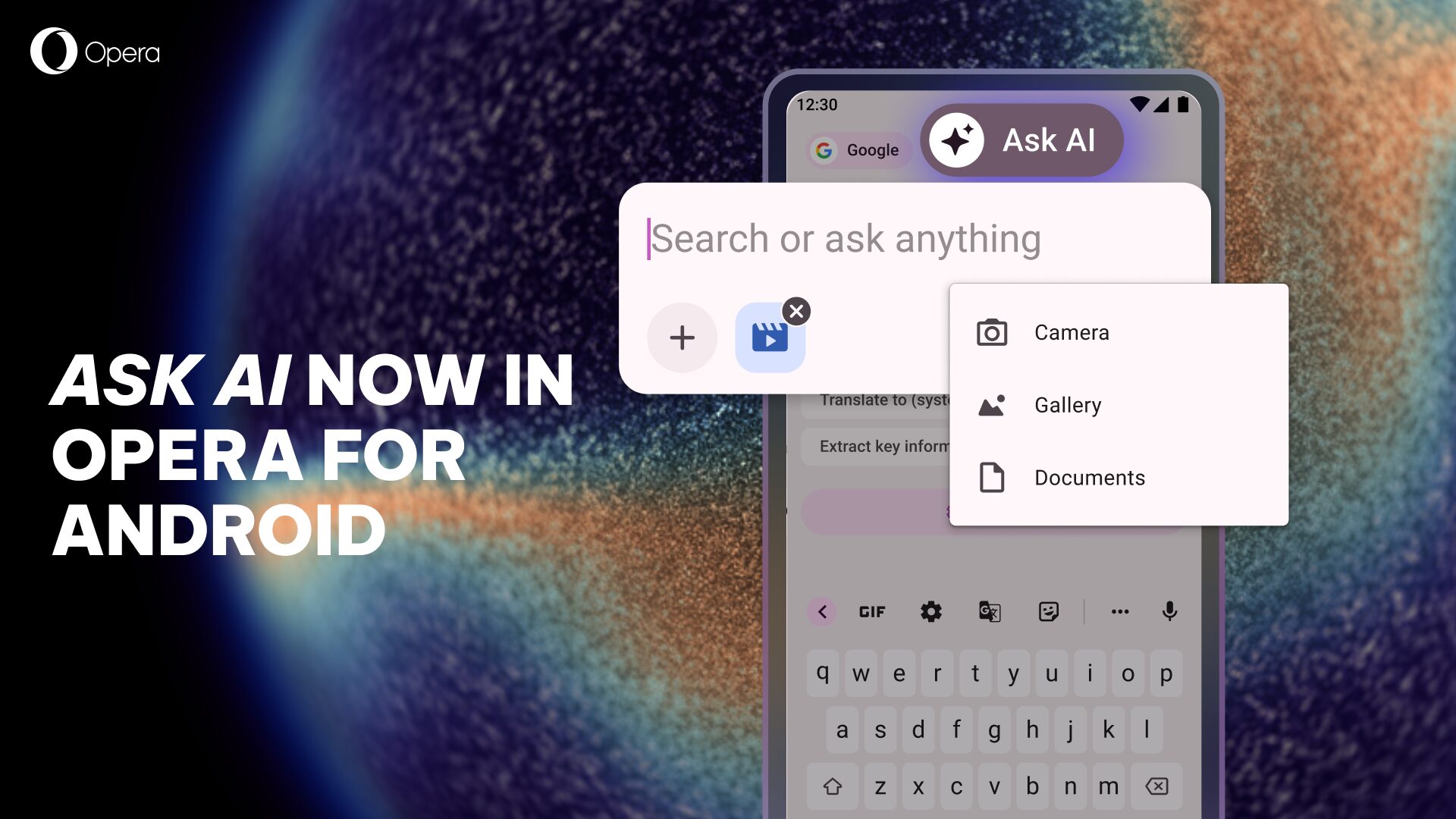
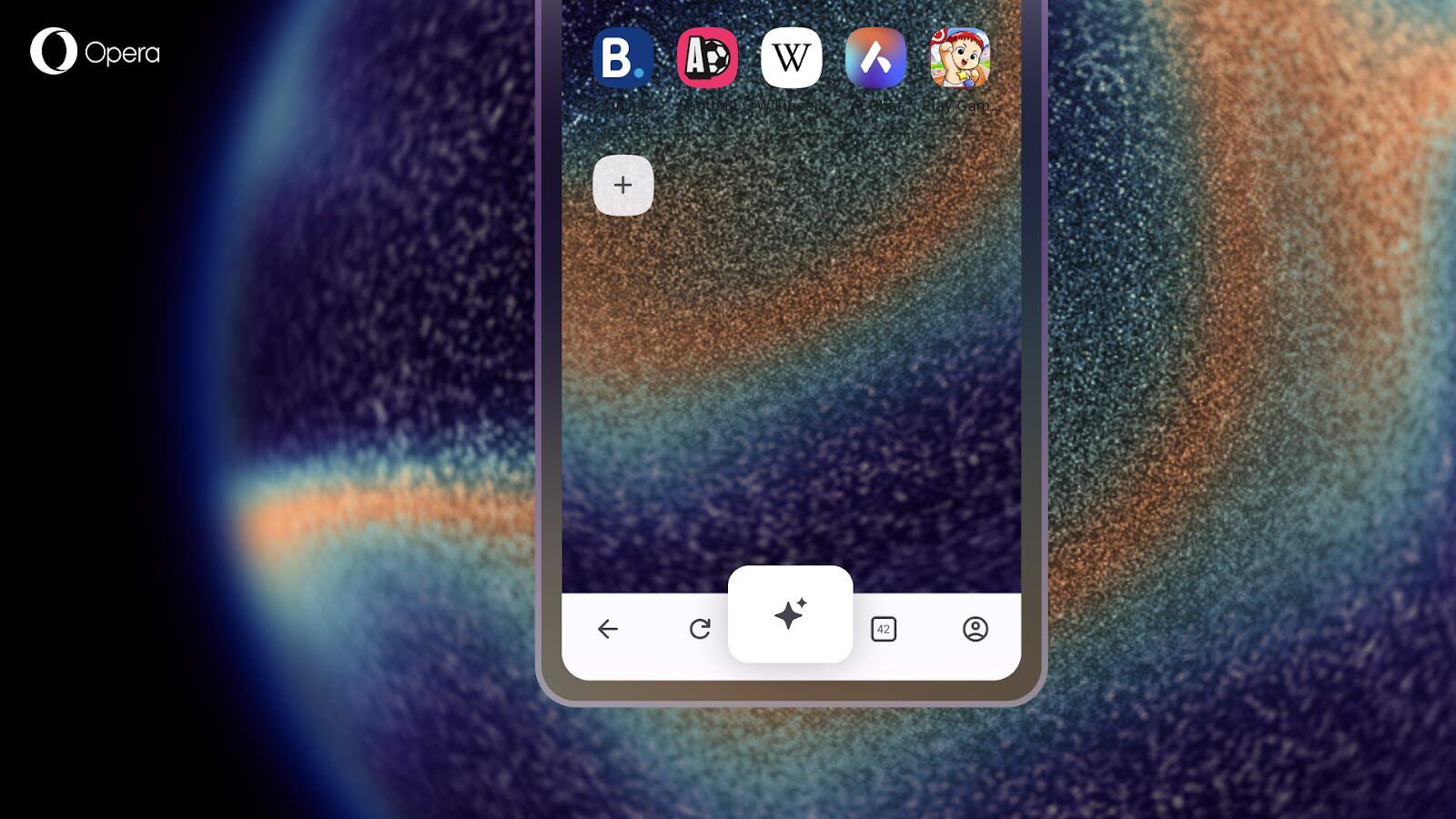
If you’re using Opera for Android, you may have noticed a new icon. Aria is now Opera browser AI – same powerful features, new name. Opera browser AI is free, requires no account, and you can access it by clicking the Ask AI button located in the middle of the browser’s bottom bar. It is ready to help you browse smarter on your phone.
What you can do with Opera browser AI on Android
Think of Opera browser AI as your personal assistant on the go. Ask it any question and get instant answers with up-to-date information from the web. If you need to generate an image for a presentation, just describe what you want. Drafting an email or need help writing content? Opera browser AI can help you craft polished text in seconds. Looking for recipe ideas or travel recommendations – it’s got you covered. You can even rely on it to translate text in over 50 languages or get explanations on complex topics you come across while browsing.
Beyond these everyday AI capabilities, Opera browser AI understands the webpage you’re currently viewing, allowing it to give you answers based on the context you’re browsing in. It is designed to make your mobile browsing smarter and more efficient. Here’s what it can help you with:
Contextual responses: Whether you are shopping, researching, or planning your next adventure, Opera browser AI can help you answer questions about the page you’re on.
Page summaries and research: Get quick summaries of long articles or use it for easy research while browsing.
Image understanding: Upload images from your gallery or take photos directly with your camera to get information and context about what’s in them. Perfect for identifying landmarks, objects, or anything you’re curious about while on the go.
Voice input and output: Use speech-to-text to speak your prompts, and text-to-speech to have answers read aloud to you – great for accessibility and multitasking on mobile.
File analysis: Upload images or files like PDFs and documents. Ask Opera browser AI to answer any specific questions or help you analyze the content.
Wallpaper generation: Use the image generation capabilities to create wallpapers for your mobile device. Just describe what you want to create in your prompt and let Opera browser AI do its magic.
Privacy and control: Opera browser AI only understands the context within the specific webpage you’re currently on. It does not send your general browsing activity or history to our AI Engine, and does not have automatic access to any Google services you have open.
Coming soon to iOS
If you’re using Opera on iOS, you won’t have to wait long. The Opera browser AI will be coming to your devices very soon.
Download Opera for Android
If you want to try the most advanced browser AI for Android devices, then download Opera for Android here.

Shriya Sharma
User comments
You deserve abetter browser
Faster, safer and smarter than default browsers. Fully-featured for privacy, security, and so much more.




You deserve a better browser
Opera's free VPN, Ad blocker, and Flow file sharing. Just a few of the must-have features built into Opera for faster, smoother and distraction-free browsing designed to improve your online experience.