
Opera 136.0.5988.0 developer update
Share


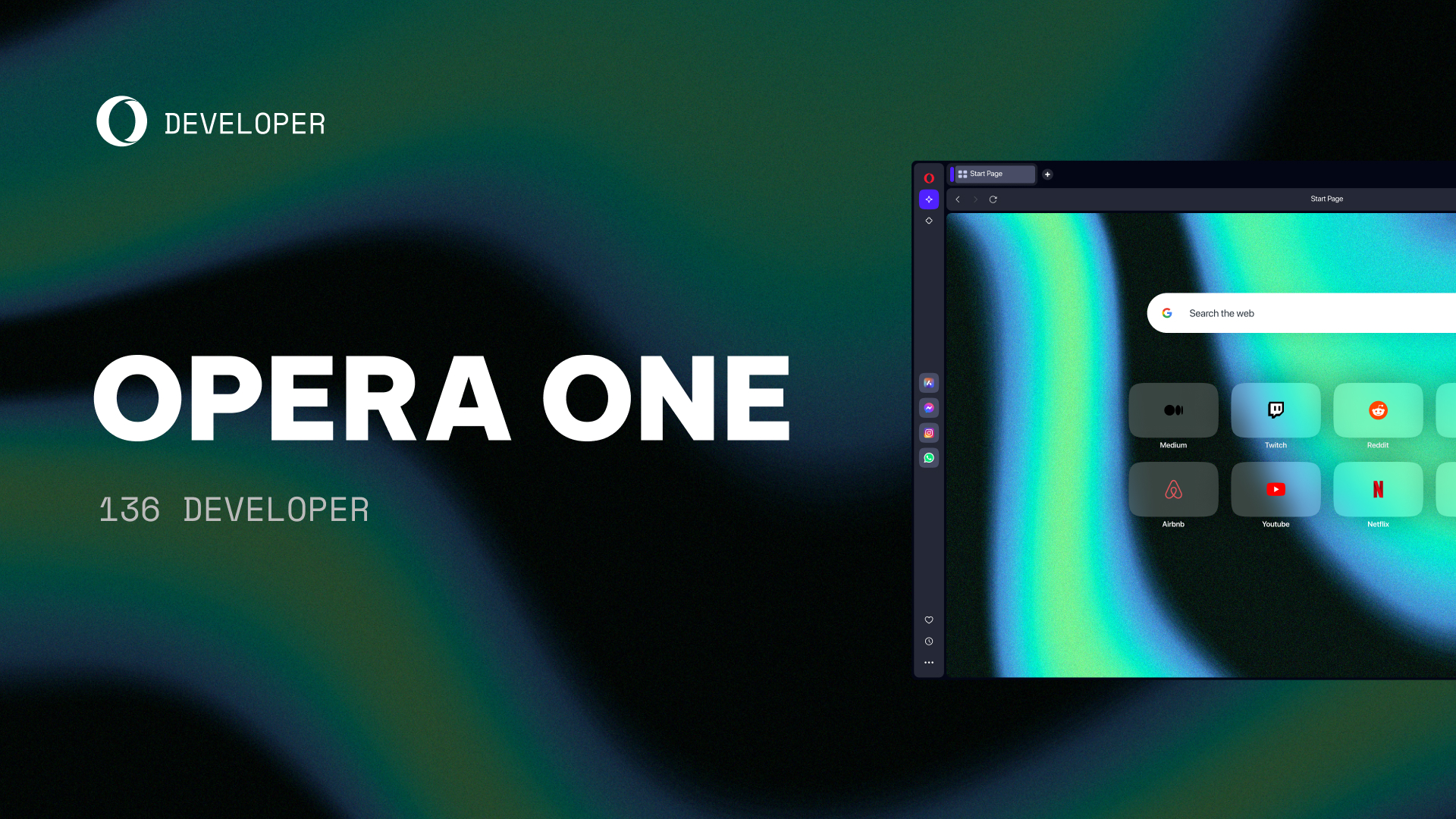
Hello!
We’ve rolled out a new Opera Developer release with a few notable changes:
- Polished Vertical Tabs: fixed the collapse icon jumping, the panel turning black/white after opening DevTools, and tab island positioning when switching layouts. Also added drag and drop to create tab islands, with animations and a “new tab in tab island” button.
- Fixed the “Make Opera Yours” widget appearing for existing users and after onboarding was completed
- Fixed crashes on Windows in animated UI transitions and improved general responsiveness
We also enabled #opera-one-rebranding, which brings a fresh new color scheme to the browser. Check it out!
For a full list of changes check out our changelog.
Happy browsing!
Installation links:
- Opera developer for Windows (Using the Opera developer for Windows installer means you have accepted the Opera for Computers EULA)
- Opera developer for Windows (Portable version)
- Opera developer for macOS
- Opera developer for Linux – deb packages
- Opera developer for Linux – RPM packages

User comments
You deserve abetter browser
Faster, safer and smarter than default browsers. Fully-featured for privacy, security, and so much more.


You deserve a better browser
Opera's free VPN, Ad blocker, and Flow file sharing. Just a few of the must-have features built into Opera for faster, smoother and distraction-free browsing designed to improve your online experience.