
Opera 141 developer
Share


Hello Opera Users!
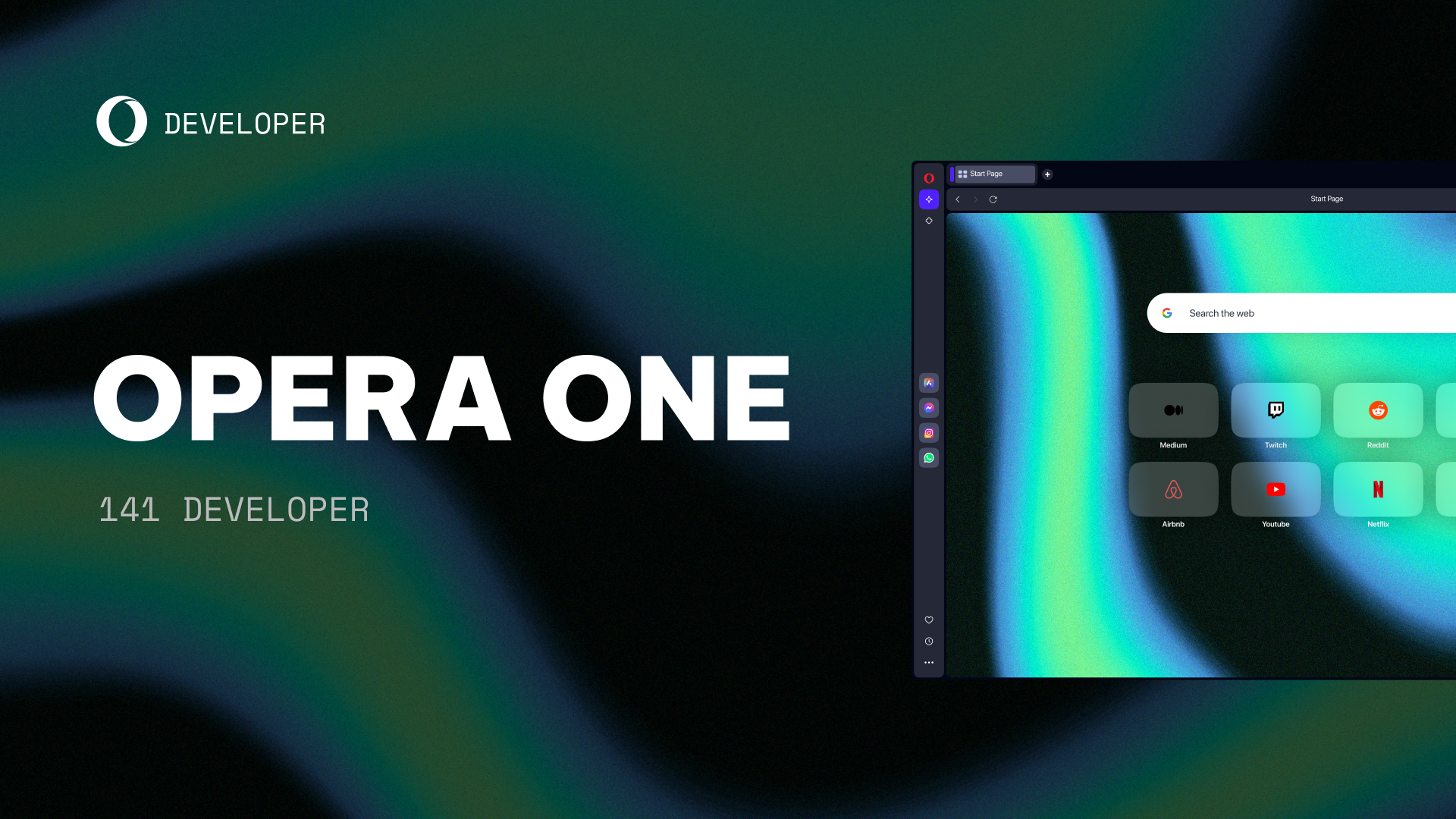
We’re back with a new Opera Developer release, starting version 141. It includes the vertical tabs autohide feature, a Chromium update, and fixes for several bugs.
Key highlights:
- Vertical tabs autohide is now enabled by default.
- Updated Chromium to version 158.0.8105.1.
- Dark extension icons are now visible in dark mode.
- Fixed the Google Lens icon staying visible when you start typing.
- Fixed the side panel reopening when you switch tabs.
- Fixed tab order changing after you exit split screen.
- Fixed crashes in the Snapshot tool and in extension events on Windows.
- Fixed browser freezes on macOS 27.
We’re also aware of one issue in this build: an endless loading indicator during import in onboarding and settings. We’re working on a fix, and it will be available in one of the next builds.
For a full list of changes check out our changelog.
Happy browsing!
Installation links:
- Opera developer for Windows (Using the Opera developer for Windows installer means you have accepted the Opera for Computers EULA)
- Opera developer for Windows (Portable version)
- Opera developer for macOS
- Opera developer for Linux – deb packages
- Opera developer for Linux – RPM packages

User comments
You deserve abetter browser
Faster, safer and smarter than default browsers. Fully-featured for privacy, security, and so much more.


You deserve a better browser
Opera's free VPN, Ad blocker, and Flow file sharing. Just a few of the must-have features built into Opera for faster, smoother and distraction-free browsing designed to improve your online experience.