
Opera 127 Stable
Share


Hello!
We’re happy to announce the release of Opera 127 Stable!
This release includes an update to Chromium 143.0.7499.194
Key highlights
- We’ve resolved multiple crashes affecting areas such as:
- browser settings and profile handling,
- split screen usage (including private windows and multi-tab layouts),
- onboarding flows when importing tabs from other browsers,
- Picture-in-Picture and sidebar miniplayer interactions.
- Tab Islands and tab management improvements:
- tab island names are now shown in more places, including context menus and the Opera menu (on Windows and Linux),
- visual issues such as missing transparency and disappearing controls have been resolved.
- Enhanced Split Screen improvements (available in Early Bird)
- incorrect layouts when duplicating or detaching split screens,
- blank or empty panes in certain configurations,
- problems with fullscreen mode hiding split screen layouts,
- crashes related to split screen creation and tab island interactions,
- improved menu wording and clearer exit options.
Known issues:
We’re aware of the following issues in this release and are already working on fixes:
- Free VPN: In Opera 127 Stable, the Free VPN badge may not be displayed in the address bar. The VPN itself works correctly and can still be enabled and managed via Settings.
- Videoconferencing: Some regressions affect videoconferencing tabs when they are detached, which may impact expected behavior during calls.
- Early Bird relaunch button visibility: When opening the Settings through the Early Bird button from the Easy Setup section, the “Relaunch” button in the Early Bird section may not be visible.
- Enhanced Split Screen (available in Early Bird): Pages don’t always adjust correctly to the split screen layout when navigating through links.
We’ll address these issues in upcoming updates. Thanks for your patience!
For a complete rundown, take a look at the changelog.
———
As always, thank you for your feedback! It helps us make Opera better with every release.
Happy browsing!
- Opera Stable for Windows
- Opera Stable for macOS
- Opera Stable for Linux – deb packages
- Opera Stable for Linux – RPM packages
- Opera Stable for Linux – snap package

User comments
You deserve abetter browser
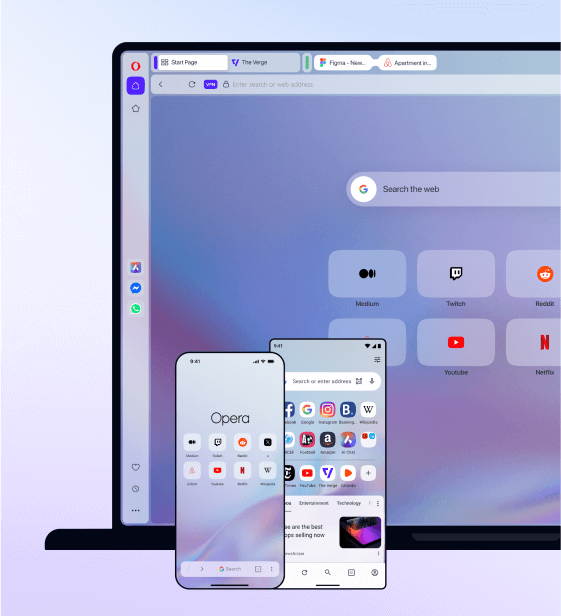
Faster, safer and smarter than default browsers. Fully-featured for privacy, security, and so much more.


You deserve a better browser
Opera's free VPN, Ad blocker, and Flow file sharing. Just a few of the must-have features built into Opera for faster, smoother and distraction-free browsing designed to improve your online experience.