
Opera 126.0.5748.0 developer update
Share


Hello!
New developer update is here (version: 126.0.5748.0)!
Key highlights:
- Resolved an issue where the “Open in new window” option from Slack in the Sidebar opened a blank page.
- Addressed SD tiles being cut off.
- Corrected VPN navigation from Easy Setup so it now opens the VPN section directly.
- On Linux, Opera now correctly switches to the system’s default language.
- Crashes when detaching meeting tabs from split screens or closing the browser on Mac with the sidebar setup panel open have been resolved.
- Fixed color theme highlights for active and hovered tabs.
Known issues:
- The “System” theme option in onboarding currently applies light mode instead of respecting system dark mode.
- Importing history from Chromium-based browsers may cause a crash.
- Crash occurring in when adding 3rd panel to split screen.
Our team is actively working on fixes for these issues.
For a full list of changes check out our changelog.
Happy browsing!
Installation links:
- Opera developer for Windows (Using the Opera developer for Windows installer means you have accepted the Opera for Computers EULA)
- Opera developer for Windows (Portable version)
- Opera developer for macOS
- Opera developer for Linux – deb packages
- Opera developer for Linux – RPM packages

User comments
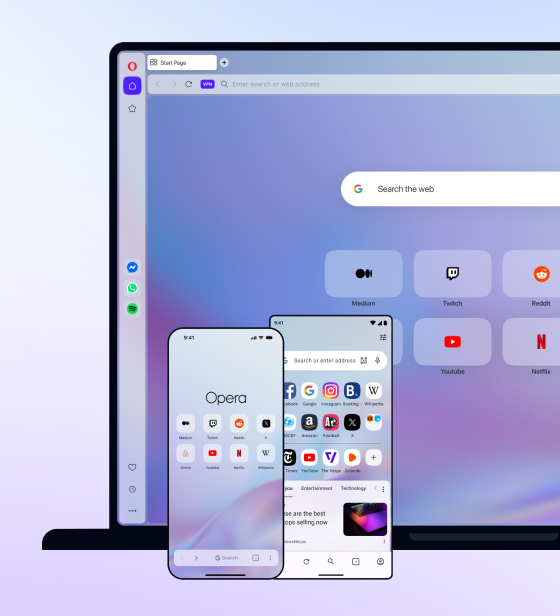
You deserve abetter browser
Faster, safer and smarter than default browsers. Fully-featured for privacy, security, and so much more.


You deserve a better browser
Opera's free VPN, Ad blocker, and Flow file sharing. Just a few of the must-have features built into Opera for faster, smoother and distraction-free browsing designed to improve your online experience.